React Flow vs JointJS: Why Modern Engineering Teams Are Switching
When deciding on a diagramming or flowchart library for a modern web application, engineering teams often face a critical choice between legacy titans like JointJS (or GoJS) and modern contenders like React Flow.
For years, JointJS was the industry standard for building complex diagramming tools. However, with the total dominance of React in frontend development, React Flow has emerged as the definitive choice for modern teams. Let's explore why React Flow is vastly superior in terms of compatibility, developer experience, and performance.
1. Native React Compatibility
The biggest differentiator is architectural compatibility.
JointJS was built in an era before modern component-based frameworks. It heavily relies on Backbone.js and jQuery patterns underneath. When you try to force JointJS into a modern React application, you are constantly fighting against React's state management and virtual DOM. You have to write massive wrapper components, manually synchronize React state with the JointJS canvas, and deal with highly imperative, non-declarative code.
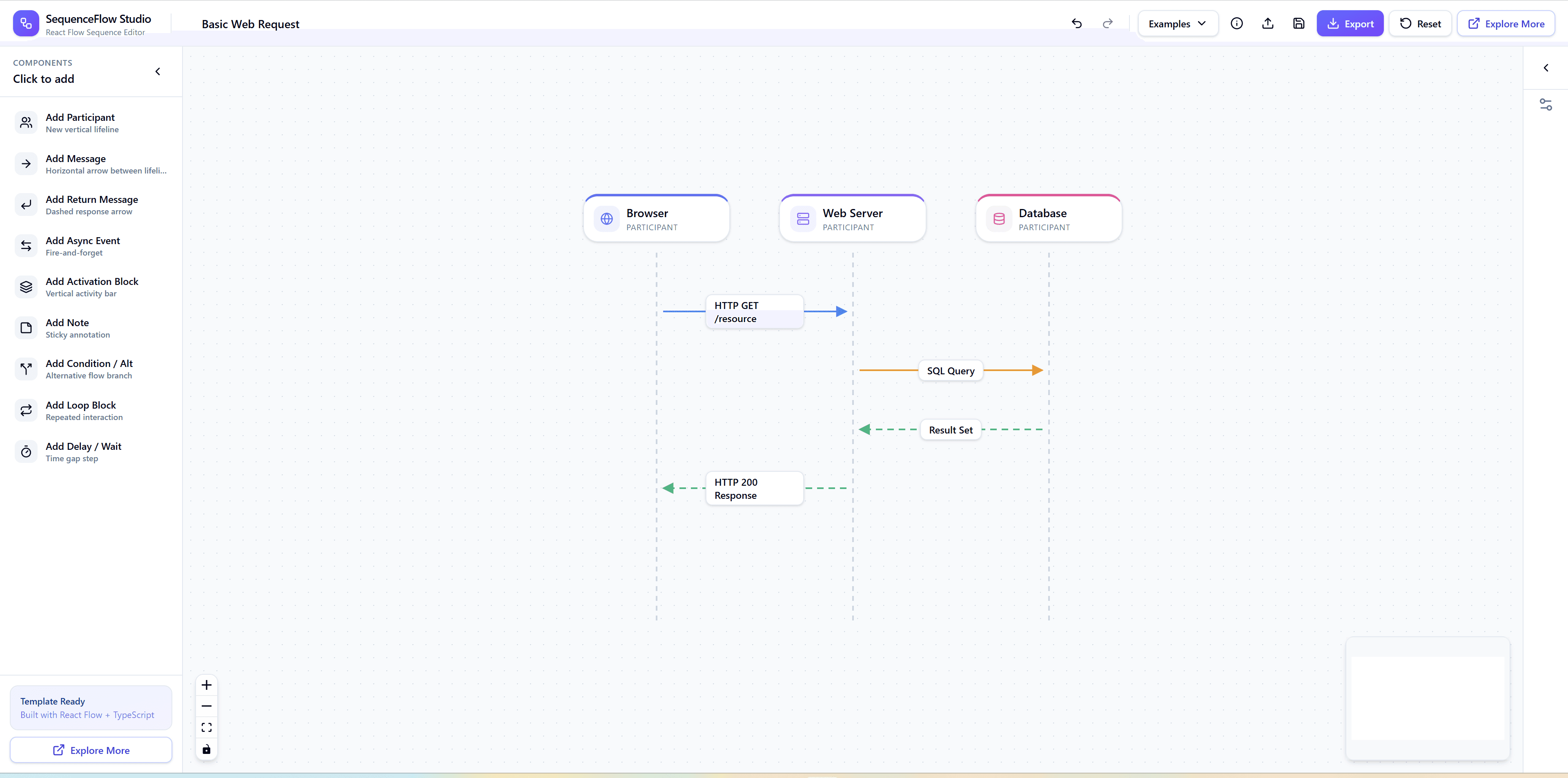
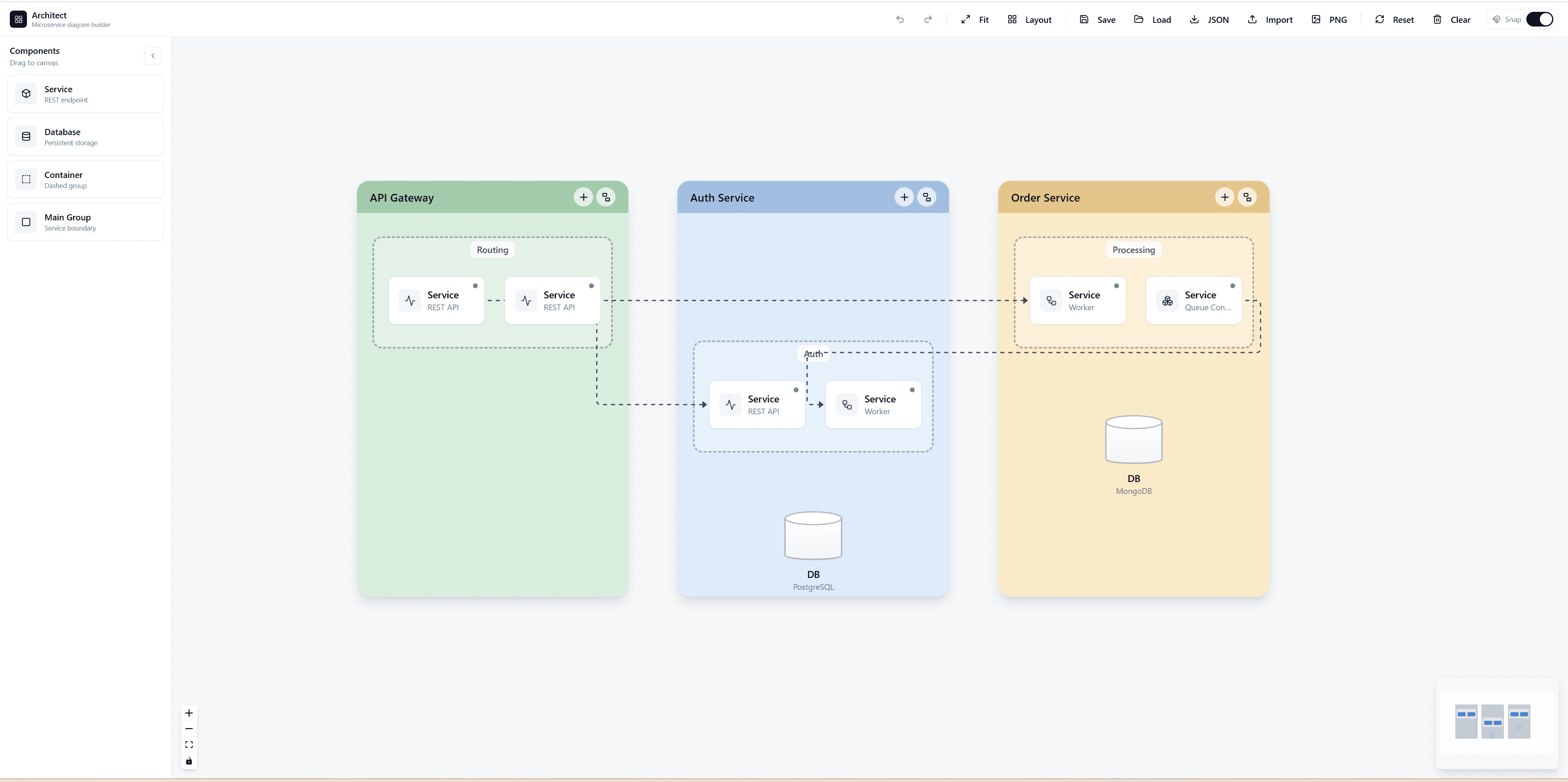
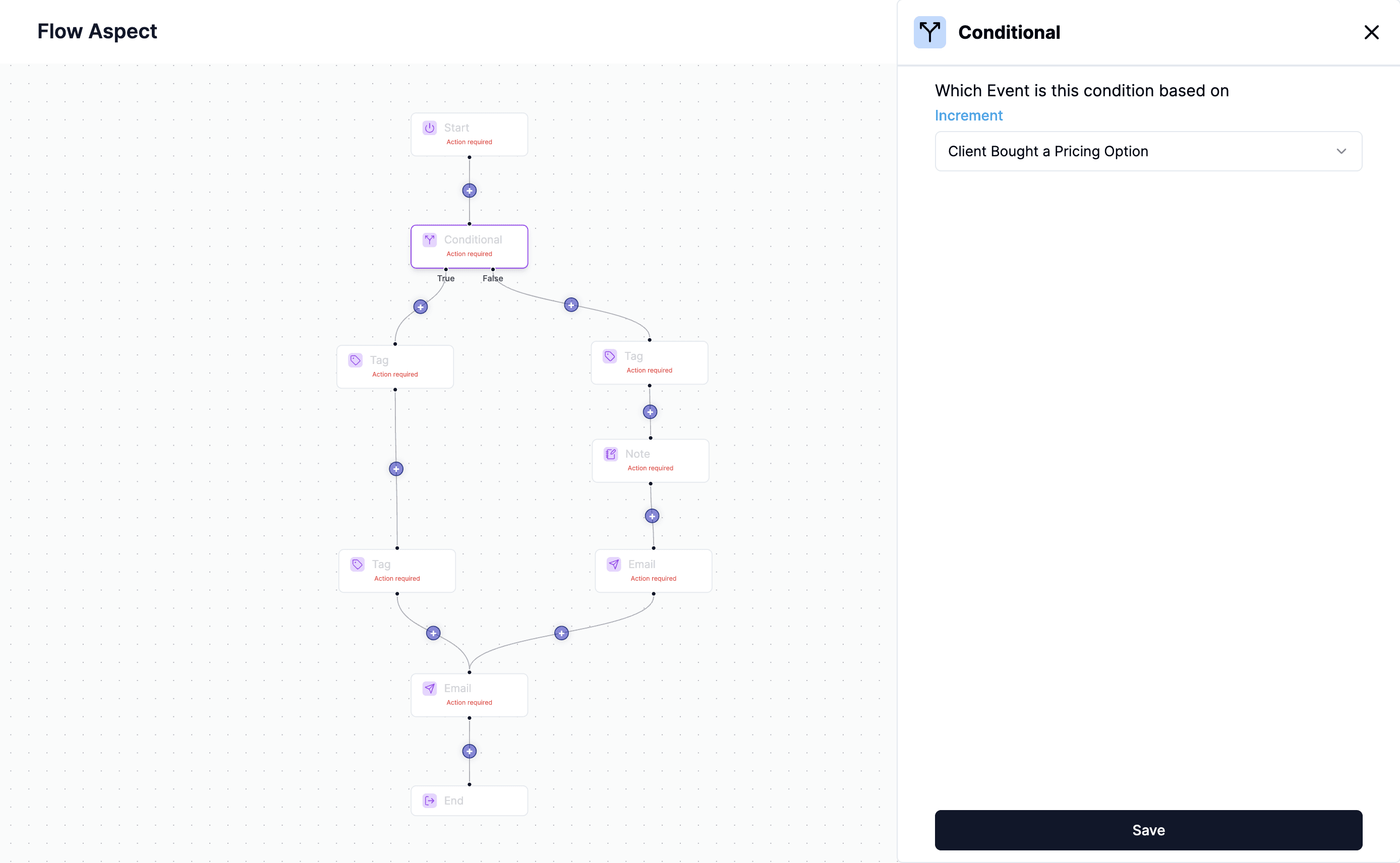
React Flow, on the other hand, was built for React. Every node in React Flow is literally a standard React component. You can pass props, use standard React hooks (useState, useEffect), and use your existing UI libraries (like Tailwind CSS, Radix UI, or Material UI) directly inside your nodes.
2. Unrestricted UI Customization
Because JointJS renders entirely to a proprietary SVG/Canvas layer using a custom API, styling nodes is notoriously difficult. If you want to add a simple interactive dropdown or a complex form inside a JointJS node, you are in for days of custom rendering logic.
In React Flow, a custom node is just a <div>. Do you want to put a standard HTML <select> dropdown inside a node? Just write standard JSX. Do you want to embed an entire interactive chart inside a node? Just drop a Recharts component into your React Flow node. The HTML/SVG hybrid rendering of React Flow makes it infinitely compatible with the broader web ecosystem.
3. Zero Vendor Lock-in and Developer Velocity
Enterprise versions of legacy libraries (like JointJS+) can cost thousands of dollars per developer or per application, and their source code is often heavily obfuscated. This creates massive vendor lock-in.
React Flow is MIT-licensed open source. It relies on standard DOM elements, SVG paths, and standard React contexts. There is no hidden "black box" rendering engine. If you know React, your onboarding time for React Flow is measured in hours, not weeks.
4. State Management Integration
Modern apps use Redux, Zustand, or Jotai to manage state.
Integrating external state managers with JointJS is a nightmare because JointJS maintains its own internal state graph. You end up maintaining two separate sources of truth that must be constantly synchronized.
React Flow completely delegates state to you. Using useNodesState and useEdgesState, the visual canvas is simply a direct reflection of your React state array. This makes implementing features like "Undo/Redo" or saving workflows to a database incredibly straightforward.
5. The VisualFlow Advantage
While React Flow provides the perfect engine, building the actual UI components (custom shapes, sidebars, interactive handles) still requires effort.
This is why we built VisualFlow. Instead of paying thousands for legacy libraries, you can purchase our massive bundle of React Flow templates. You get the absolute best of both worlds:
- The modern, native-React compatibility of React Flow.
- The complex, pre-built enterprise logic (like JointJS provides) via our VisualFlow template source code.
How does React Flow compare to other libraries?
You might be wondering, "Is React Flow the only option for building diagrams?" No – there are other tools and libraries too, but React Flow stands out in four major ways. See a comparison with three other libraries below.
| Feature | React Flow | GoJS | JointJS | Cytoscape.js |
|---|---|---|---|---|
| Interactivity | ✅ Built-in drag&drop, zoom, and click events | ✅ Advanced interaction options | ✅ Advanced interaction options | ⚠️ Some, but limited |
| Customization | ✅ Fully flexible, supports custom nodes and edges | ✅ Highly customizable; own templating system | ✅ Highly customizable; own templating system | ❌ Very limited, almost none |
| Integration with React | ✅ Designed for React, easy to use | ⚠️ Works with React but needs integration | ⚠️ React-compatible but requires integration | ⚠️ Requires separate integration |
| Ease of use | ✅ Beginner-friendly with clear process documentation | ⚠️ Requires more setup and some learning curve | ⚠️ Requires additional setup and some learning curve | ⚠️ Rather simple but less powerful |
Conclusion
If your application is built with React, choosing a non-React-native diagramming tool is a major architectural mistake. The compatibility, speed, and modern developer experience of React Flow make it the absolute winner over legacy systems like JointJS.