Getting Started with React Flow: A Complete Guide
In this guide, you'll learn all essential concepts about React Flow. You're new to the topic? This React Flow tutorial will get you started!
What is React Flow?
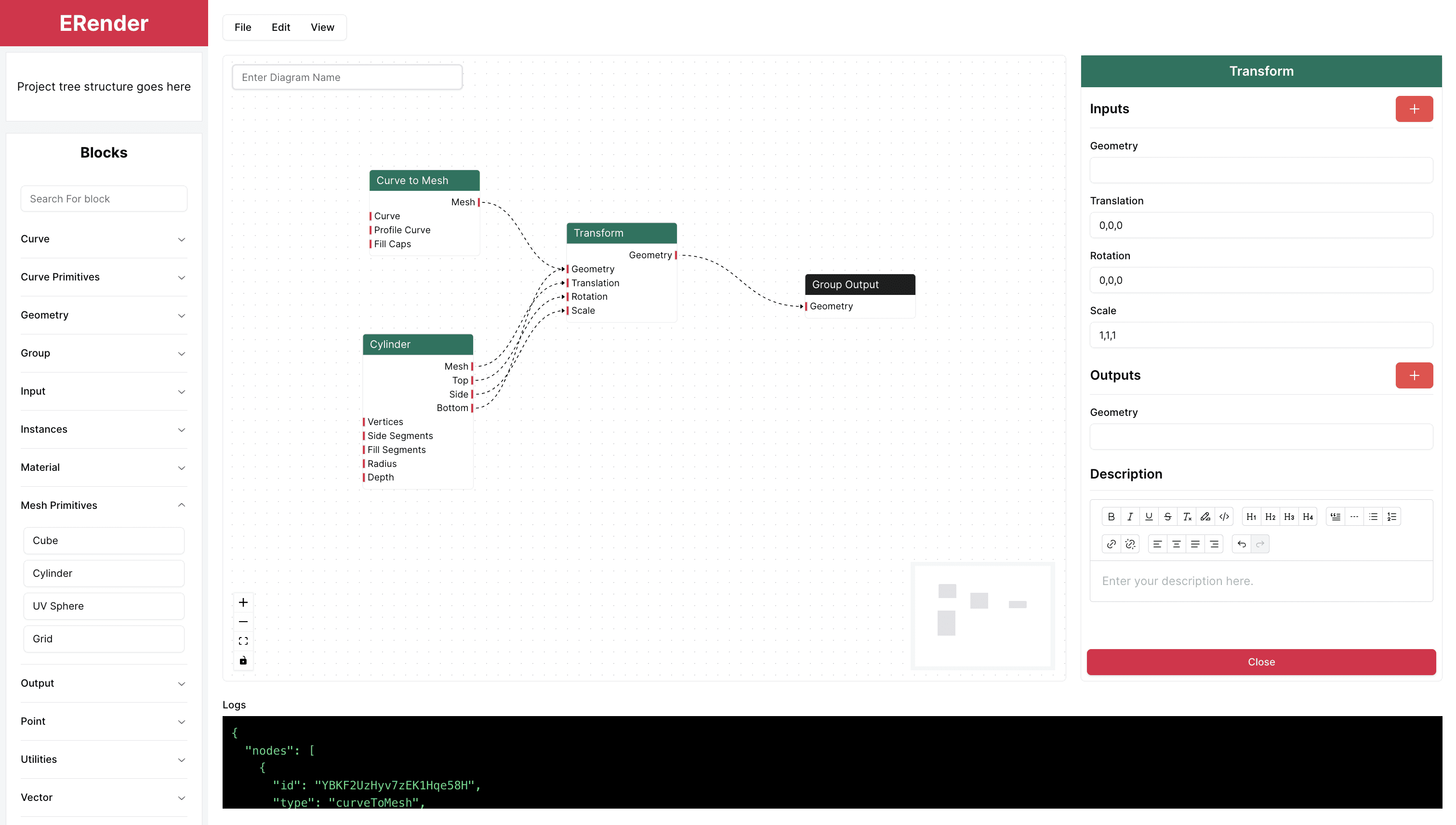
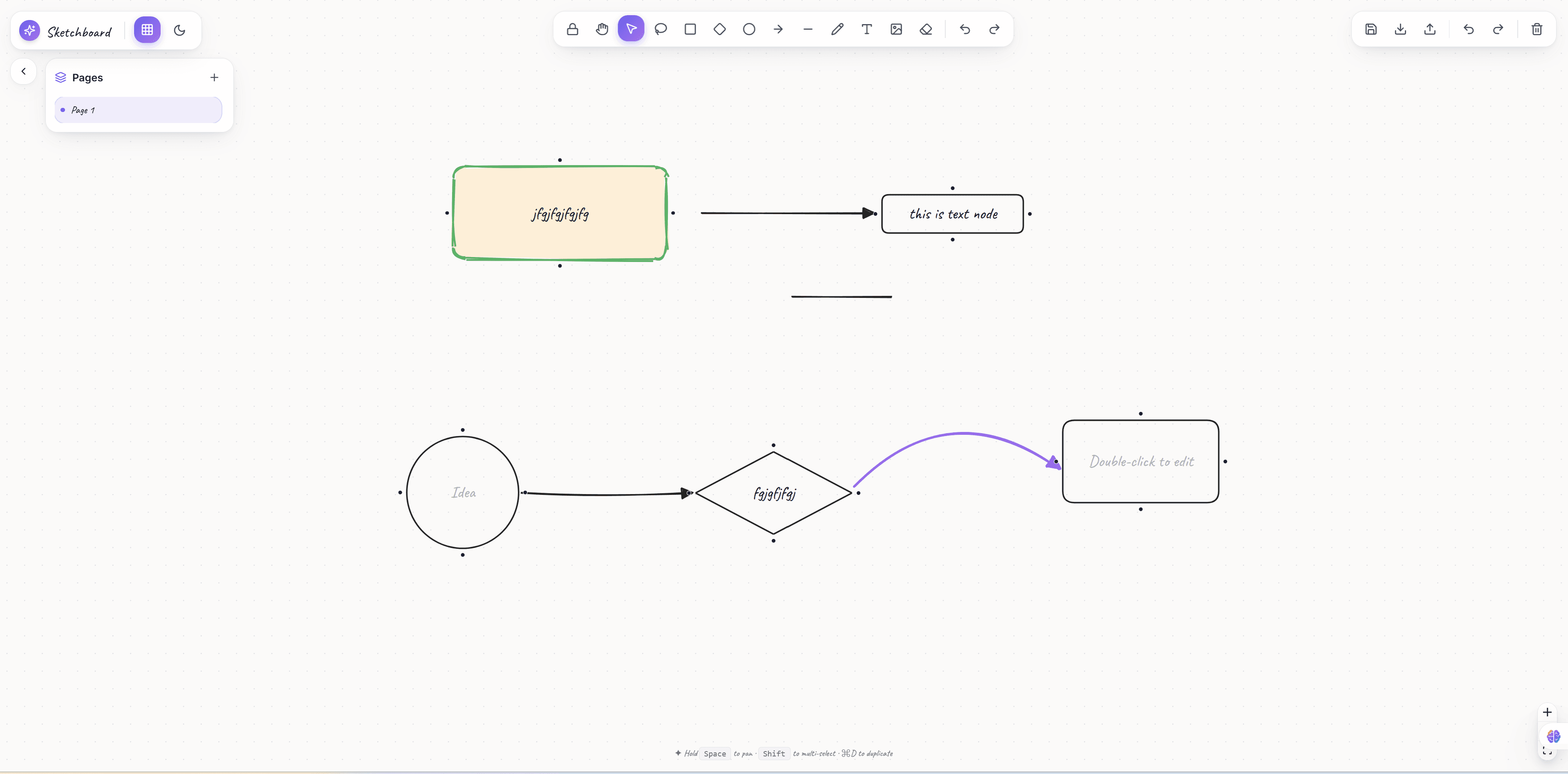
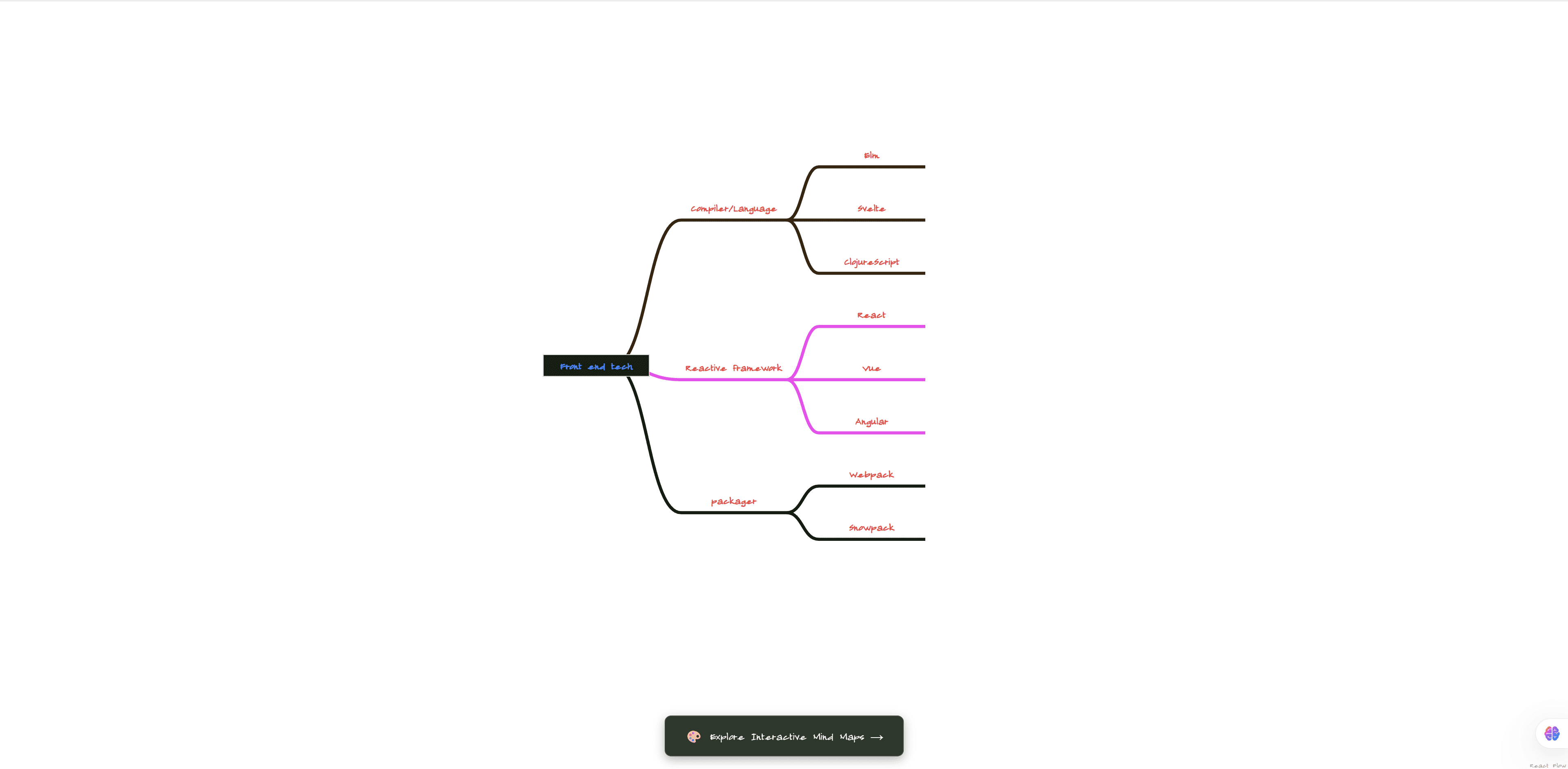
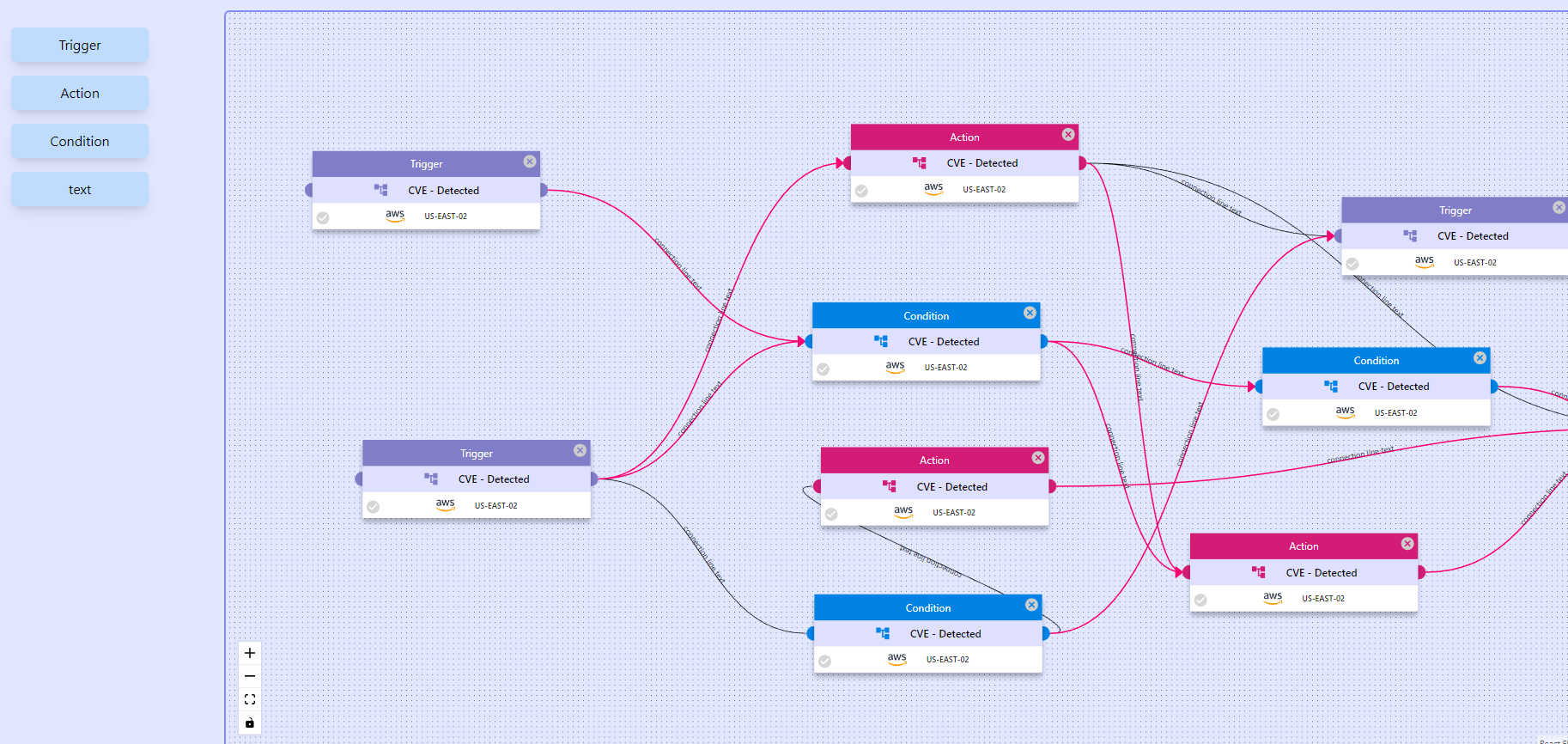
React Flow is an open-source library for building node-based graphs and diagrams. It's built on top of React and provides a powerful, flexible way to create interactive flowcharts, node editors, and graph visualizations.
Setting up React Flow
Installation
To get started with React Flow, you'll need to install the package:
npm install @xyflow/react
# or
bun add @xyflow/react
Basic Setup
Here's a simple example to get you started:
import React, { useCallback } from 'react';
import ReactFlow, {
  Node,
  Edge,
  addEdge,
  Background,
  Controls,
  MiniMap,
} from '@xyflow/react';
import '@xyflow/react/dist/style.css';

const initialNodes: Node[] = [
  { id: '1', position: { x: 0, y: 0 }, data: { label: 'Node 1' } },
  { id: '2', position: { x: 100, y: 100 }, data: { label: 'Node 2' } },
];

const initialEdges: Edge[] = [
  { id: 'e1-2', source: '1', target: '2' },
];

function Flow() {
  const [nodes, setNodes, onNodesChange] = useNodesState(initialNodes);
  const [edges, setEdges, onEdgesChange] = useEdgesState(initialEdges);

  const onConnect = useCallback(
    (params) => setEdges((eds) => addEdge(params, eds)),
    [setEdges]
  );

  return (
    <div style={{ width: '100vw', height: '100vh' }}>
      <ReactFlow
        nodes={nodes}
        edges={edges}
        onNodesChange={onNodesChange}
        onEdgesChange={onEdgesChange}
        onConnect={onConnect}
      >
        <Background />
        <Controls />
        <MiniMap />
      </ReactFlow>
    </div>
  );
}
Core Concepts of React Flow
Nodes
Nodes are the building blocks of your flow. Each node can have:
- Position: X and Y coordinates
- Data: Custom data object
- Type: Different node types (default, input, output, custom)
Edges
Edges connect nodes together. They can be:
- Straight: Simple line connections
- Bezier: Curved connections
- Step: Step-based connections
- Smooth Step: Smooth step connections
Handles
Handles are connection points on nodes. You can have:
- Source handles: Where connections start
- Target handles: Where connections end
- Multiple handles: Multiple connection points per node
Customizable React Flow - Built-in Options
React Flow provides extensive customization options:
Node Customization
const customNode = {
  id: 'custom-1',
  type: 'custom',
  position: { x: 250, y: 100 },
  data: {
    label: 'Custom Node',
    color: '#ff0071',
  },
};
Edge Customization
const customEdge = {
  id: 'e1-2',
  source: '1',
  target: '2',
  type: 'smoothstep',
  animated: true,
  style: { stroke: '#ff0071', strokeWidth: 2 },
};
React Flow State Management
React Flow uses React state management. You can:
- Track node positions
- Manage edge connections
- Handle user interactions
- Implement undo/redo functionality
Performance Optimization in React Flow
For large diagrams, consider:
- Using virtual rendering
- Implementing node filtering
- Optimizing re-renders
- Using React.memo for custom nodes
Real-time Collaboration in React Flow
You can implement real-time collaboration using:
- WebSockets
- Server-sent events
- Shared state management
- Conflict resolution strategies
Use Cases and Applications
React Flow is perfect for:
- Workflow builders
- Automation tools
- Diagram editors
- Node-based UIs
- Process visualization
Wrap Up: Why Use React Flow?
React Flow offers:
- ✅ Easy to use and learn
- ✅ Highly customizable
- ✅ Great performance
- ✅ Active community
- ✅ TypeScript support
- ✅ Extensive documentation
Start building amazing flow diagrams with React Flow today!