Langflow Builder with React Flow – Build AI Workflows Visually
Pro
About Langflow Builder with React Flow – Build AI Workflows Visually
Build AI workflows visually with a Langflow Builder powered by React Flow. Connect LLMs, prompts, AI agents, tools, and modular components using drag-and-drop.
Langflow Builder with React Flow – Build AI Workflows Visually
Design, connect, and customize AI-powered workflows with the Langflow Builder built using React Flow. This interactive visual workflow builder provides a node-based environment for creating AI agents, connecting Large Language Models (LLMs), configuring prompts, integrating tools, and designing modular AI pipelines without managing complex workflow logic manually.
Inspired by the visual workflow experience of Langflow, this React Flow example demonstrates how developers can build flexible AI workflow editors with an intuitive drag-and-drop interface.
Key Features of the Langflow Builder
1. Visual AI Workflow Builder
Create AI workflows using a flexible node-based canvas. Visually connect inputs, language models, prompts, tools, AI agents, and output components to design structured AI pipelines.
2. Modular AI Components
Organize AI workflows using reusable components, including:
- Text Input: Capture user messages and workflow inputs.
- LLM: Configure Large Language Model processing nodes.
- Prompt: Create structured prompts using templates and variables.
- Tool: Represent external tools and functions for AI agents.
- AI Agent: Design agent-based workflows using connected models, prompts, and tools.
- Result: Display generated responses and downstream outputs.
3. Drag-and-Drop Node Management
Easily add workflow components from the sidebar and position them anywhere on the React Flow canvas. Connect nodes through interactive handles to define relationships and data flow between components.
4. AI Agent Workflow Design
Create visual AI agent architectures by connecting LLMs, prompts, and tools. This makes it easier to understand how different components interact within an AI-powered application.
5. Organized Component Sidebar
Explore workflow elements through categorized sidebar sections, including Inputs, Outputs, Prompts, Data, Agents, Logic, and Models. The organized component library makes finding and managing workflow elements easier.
6. Custom Component Creation
Extend the workflow editor with custom components to support application-specific logic and reusable workflow building blocks.
7. Interactive Canvas Controls
Navigate complex AI workflows with canvas controls designed for a smoother editing experience, including zoom, fit-to-view, and canvas navigation.
8. Prototype AI Workflows Visually
Explore AI workflow architectures, experiment with component connections, and prototype modular AI pipelines before implementing them in your application.
Why Build an AI Workflow Editor with React Flow?
React Flow provides a flexible foundation for developing interactive node-based applications. Its customizable nodes, connection handles, viewport controls, and extensible architecture make it suitable for building AI workflow editors, LLM orchestration interfaces, and visual agent development tools.
By combining React Flow with modular AI components, developers can create scalable visual environments for designing and understanding complex AI workflows.
Who Can Use This Langflow Builder Example?
This React Flow example is useful for:
- AI application developers building visual LLM workflows.
- Developers designing AI agent architectures.
- SaaS founders creating AI workflow automation platforms.
- Engineers prototyping AI orchestration interfaces.
- Developers building custom node-based workflow editors.
Frequently Asked Questions (FAQ)
What is a Langflow Builder?
A Langflow Builder is a visual, node-based environment for designing AI workflows by connecting components such as language models, prompts, tools, inputs, and AI agents.
Can I build an AI workflow editor using React Flow?
Yes. React Flow provides customizable nodes, interactive connections, drag-and-drop functionality, and canvas controls that developers can use to build visual AI workflow editors.
What components are commonly used in an AI workflow builder?
Common components include Text Input, LLM, Prompt, Tool, AI Agent, Data, Logic, and Result nodes. These components represent different stages of an AI workflow.
What is the purpose of visual AI workflow design?
Visual AI workflow design helps developers understand component relationships, organize processing steps, connect AI models with tools, and prototype complex AI applications through an interactive interface.
Explore the Langflow Builder Example
Experience how React Flow can power a modular AI workflow editor. Explore node-based AI architecture, connect components, experiment with workflow structures, and discover new possibilities for building visual AI applications.
Explore more React Flow examples and production-ready workflow templates with VisualFlow.
Key Features & Capabilities
Target Use Cases
- •AI chatbot and assistant development
- •RAG (Retrieval Augmented Generation) systems
- •Content generation workflows
- •Document analysis and summarization
- •Multi-agent AI systems
- •Automated research and analysis tools
Architecture & Technologies
Related Blueprints
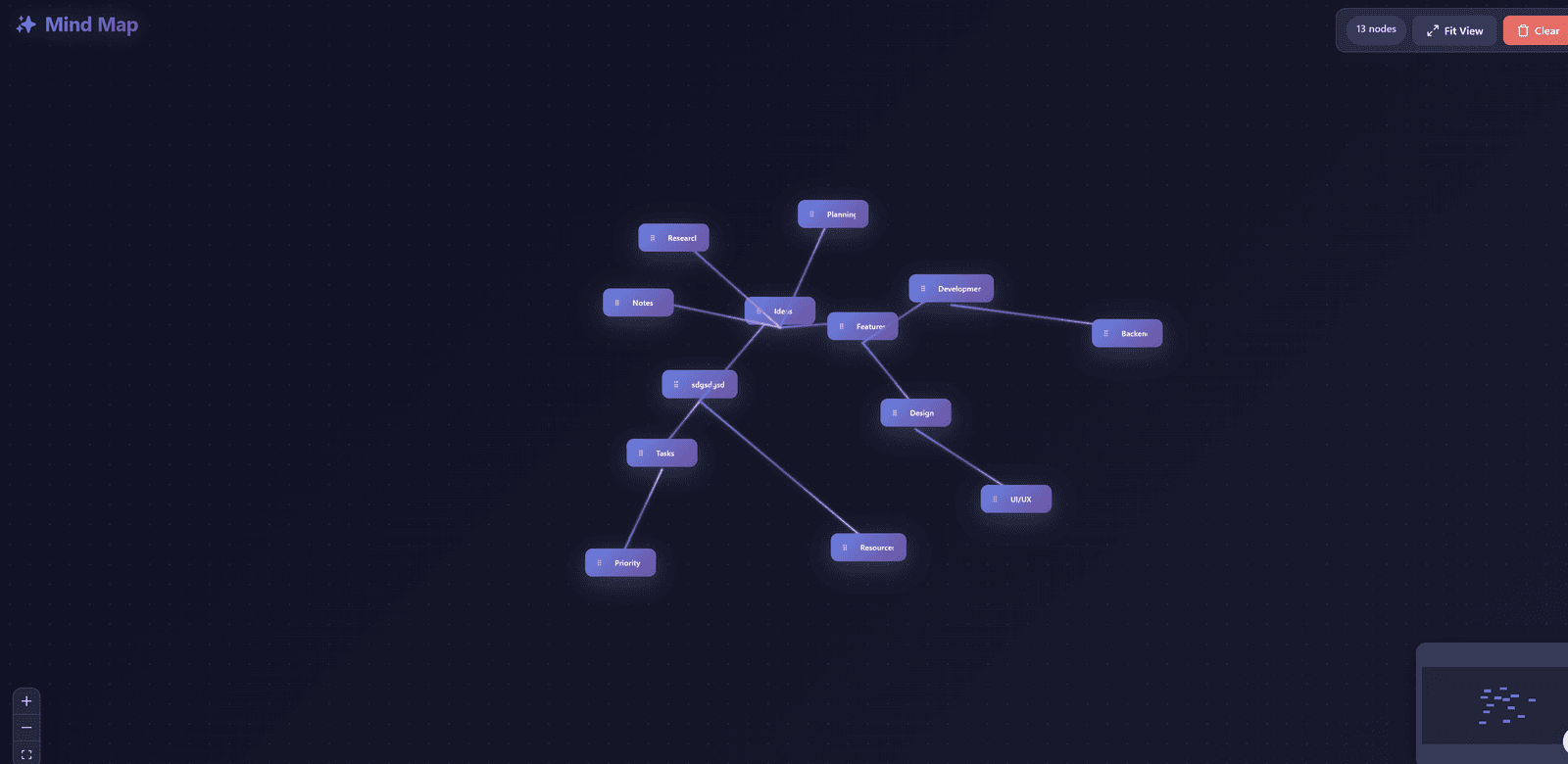
React flow concept map
Interactive concept mapping tool for organizing knowledge and visualizing relationships between ideas. Create hierarchical concept maps with drag-and-drop nodes, custom connections, and rich text editing. Perfect for education, research, brainstorming, and knowledge management with intuitive interface for building complex conceptual relationships.
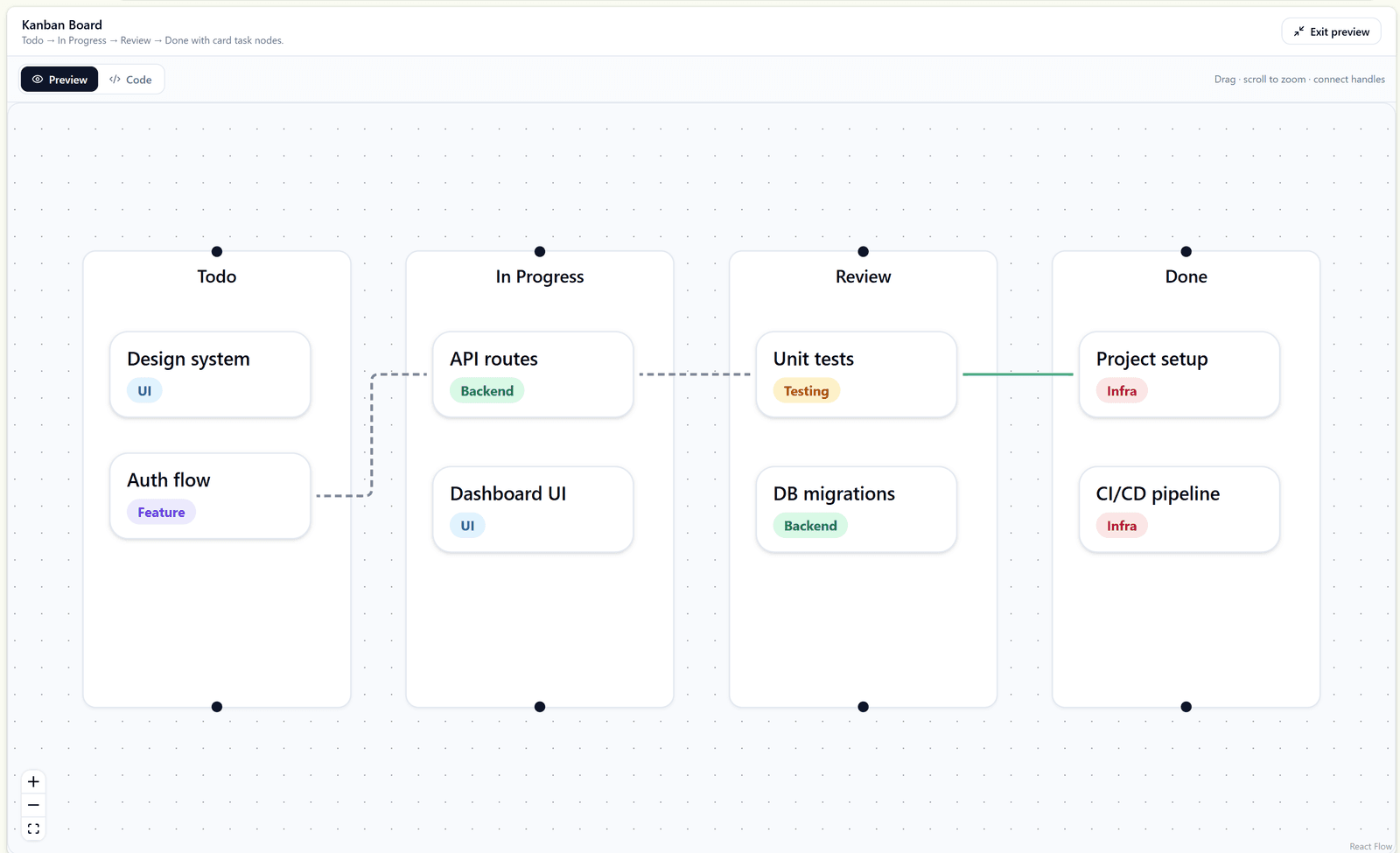
React flow Kanban Pattern
A free example demonstrating how to build a Kanban board interface using React Flow. Easily visualize and manage tasks across different stages.
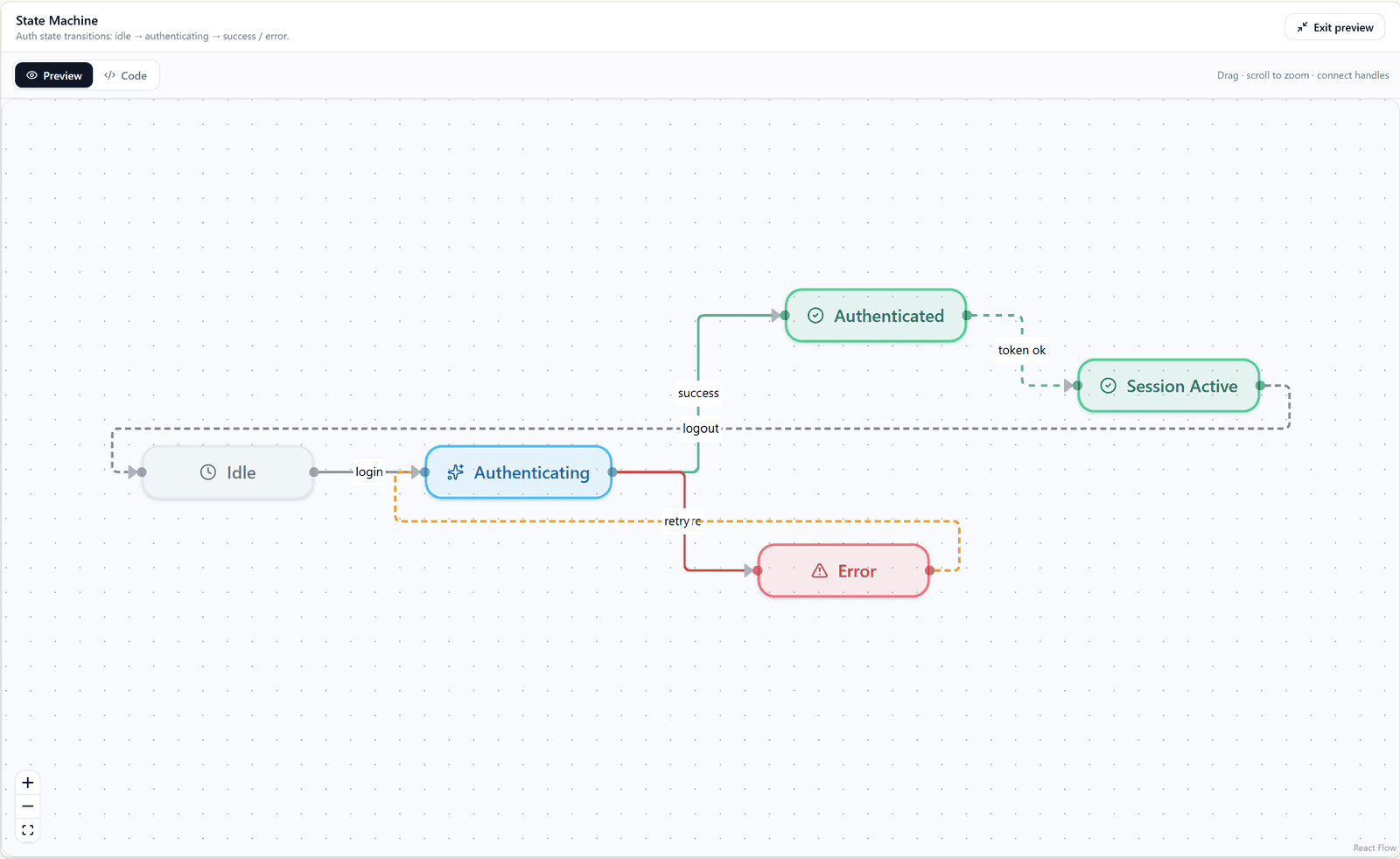
React flow State Machine
A free example demonstrating how to visualize state machines and state transitions using React Flow.