Floor Planner Studio: Design Interactive Floor Plans with React Flow
Pro
About Floor Planner Studio: Design Interactive Floor Plans with React Flow
Design interactive floor plans with React Flow. Create rooms, customize furniture, draw walls, use 20 templates, and export architectural layouts.
Designing a home, apartment, or office layout doesn't have to be complicated. Floor Planner Studio, built with React Flow, provides an interactive environment for creating, customizing, and visualizing floor plans using a flexible drag-and-drop editor.
Whether you're planning a modern home, arranging furniture, or exploring architectural layouts, this floor planning tool makes space design more accessible and intuitive.
What Is Floor Planner Studio?
Floor Planner Studio is an interactive floor plan designer that allows users to create architectural layouts using customizable walls, doors, windows, furniture, and room components.
Powered by React Flow, it combines a node-based canvas with architectural drawing capabilities, allowing users to visually organize spaces, adjust dimensions, and build personalized floor plans.
Key Features of Floor Planner Studio
1. Drag-and-Drop Furniture Library
Choose from a collection of architectural components, including sofas, beds, dining tables, kitchen appliances, bathroom fixtures, doors, and windows. Simply drag elements onto the canvas and arrange them according to your layout.
2. Editable Furniture and Components
Customize individual elements by changing their dimensions, position, rotation, background color, and border properties. This makes it easy to experiment with different interior arrangements.
3. Smart Wall and Room Designer
Create room boundaries, draw walls, arrange architectural elements, and organize different spaces. The measurement tools help visualize room dimensions, wall lengths, and floor areas.
4. Real-World Measurement Tools
Work with metric and imperial measurement systems. Use rulers, dimension annotations, and room area calculations to make your floor plans more informative.
5. 20 Ready-Made Floor Plan Templates
Get started with professionally structured layouts for studio apartments, modern homes, bedrooms, kitchens, offices, restaurants, and commercial spaces. Every template provides an editable starting point.
6. Four Customizable Design Systems
Personalize the editor with four distinct visual styles:
- Pookie – Soft pastel colors and playful elements.
- Harsh – Bold, structured, high-contrast interface.
- Cyberpunk – Futuristic dark surfaces and neon accents.
- Minimalistic – Clean, elegant, distraction-free design.
The application also supports both dark and light themes.
7. Project Management and Export
Save and manage your floor planning projects, duplicate layouts, and export completed designs in PNG, SVG, PDF, or JSON formats.
How to Create a Floor Plan
Getting started is straightforward:
- Create a new project or select a ready-made floor plan template.
- Draw walls and define your room boundaries.
- Drag furniture, doors, windows, and other components onto the canvas.
- Customize dimensions, colors, positions, and rotations.
- Use measurement tools to organize your layout.
- Save your project or export your finished design.
Why Use React Flow for Floor Planning?
React Flow provides an interactive foundation for building node-based visual applications. Its flexible node system, customizable components, and canvas interactions make it suitable for developing applications beyond traditional workflow editors.
Floor Planner Studio demonstrates how React Flow can power an architectural design experience, where furniture, rooms, and other elements become independently editable visual components.
For developers, it is an interesting React Flow example that explores the potential of interactive node-based interfaces in architectural planning and interior design.
Who Can Use Floor Planner Studio?
- Homeowners: Visualize furniture arrangements and home layouts.
- Interior Designers: Experiment with different furniture placements and room configurations.
- Architectural Students: Explore basic floor planning and spatial organization.
- Developers: Learn how to build interactive visual editors using React Flow.
- Design Enthusiasts: Create and customize personal space layouts.
Frequently Asked Questions (FAQ)
What is Floor Planner Studio?
Floor Planner Studio is a React Flow-powered floor planning application for creating and customizing interactive architectural layouts with furniture, walls, doors, windows, and room components.
Can I create a floor plan from scratch?
Yes. You can start with a blank canvas, draw walls, create rooms, and add furniture using the drag-and-drop component library.
Does Floor Planner Studio include ready-made templates?
Yes. It provides 20 editable templates covering residential, interior design, and commercial spaces.
Can I customize furniture dimensions and colors?
Yes. Furniture components support customization of dimensions, positions, rotation, colors, borders, and other visual properties.
Can I export my floor plan?
Yes. You can export your designs in PNG, SVG, PDF, and JSON formats.
Is Floor Planner Studio built with React Flow?
Yes. It uses React Flow (@xyflow/react) as the foundation for its interactive canvas and customizable node-based editing experience.
Explore More React Flow Examples
Floor Planner Studio demonstrates how React Flow can be used to build more than workflow automation tools and traditional diagrams. It opens up possibilities for interactive editors, architectural applications, visual builders, and creative design software.
Explore more production-ready React Flow examples, interactive builders, and developer resources at VisualFlow.
VisualFlow – Build, Explore, and Create with React Flow.
Key Features & Capabilities
Architecture & Technologies
Related Blueprints
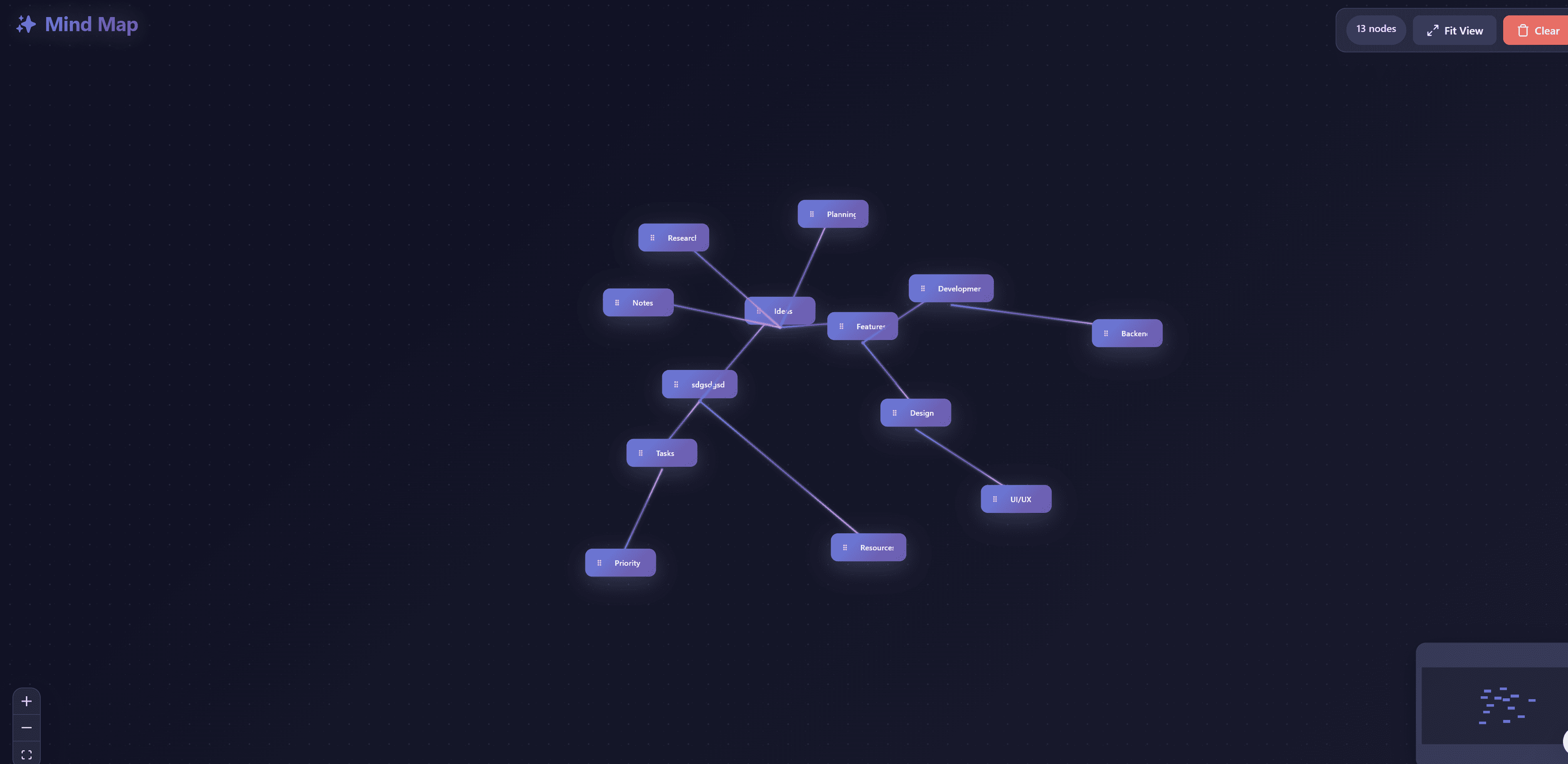
React flow concept map
Interactive concept mapping tool for organizing knowledge and visualizing relationships between ideas. Create hierarchical concept maps with drag-and-drop nodes, custom connections, and rich text editing. Perfect for education, research, brainstorming, and knowledge management with intuitive interface for building complex conceptual relationships.
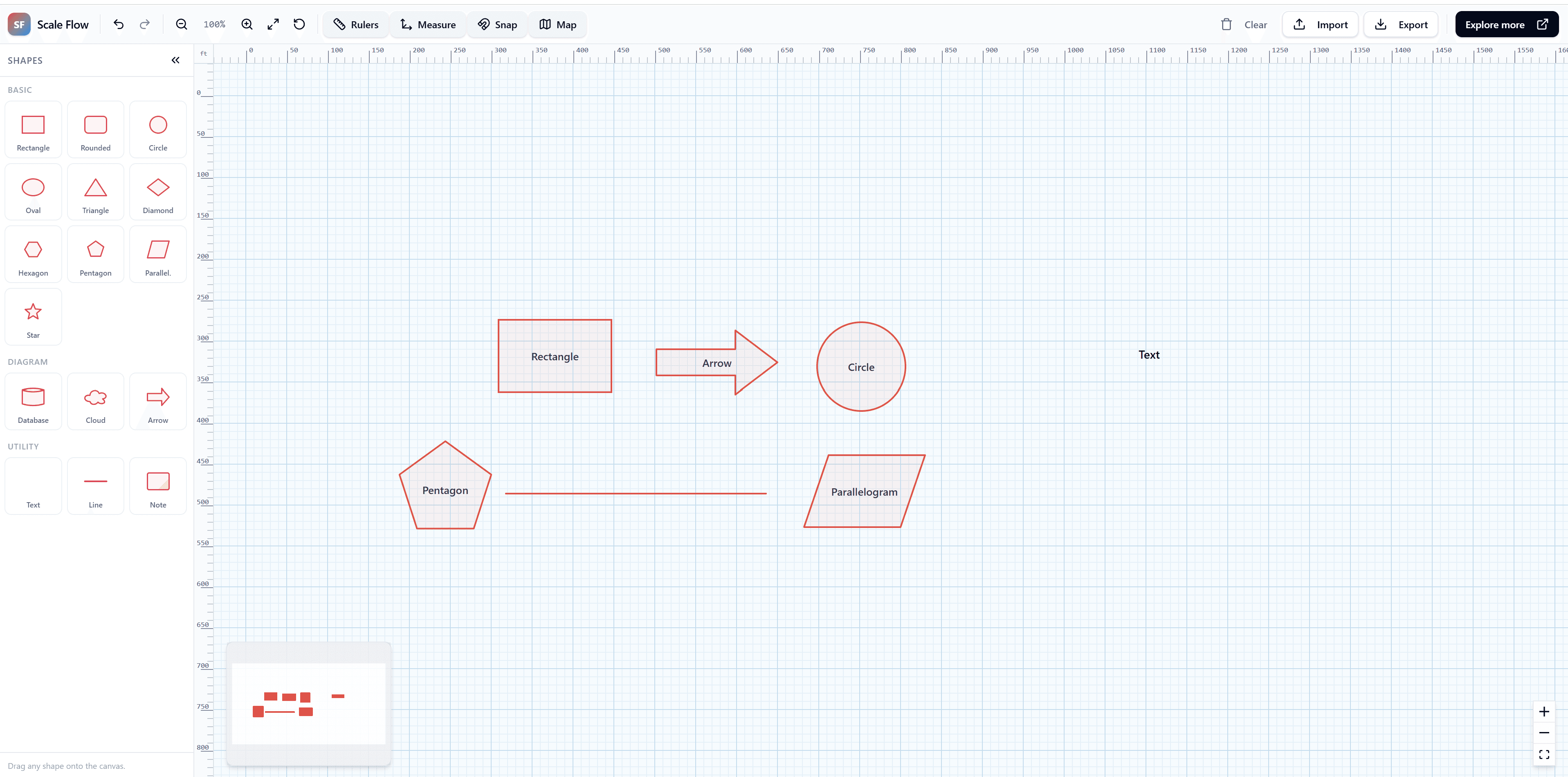
Scale Studio Pro Enterprise with React flow
An enterprise-grade, massive scale diagramming studio built with React Flow. Engineered for performance with thousands of nodes, advanced minimap navigation, and high-fidelity zoom.
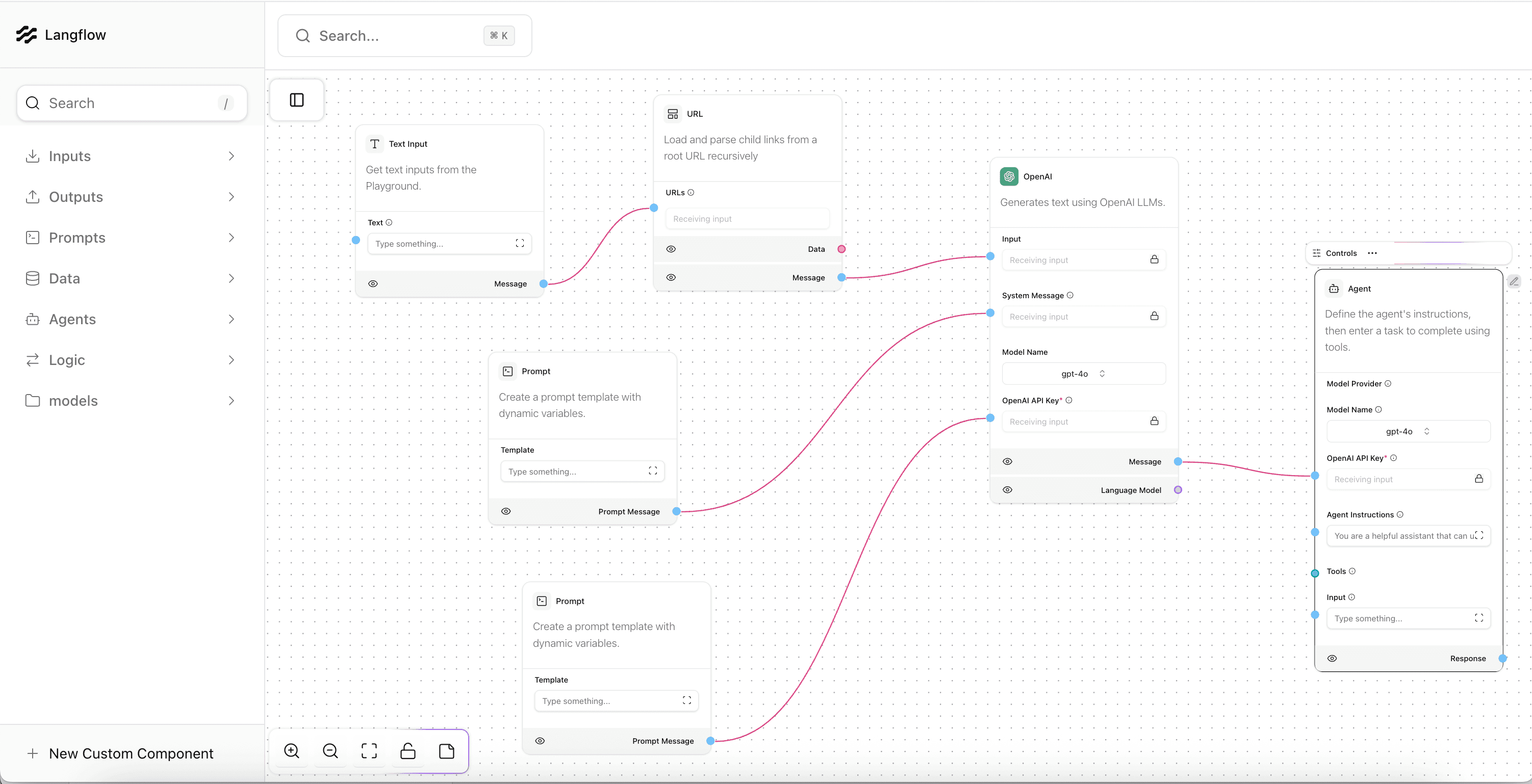
React flow Langflow builder
Langflow is a low-code AI application builder that enables developers to create sophisticated AI workflows, agents, and retrieval-augmented generation (RAG) applications without extensive coding. Build and deploy LLM-powered applications through intuitive visual interface with support for all major large language models, vector databases, and growing library of AI tools. Features prompt templating, model comparison, vector database integration, and production deployment tools for building AI chatbots, content generation systems, and complex reasoning agents.