React Flow Funnel Studio — Build, Visualise, and Understand Customer Journeys
Pro
React Flow Funnel Studio — Build, Visualise, and Understand Customer Journeys
# Funnel Studio – Design, Visualize, and Optimize Conversion Funnels with React Flow **Funnel Studio by VisualFlow** is a powerful, interactive funnel builder built with React Flow, designed to help users create, customize, visualize, and analyze multi-stage conversion funnels. It provides a visual workspace for designing everything from marketing funnels and sales pipelines to lead generation workflows, SaaS onboarding journeys, and e-commerce conversion processes. With an intuitive drag-and-drop interface, customizable funnel stages, color palettes, and built-in performance analytics, Funnel Studio makes it easier to understand how users move through each stage of a conversion journey. Whether you are a marketer, product manager, business analyst, or developer, Funnel Studio provides a flexible environment for building professional funnel diagrams without complex diagramming workflows. ## Key Features of React Flow Funnel Studio ### 1. Interactive Funnel Builder Create professional multi-stage conversion funnels using an intuitive visual editor. Add funnel stages, arrange their structure, and visualize how users progress from initial interactions to final conversions. ### 2. Prebuilt Funnel Templates Get started quickly with predefined funnel structures, including: - Three-stage funnel - Six-stage funnel - Custom multi-stage funnels These ready-made structures help users build marketing, sales, and conversion diagrams faster. ### 3. Fully Customizable Funnel Stages Personalize individual funnel stages through a dedicated properties panel. Customize: - Stage names and descriptions - Conversion values and stage numbers - Colors and visual styles - Icons and icon sizes - Font family, weight, and size - Text alignment and text colors This flexibility makes it easy to create funnel diagrams that match different business requirements and visual identities. ### 4. Multiple Color Palettes and Themes Choose from a variety of built-in color palettes to give your funnel a professional appearance. Available palettes include Classic, Ocean, Sunset, Forest, Berry, Mono, Color-blind Safe, and Teal. Apply palettes across selected funnel stages to create consistent and visually appealing diagrams. ### 5. Funnel Performance Analytics Understand conversion performance with built-in metrics and analytics. Monitor important funnel indicators, including: - Overall Conversion - Total Drop-off - Initial Users - Final Conversions These metrics help users identify where potential customers leave the funnel and understand how effectively each stage contributes to the final outcome. ### 6. Real-Time Funnel Visualization Visualize conversion data through clearly structured funnel stages. Display values and stage information alongside the funnel to make performance differences, user drop-offs, and conversion progress easier to interpret. ### 7. Interactive Canvas Controls Manage your funnel diagrams with convenient editing and navigation tools. Zoom, pan, select, duplicate, arrange, and manage diagram elements through an interactive canvas. ### 8. Export and Share Funnel Diagrams Prepare your funnel visualizations for documentation, presentations, reporting, and collaboration with export capabilities. Turn your diagrams into shareable visual assets for business and product discussions. ### 9. Built with React Flow Powered by React Flow, Funnel Studio demonstrates how node-based interfaces can support advanced business visualization tools. Its flexible architecture provides a foundation for interactive editing, customizable components, and scalable visual workflows. ## What Can You Build with Funnel Studio? Funnel Studio supports a wide range of business and product visualization scenarios: - **Marketing Funnels:** Visualize customer journeys from advertising exposure to engagement, sign-ups, and purchases. - **Sales Pipelines:** Map sales stages, track potential customers, and understand conversion progress. - **Lead Generation Funnels:** Visualize how prospects move from initial interest to qualified leads. - **SaaS Onboarding Funnels:** Map user registration, product activation, engagement, and subscription stages. - **E-commerce Conversion Funnels:** Analyze the customer journey from product discovery to checkout and completed orders. - **Business Performance Reports:** Present conversion metrics, drop-offs, and funnel performance in an easy-to-understand visual format. ## Why Use React Flow Funnel Studio? Traditional funnel diagrams can be difficult to maintain when stages, values, and visual requirements change. Funnel Studio simplifies this process by combining interactive diagram editing, customizable funnel components, and performance metrics in one workspace. Instead of manually designing every funnel diagram, users can build structured visualizations, adjust individual stages, apply consistent styling, and analyze conversion metrics through a single interface. **Explore Funnel Studio by VisualFlow** to create interactive conversion funnels, visualize customer journeys, and build professional business diagrams with React Flow.
Architecture & Features
Unlock this template and all 74+ React Flow source codes via Pro Membership, Lifetime Complete Bundle, or Enterprise Plan.
Related Pro Examples
Newest commercial React Flow workflows and production examples
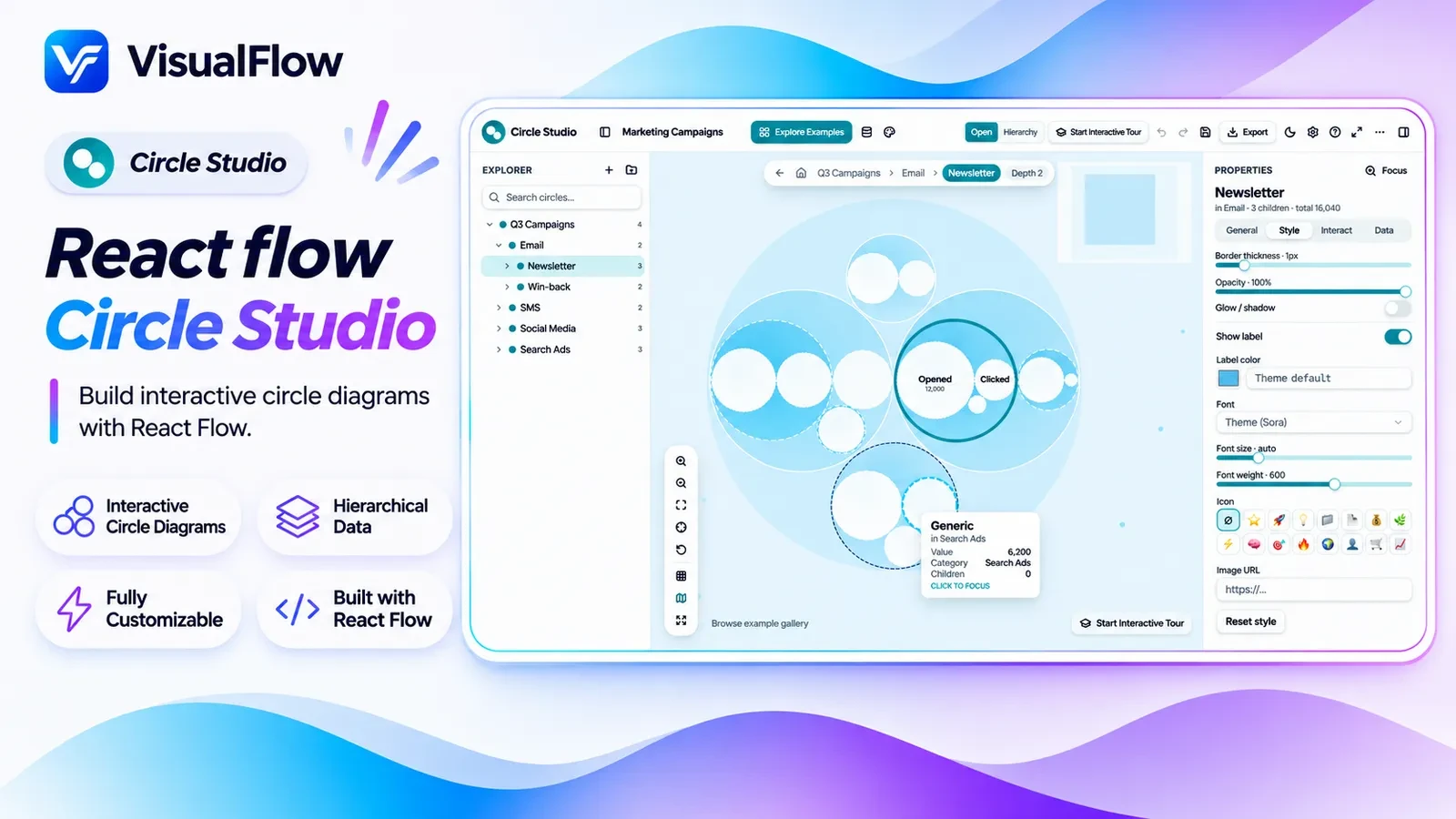
React Flow Circle Studio: Create Interactive Circle Packing Visualizations for Hierarchical Data
React Flow Circle Studio by VisualFlow demonstrates an interactive approach to hierarchical data visualization using a zoomable circle packing layout. Instead of representing information through conventional tables or linear charts, circle packing organizes data into nested circles. Each circle represents an item or category, while smaller circles inside it represent its children or related elements. This visualization technique makes it easier to understand hierarchical structures, explore relationships, and navigate datasets through an interactive visual representation. Whether you're developing data visualization dashboards, exploring nested datasets, building analytical interfaces, or creating interactive information explorers, React Flow Circle Studio provides an example of how hierarchical data can be presented through a circle-based visual layout.
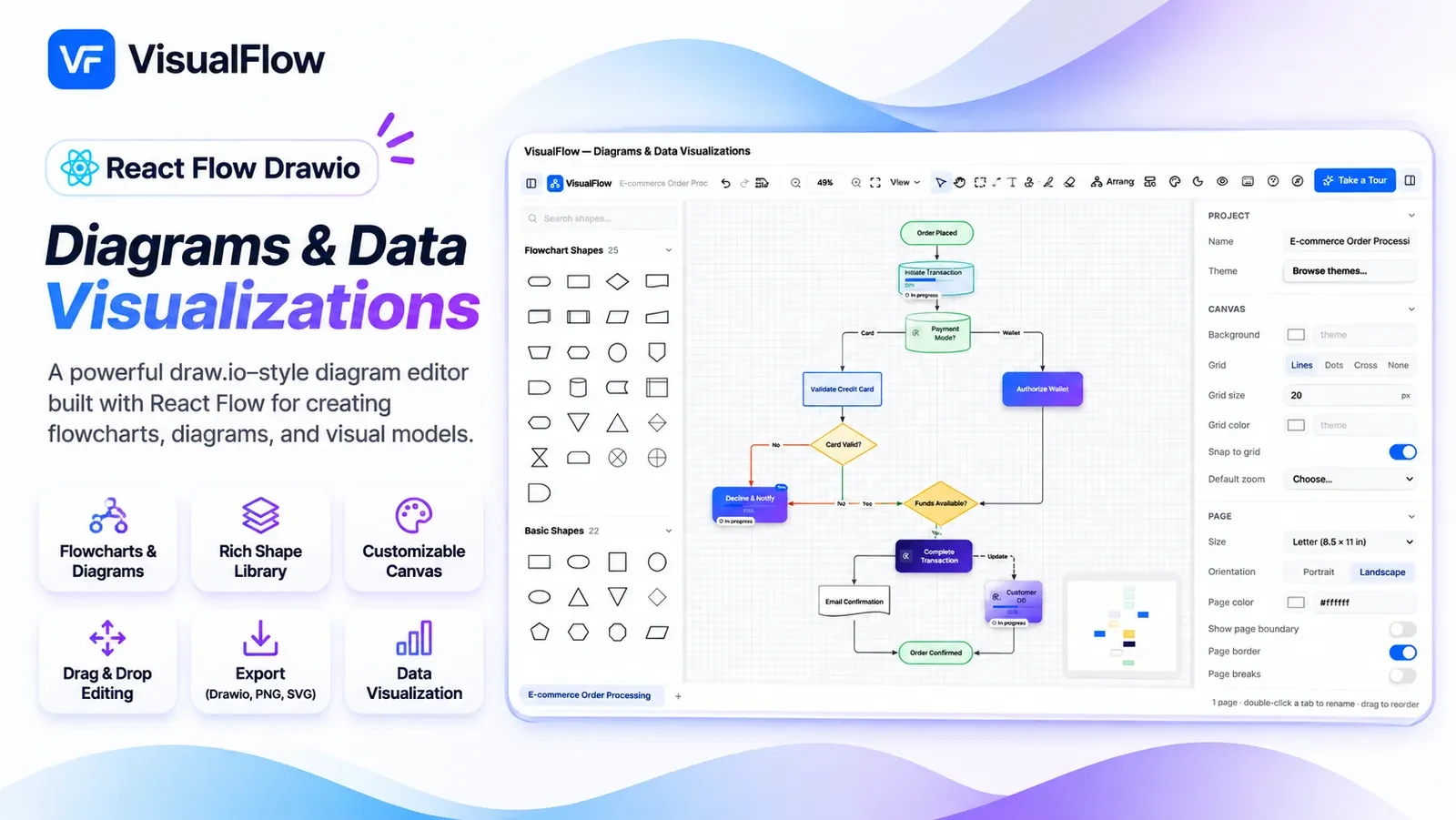
VisualFlow Diagram Maker – Flowcharts, BPMN & Data Visualization
Create professional flowcharts, BPMN diagrams, and data visualizations with VisualFlow. Explore customizable nodes, infinite canvas, templates, and advanced editing tools.
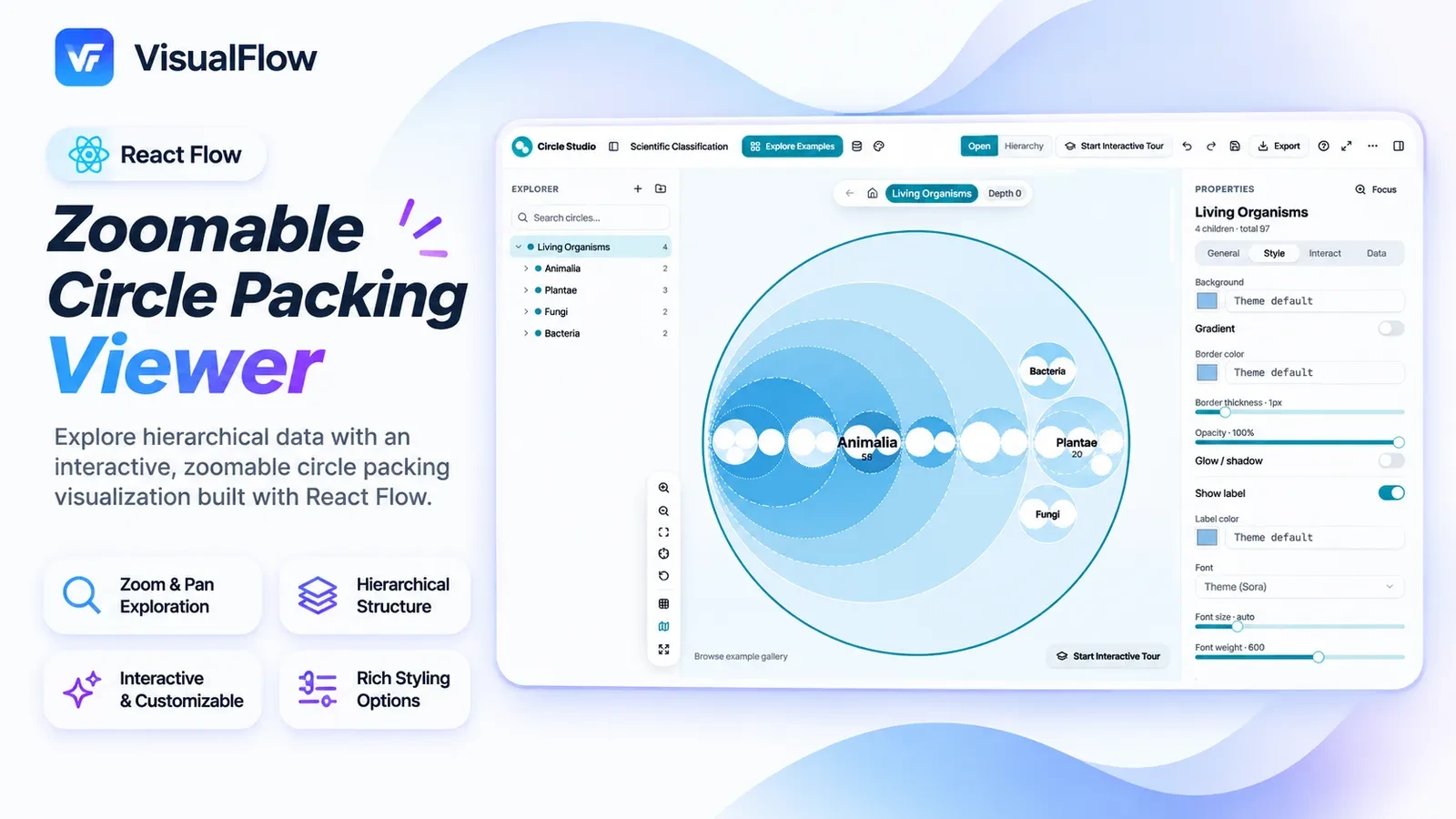
React Flow Zoomable Circle Packing Viewer: Explore Hierarchical Data Through Interactive Circle Visualization
Explore hierarchical data with a React Flow Zoomable Circle Packing Viewer. Discover interactive zooming, nested circles, custom styling, and data visualization features.