React flow concept map
Pro
React flow concept map
# React Flow Concept Map Builder – Create Interactive Concept Maps with React Flow The **React Flow Concept Map Builder** is an interactive visual mapping tool designed to help users organize ideas, connect related concepts, and visualize complex information through a flexible node-based canvas. Built with React Flow, this example provides an intuitive environment for creating concept maps and mind maps using customizable nodes, interactive connections, and drag-and-drop editing. Whether you are brainstorming new ideas, organizing research topics, planning projects, or visualizing relationships between different concepts, this React Flow Concept Map example makes it easier to transform complex information into clear and structured visual diagrams. ## Key Features of the React Flow Concept Map Builder ### 1. Interactive Concept Mapping Create visual representations of ideas, topics, and relationships using connected nodes. Organize concepts around a central topic and build meaningful connections to represent how different ideas relate to one another. ### 2. Drag-and-Drop Node Management Easily move and organize nodes across the interactive canvas. The drag-and-drop functionality provides flexibility when restructuring concept maps, rearranging topics, and refining the overall diagram layout. ### 3. Customizable Node Design Personalize your concept maps with visually appealing node styles. Customize node appearances to distinguish important concepts, organize information into categories, and create diagrams that match your preferred visual presentation. ### 4. Flexible Concept Connections Connect different nodes to illustrate relationships between ideas and topics. Create visual structures that make complex information easier to explore, understand, and communicate. ### 5. Interactive Canvas Controls Navigate large concept maps with built-in zoom, fit-view, and canvas navigation controls. Explore detailed sections of your diagram while maintaining an overview of the complete concept map. ### 6. Real-Time Diagram Editing Modify your concept map interactively as your ideas evolve. Move nodes, adjust connections, and reorganize visual structures directly on the canvas for a smooth diagram editing experience. ### 7. Visual Mini-Map Navigation Use the mini-map to understand the overall structure and navigate larger diagrams more conveniently. It provides a compact overview of node positions and helps users maintain orientation while exploring the canvas. ### 8. Modern Dark-Themed Interface Work in a visually distinctive dark-themed canvas with purple-gradient nodes and glowing connections. The interface provides a modern appearance while helping connected concepts stand out clearly. ## Use Cases of Concept Mapping The React Flow Concept Map Builder can support a variety of visual thinking and information organization activities: - **Brainstorming:** Organize creative ideas and explore relationships between different topics. - **Knowledge Mapping:** Visualize connections between concepts, subjects, and information. - **Research Planning:** Structure research topics, supporting ideas, notes, and resources. - **Project Planning:** Break down project ideas into features, tasks, priorities, and resources. - **Education and Learning:** Create visual learning materials, study maps, and interconnected knowledge structures. - **Business Strategy:** Map business concepts, strategies, objectives, and organizational relationships. - **Product Development:** Organize product ideas, UI/UX concepts, features, and development tasks. ## Built with React Flow Powered by **React Flow**, this concept mapping example demonstrates how developers can build interactive visual mapping applications using customizable nodes, connected edges, drag-and-drop interactions, and flexible canvas controls. React Flow provides a flexible foundation for developing concept map editors, mind mapping applications, knowledge visualization tools, brainstorming platforms, and other node-based diagramming solutions. Whether you are exploring ideas or developing your own visual mapping application, the React Flow Concept Map Builder offers a practical starting point for transforming information into interactive visual experiences. **Explore the React Flow Concept Map example on VisualFlow and discover new ways to organize, connect, and visualize ideas.**
Architecture & Features
Recommended Use Cases
Unlock this template and all 74+ React Flow source codes via Pro Membership, Lifetime Complete Bundle, or Enterprise Plan.
Related Pro Examples
Newest commercial React Flow workflows and production examples
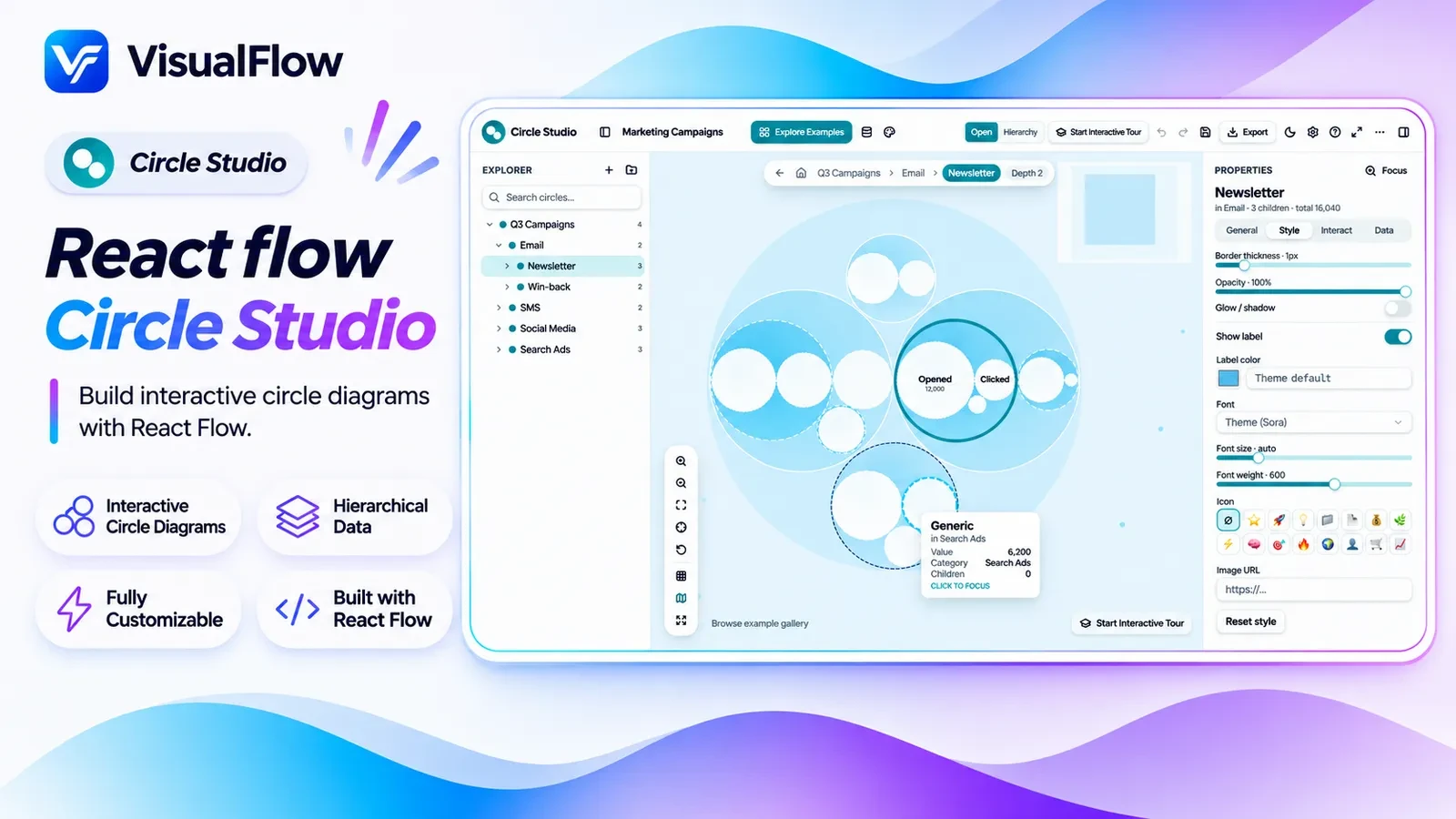
React Flow Circle Studio: Create Interactive Circle Packing Visualizations for Hierarchical Data
React Flow Circle Studio by VisualFlow demonstrates an interactive approach to hierarchical data visualization using a zoomable circle packing layout. Instead of representing information through conventional tables or linear charts, circle packing organizes data into nested circles. Each circle represents an item or category, while smaller circles inside it represent its children or related elements. This visualization technique makes it easier to understand hierarchical structures, explore relationships, and navigate datasets through an interactive visual representation. Whether you're developing data visualization dashboards, exploring nested datasets, building analytical interfaces, or creating interactive information explorers, React Flow Circle Studio provides an example of how hierarchical data can be presented through a circle-based visual layout.
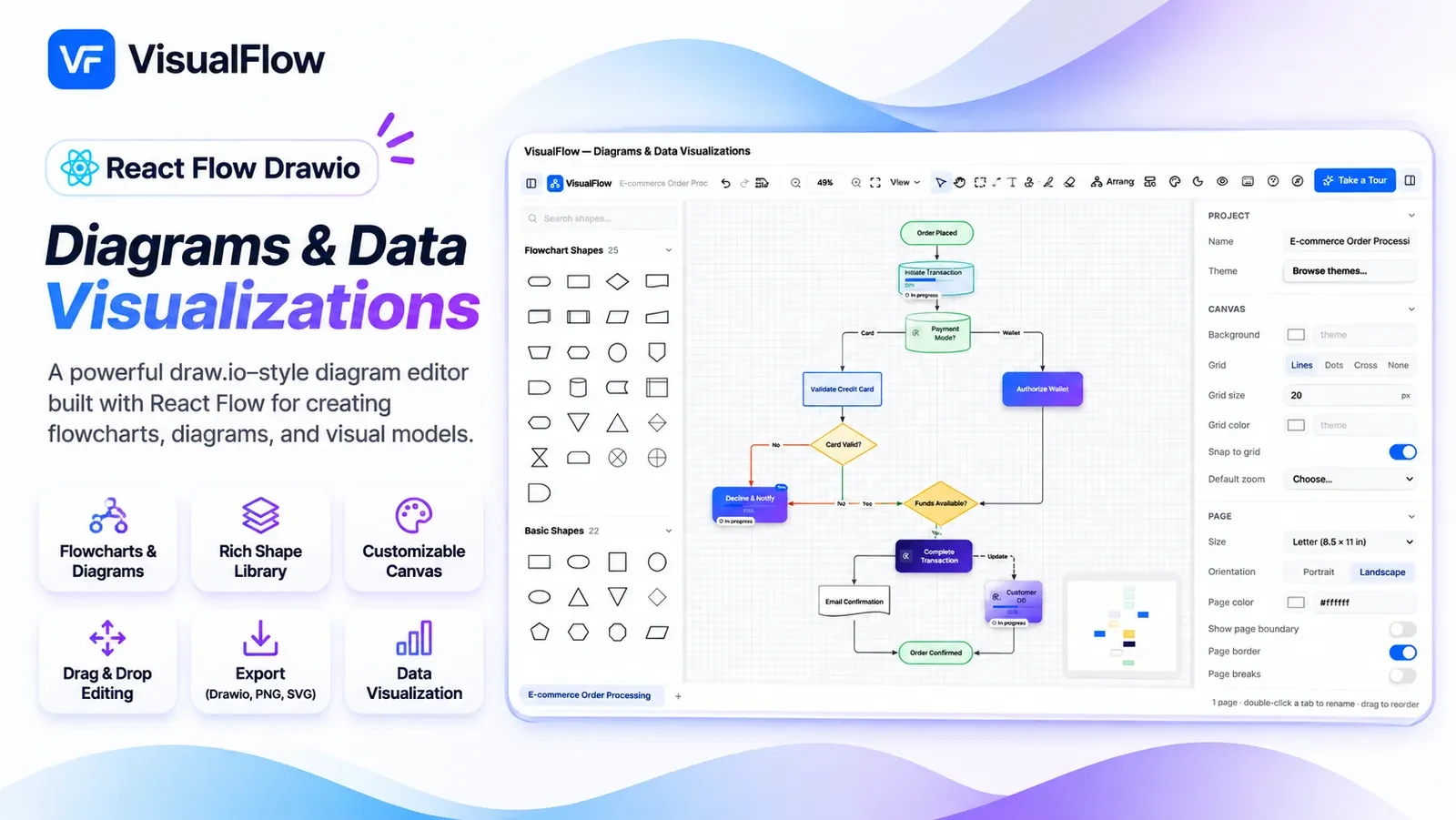
VisualFlow Diagram Maker – Flowcharts, BPMN & Data Visualization
Create professional flowcharts, BPMN diagrams, and data visualizations with VisualFlow. Explore customizable nodes, infinite canvas, templates, and advanced editing tools.
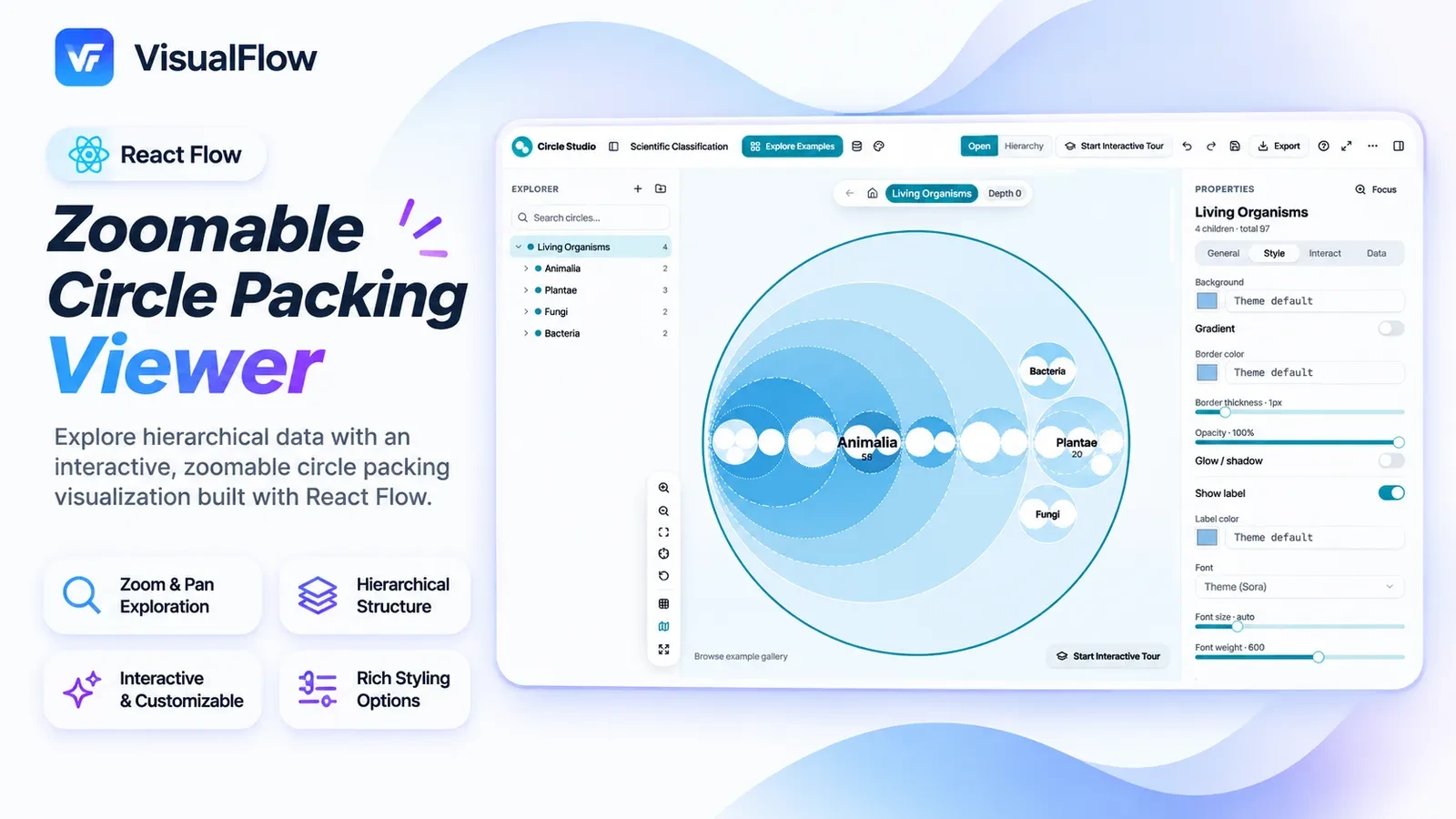
React Flow Zoomable Circle Packing Viewer: Explore Hierarchical Data Through Interactive Circle Visualization
Explore hierarchical data with a React Flow Zoomable Circle Packing Viewer. Discover interactive zooming, nested circles, custom styling, and data visualization features.