Workflow-Automation builder with react flow
Free
Workflow-Automation builder with react flow
# React Flow Workflow Automation: Build Visual Automation Workflows with React Flow Build interactive, customizable, and scalable workflow automation experiences with the **React Flow Workflow Automation** example by VisualFlow. This example demonstrates how to create a visual, node-based workflow builder where developers can connect actions, define conditional logic, and organize automated processes through an intuitive drag-and-drop interface. Designed for developers building automation platforms, CRM systems, marketing automation tools, and business process management applications, this React Flow example provides a practical foundation for creating visual workflow editors. ## What Is React Flow Workflow Automation? React Flow Workflow Automation is a visual workflow-building approach that uses connected nodes and edges to represent automated processes. Each node represents a specific action, operation, or decision, while the connections define how information and execution move through the workflow. The VisualFlow example demonstrates a workflow that starts with a contact database source, executes email actions, evaluates contact behavior through a wait-and-check condition, and branches into different communication channels such as email and SMS before reaching the final node. By combining React Flow's node-based architecture with custom workflow components, developers can build interactive automation interfaces that make complex business processes easier to design, understand, and manage. ## Key Features of the React Flow Workflow Automation Example ### 1. Drag-and-Drop Workflow Builder Create automation workflows by dragging available components from a sidebar onto the canvas. The component panel provides workflow elements such as Email, SMS, Wait and Check, and End nodes. This approach makes workflow creation more intuitive and allows users to visually organize automation steps without manually defining every connection. ### 2. Conditional Logic and Branching Build workflows that follow different execution paths based on conditions. The Wait and Check node demonstrates how a workflow can evaluate contact behavior and branch into separate paths. Depending on the condition, the automation can continue through an email action or an SMS action. Conditional branching is particularly useful for customer engagement, lead nurturing, and personalized communication workflows. ### 3. Custom Workflow Nodes Create specialized nodes for different automation operations. The example demonstrates several node types: - **Source Node:** Represents the starting point of a workflow, such as an automation database containing contacts. - **Email Node:** Represents an email communication action. - **SMS Node:** Represents an SMS messaging action. - **Wait and Check Node:** Represents a waiting period followed by condition evaluation. - **End Node:** Defines where the automation workflow terminates. Custom node components make it possible to extend the workflow builder with additional actions, integrations, and business logic. ### 4. Visual Workflow Connections Connect workflow nodes through visual edges to establish execution order and branching relationships. The example uses a vertical workflow structure with curved connections that separate conditional paths and bring them together before the final End node. This visual representation helps users understand how automation steps are connected and how different conditions influence workflow progression. ### 5. Multi-Channel Communication Automation Design customer communication workflows using multiple messaging actions within a single visual automation canvas. The example includes Email and SMS nodes, demonstrating how developers can create workflows that support different communication channels. This structure can serve as a foundation for building customer engagement platforms, marketing automation systems, and CRM communication tools. ### 6. Interactive Workflow Canvas Use a flexible React Flow canvas to organize and visualize complex automation processes. The interface includes canvas controls for zooming, adjusting the viewport, and navigating the workflow. Its node-based structure provides room for expanding automation sequences with additional actions and conditional branches. ### 7. React Flow Integration Built with the React Flow ecosystem, this example provides a foundation for implementing custom nodes, interactive edges, workflow connections, and visual automation interfaces in React applications. Developers can extend the structure with application-specific business logic, backend execution engines, and third-party integrations. ## How Does the Workflow Automation Process Work? The example demonstrates a straightforward customer communication automation sequence: 1. **Source:** Start with contact information from an automation database. 2. **Email Action:** Send an initial email message to contacts. 3. **Follow-Up Email:** Add another email communication step. 4. **Wait and Check:** Evaluate contact behavior after the configured waiting period. 5. **Conditional Branching:** Split the workflow into separate communication paths. 6. **Email or SMS:** Execute the appropriate messaging action based on the condition. 7. **End:** Bring the workflow to its final state. This visual structure demonstrates how multiple actions and conditional paths can be combined into one organized automation workflow. ## Practical Use Cases of React Flow Workflow Automation The React Flow Workflow Automation example can be adapted for several real-world applications. - **Marketing Automation:** Create automated email campaigns, customer follow-ups, and conditional messaging sequences. - **CRM Automation:** Automate customer communication based on contact activity and engagement. - **Lead Nurturing:** Build automated follow-up sequences for potential customers. - **Customer Engagement:** Design multi-channel communication workflows using email and SMS. - **Business Process Automation:** Visualize and organize sequential actions and conditional operations. - **SaaS Workflow Builders:** Develop customizable automation editors for business users. - **Notification Systems:** Create workflows that send notifications based on specific events or conditions. ## Why Use VisualFlow's React Flow Workflow Automation Example? Building a workflow automation editor from scratch requires more than displaying connected nodes. Developers need to implement custom node components, connection management, conditional branching, canvas interactions, and workflow organization. VisualFlow provides a practical example of how these elements can come together in a React Flow-powered interface. Whether you are building a CRM automation platform, an email marketing application, or a custom business process editor, this example offers a starting point for developing interactive visual workflow experiences. ## Frequently Asked Questions ### What is React Flow Workflow Automation? React Flow Workflow Automation is an approach to building visual automation systems using connected nodes and edges. Each node represents an action or condition, while edges define the execution flow between workflow steps. ### Can React Flow be used to build a drag-and-drop workflow builder? Yes. React Flow provides a flexible canvas, customizable nodes, and connection handling that developers can use to create drag-and-drop workflow builders and automation editors. ### How does conditional branching work in React Flow? Conditional branching can be implemented using custom decision or condition nodes. These nodes evaluate application-defined logic and direct workflow execution toward different connected paths. ### Can I build email and SMS automation with React Flow? Yes. Developers can create custom Email and SMS nodes to visually design multi-channel communication workflows. Actual message delivery requires integrating suitable backend services or messaging APIs. ### What are custom nodes in React Flow? Custom nodes are reusable React components that represent specific elements within a flow diagram. They can contain labels, forms, buttons, configuration fields, and application-specific functionality. ### Is React Flow suitable for building SaaS automation platforms? Yes. React Flow can serve as the visual foundation for SaaS automation platforms, including CRM workflow builders, marketing automation editors, integration tools, and business process management applications. ## Build Your Own Visual Workflow Automation Builder Create more intuitive automation experiences with the **React Flow Workflow Automation** example from VisualFlow. Explore how drag-and-drop components, custom workflow nodes, conditional branching, and multi-channel communication actions can work together to simplify complex automation processes. Whether you are developing a workflow editor, a CRM automation platform, or a SaaS integration tool, VisualFlow helps you explore practical approaches to building interactive workflow experiences with React Flow. **Explore more React Flow examples and developer-ready templates at VisualFlow.** Website: [https://www.visualflow.dev](https://www.visualflow.dev/) ### Key Features & Capabilities Integration Element palette Import/Export Automatic layout Custom shapes ### Target Use Cases **•**Business process automation **•**Data synchronization between systems **•**Customer onboarding workflows **•**Order processing and fulfillment **•**Report generation and distribution **•**IT operations automation
Architecture & Features
Recommended Use Cases
Free to use for commercial and personal projects.
Related Pro Examples
Explore our newest commercial React Flow templates & workflows
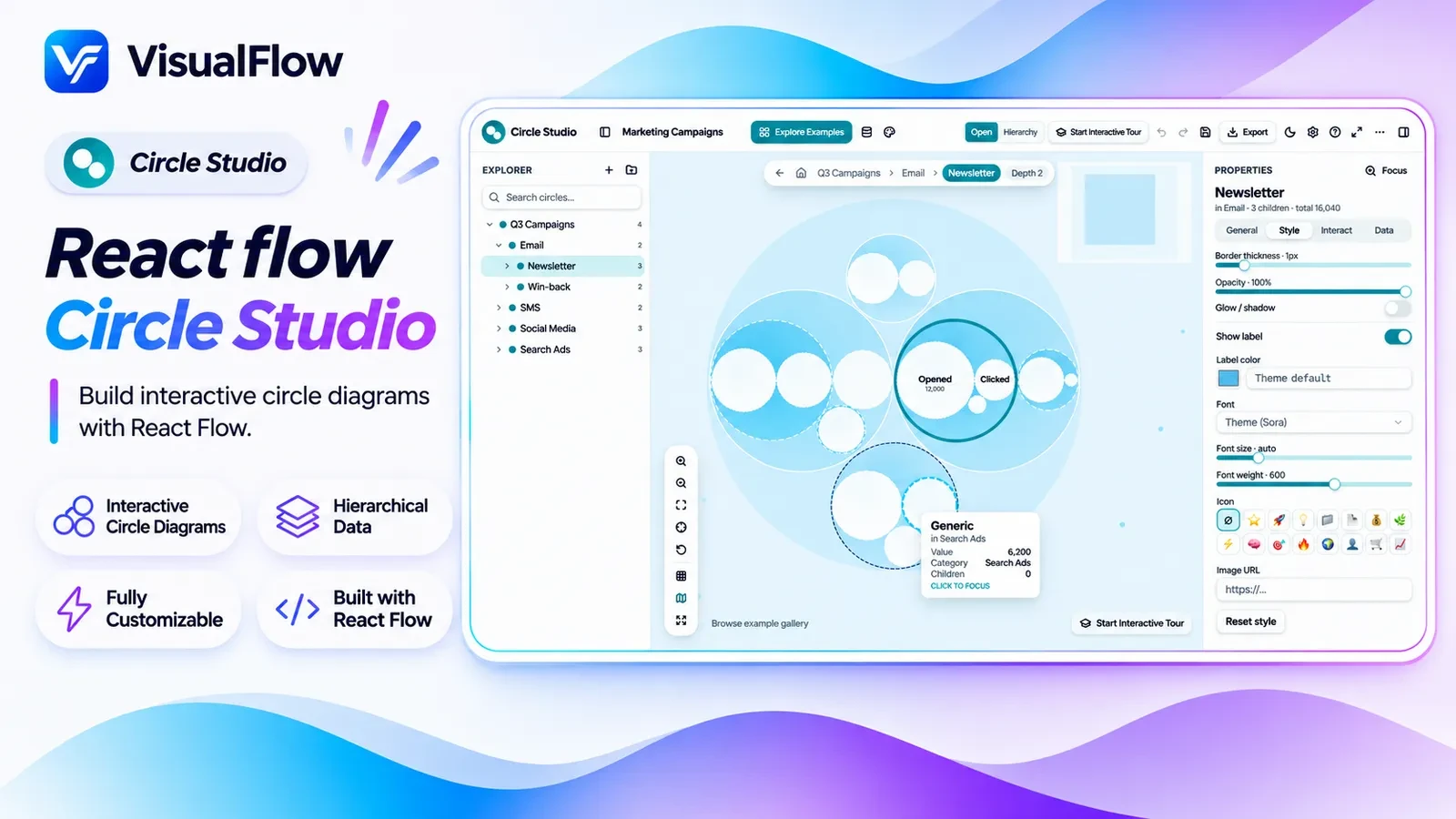
React Flow Circle Studio: Create Interactive Circle Packing Visualizations for Hierarchical Data
React Flow Circle Studio by VisualFlow demonstrates an interactive approach to hierarchical data visualization using a zoomable circle packing layout. Instead of representing information through conventional tables or linear charts, circle packing organizes data into nested circles. Each circle represents an item or category, while smaller circles inside it represent its children or related elements. This visualization technique makes it easier to understand hierarchical structures, explore relationships, and navigate datasets through an interactive visual representation. Whether you're developing data visualization dashboards, exploring nested datasets, building analytical interfaces, or creating interactive information explorers, React Flow Circle Studio provides an example of how hierarchical data can be presented through a circle-based visual layout.
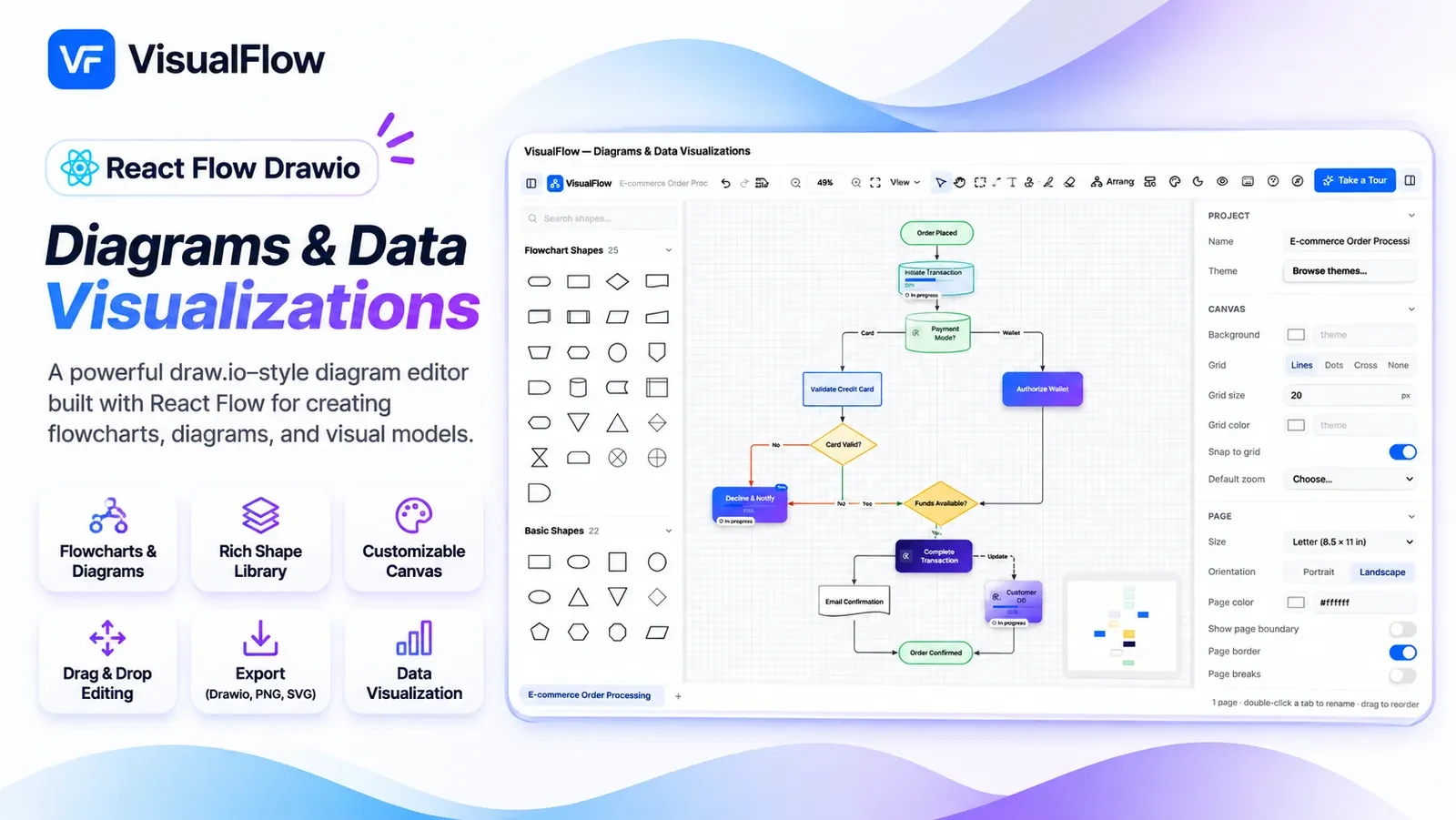
VisualFlow Diagram Maker – Flowcharts, BPMN & Data Visualization
Create professional flowcharts, BPMN diagrams, and data visualizations with VisualFlow. Explore customizable nodes, infinite canvas, templates, and advanced editing tools.
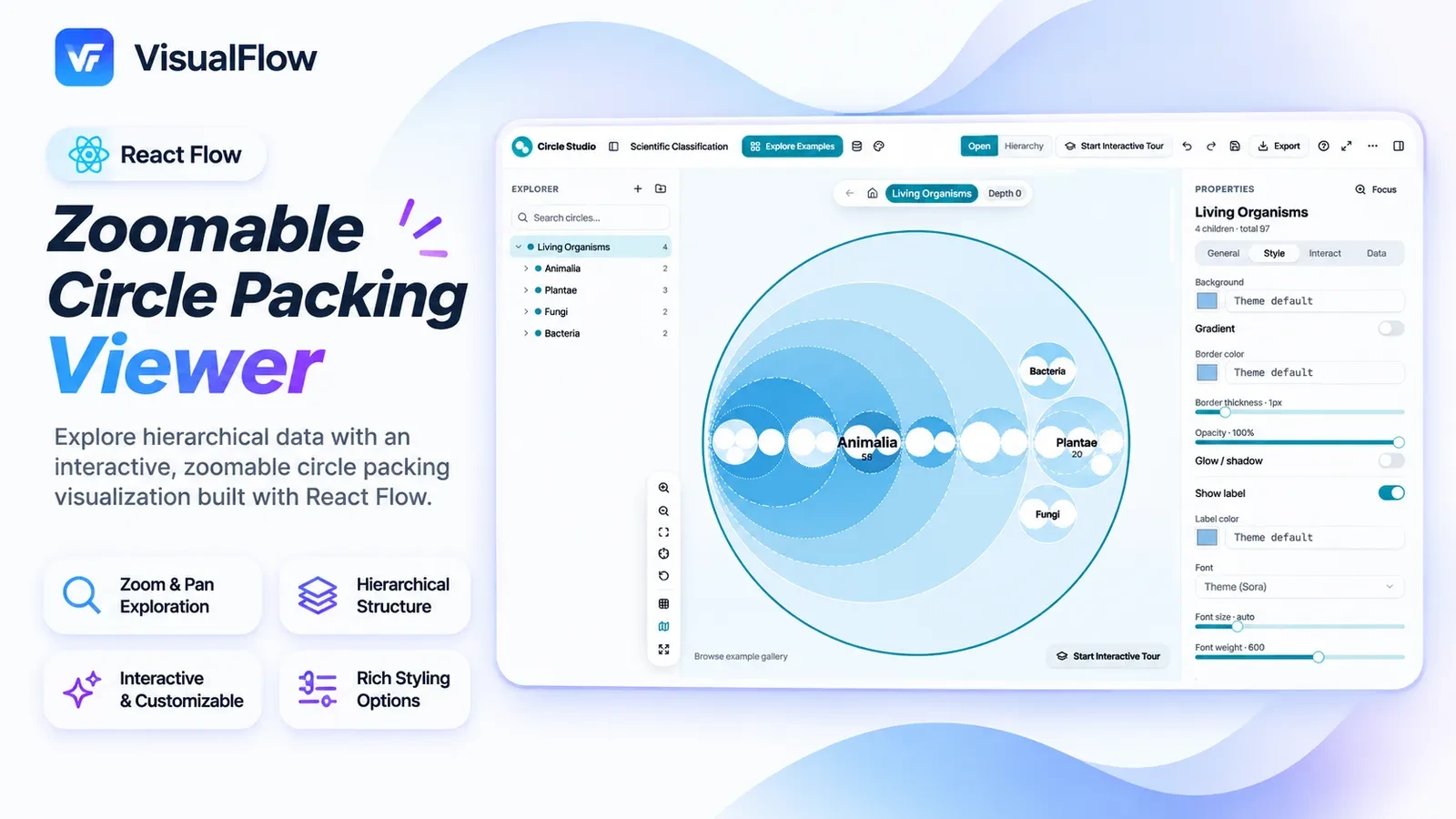
React Flow Zoomable Circle Packing Viewer: Explore Hierarchical Data Through Interactive Circle Visualization
Explore hierarchical data with a React Flow Zoomable Circle Packing Viewer. Discover interactive zooming, nested circles, custom styling, and data visualization features.