Validation Flow | React Flow Validation Flow: Build Visual Form Validation Workflows
Free
Validation Flow | React Flow Validation Flow: Build Visual Form Validation Workflows
Validation Flow demonstrates how ReactFlow can be used to create powerful, visual validation systems for complex form validation scenarios. This example provides a comprehensive solution for designing, implementing, and visualizing validation workflows that go beyond simple field-level validation. # React Flow Validation Flow: Create Visual Form Validation Workflows Form validation is an essential part of modern web applications. From user registration and onboarding forms to enterprise data entry systems, applications need reliable validation logic to ensure that submitted information meets specific requirements. As applications become more complex, traditional form validation methods can become difficult to manage. Hardcoded validation rules, nested conditions, and disconnected error-handling logic can make validation systems challenging to understand, maintain, and debug. The **React Flow Validation Flow** by VisualFlow demonstrates a visual approach to designing and managing complex form validation workflows using React Flow. Instead of relying entirely on traditional code-based validation logic, this example introduces a visual interface where developers can represent validation rules, configure validation behavior, visualize error handling, and understand how data moves through a validation process. Built around React, TypeScript, React Flow, and form validation concepts, this example provides a foundation for developers interested in building visual validation systems and more maintainable form-processing architectures. Whether you are developing multi-step forms, enterprise data entry applications, conditional validation systems, or business rule engines, React Flow Validation Flow demonstrates how node-based interfaces can make complex validation logic easier to understand. ## What Is React Flow Validation Flow? React Flow Validation Flow is a visual validation workflow example that demonstrates how React Flow can be used to design, configure, and visualize complex form validation processes. It provides a graphical approach to representing validation rules, custom validators, error handling, and data flow. Rather than managing every validation condition through hardcoded logic, developers can use a visual workflow architecture to understand how different validation rules connect and how errors propagate throughout the process. The example is particularly useful for applications where validation requirements extend beyond simple field-level checks. **Key capabilities include:** - Visual validation rule management. - Configurable validation rules. - Custom validation functions. - Error handling and visualization. - Real-time validation feedback. - Complex validation workflow design. ## Key Features of React Flow Validation Flow ### 1. Visual Validation Rules Validation rules define the conditions that submitted data must satisfy before an application accepts or processes it. React Flow Validation Flow demonstrates how these rules can be represented within a visual workflow. This approach helps developers understand the relationship between individual validation conditions and the overall validation process. Instead of navigating through multiple functions or nested conditional statements, developers can use a graphical representation to understand the validation architecture. **Benefits:** - Organize validation logic visually. - Understand relationships between validation rules. - Improve validation workflow readability. - Simplify complex validation requirements. ### 2. Custom Validators Different applications require different validation requirements. While standard validation checks may be sufficient for simple forms, enterprise applications often need specialized validation functions to evaluate business-specific conditions. The example includes custom validator capabilities, providing a foundation for extending validation behavior beyond basic field-level checks. Developers can use this concept when designing validation systems for: - Custom input requirements. - Business-specific data rules. - Complex data entry conditions. - Application-specific validation logic. Custom validators make it possible to design more flexible validation architectures. ### 3. Error Handling and Visualization Identifying and managing validation errors is an important part of building reliable applications. React Flow Validation Flow includes error-handling capabilities that help developers visualize how errors are handled within a validation workflow. Visual error representation can make it easier to understand where validation fails and how different validation conditions relate to the overall process. This is particularly valuable when building systems with multiple validation stages or interconnected business rules. **Key advantages:** - Understand validation failure points. - Visualize error-handling logic. - Improve debugging workflows. - Make complex validation processes easier to communicate. ### 4. Real-Time Validation Feedback Real-time feedback helps developers understand validation behavior as data moves through a validation process. The example includes real-time validation feedback as one of its core capabilities. This makes it useful as a reference for applications where validation results need to be communicated promptly rather than being evaluated only after an entire form is submitted. Real-time feedback is particularly relevant to interactive forms, multi-step workflows, and applications with conditional validation requirements. ### 5. Rule Configuration Not all validation requirements are the same. Some applications require simple field checks, while others need multiple conditions and configurable business rules. React Flow Validation Flow includes rule configuration capabilities to support the design of more flexible validation workflows. Developers can use this approach as a foundation for organizing validation requirements and adapting them to different application scenarios. ### 6. Complex Validation Workflow Visualization One of the most valuable aspects of this example is its focus on visualizing validation processes beyond individual form fields. In complex applications, validation can involve multiple rules, dependencies, conditions, and error-handling stages. Representing these relationships visually makes the architecture easier to understand and document. This is particularly useful for teams working on enterprise applications where validation requirements need to be reviewed, maintained, and communicated across different stakeholders. ## Why Use React Flow for Form Validation Workflows? Traditional form validation is commonly implemented using conditional statements, validation schemas, and reusable functions. These approaches work well for many applications. However, when validation requirements become increasingly complex, understanding the relationships between rules can become difficult. React Flow introduces a node-based visual architecture that offers another way to represent these processes. With React Flow, developers can explore: - Visual representations of validation rules. - Custom node-based validation interfaces. - Configurable validation workflows. - Visual error-handling structures. - Interactive workflow architecture. - Extensible React-based components. The Validation Flow example demonstrates how these concepts can be applied to build more understandable validation systems. ## Technology Stack React Flow Validation Flow uses a modern frontend technology stack. | Technology | Purpose | | --- | --- | | React | Component-based application development | | TypeScript | Type-safe development | | React Flow | Visual workflow and node-based interfaces | | Form Validation | Validation logic and rule management | | Rule Engine | Organizing validation requirements | | Error Handling | Managing validation failures | This combination provides a foundation for developers who want to explore visual validation architectures within React applications. ## Practical Use Cases of React Flow Validation Flow The example can serve as a starting point for several types of validation-focused applications. ### 1. Complex Form Validation Build validation architectures for forms containing multiple fields, dependencies, and business-specific requirements. ### 2. Multi-Step Form Workflows Design validation processes for onboarding, registration, application submissions, and multi-step data collection systems. ### 3. Enterprise Data Entry Systems Create visual validation structures for applications that process large amounts of structured information and require multiple validation conditions. ### 4. Business Rule Validation Represent business-specific validation requirements in a visual format that makes rules easier to understand, document, and maintain. ### 5. Conditional Validation Logic Explore validation architectures where different rules depend on specific conditions or application states. ### 6. Validation Workflow Documentation Use visual diagrams to communicate validation requirements, document business logic, and explain complex validation processes to developers and stakeholders. ## React Flow Validation Flow vs. Traditional Form Validation Both traditional form validation and visual validation workflows can be useful, depending on application requirements. | Traditional Form Validation | Visual Validation Workflow | | --- | --- | | Primarily code-based rules | Graphical representation of rules | | Logic can become distributed | Relationships can be represented visually | | Debugging may require tracing code | Visual error paths can improve understanding | | Documentation often requires additional work | Workflow diagrams support documentation | | Suitable for conventional forms | Useful for complex validation architectures | A visual validation workflow does not replace traditional validation libraries or server-side validation. Instead, it provides an alternative way to design, understand, and manage complex validation processes. For production applications, developers should still implement appropriate client-side and server-side validation, including security checks. ## Start Building with the VisualFlow Validation Flow Template Building a visual validation system from scratch can require significant planning and development. VisualFlow's React Flow Validation Flow example provides a starting point for developers who want to explore node-based validation architecture and build their own validation workflow interfaces. The template is available as a **free MIT-licensed example**, making it suitable for developers who want to explore the implementation and customize it for their projects. **Explore the template:** https://www.visualflow.dev/templates/validation-flow **Try the live demo:** https://reactflow-validatoin.vercel.app/ **Download the source code:** Visit the VisualFlow template page to download the ZIP package. Developers can explore the example, study its architecture, customize validation concepts, and extend the implementation to support their application requirements. ## Frequently Asked Questions (FAQ) ### 1. What is React Flow Validation Flow? React Flow Validation Flow is a visual validation workflow example built with React Flow. It demonstrates how developers can represent validation rules, custom validators, error handling, and data flow through a graphical interface. ### 2. Can React Flow be used for form validation? Yes. React Flow can be used to build visual interfaces for designing and managing complex form validation workflows. It provides a node-based architecture for representing validation rules and their relationships. ### 3. What are the main features of React Flow Validation Flow? The main features include validation rules, error handling, real-time feedback, custom validators, and rule configuration. ### 4. What is a visual validation workflow? A visual validation workflow represents validation rules and their relationships through a graphical diagram. It helps developers understand how data is validated, where errors occur, and how different validation conditions interact. ### 5. What are custom validators in React? Custom validators are application-specific validation functions used to check data against requirements that go beyond standard validation rules. For example, an application might need to validate a business identifier, enforce a particular data relationship, or check a specialized input condition. ### 6. Can React Flow Validation Flow support multi-step forms? The example is designed for multi-step form workflow use cases. Developers can use its visual validation concepts as a foundation for designing validation logic across multiple form stages. ### 7. Is the VisualFlow Validation Flow template free? Yes. VisualFlow lists the React Flow Validation Flow example as a free MIT-licensed template. ### 8. What technologies are used in React Flow Validation Flow? The published technology stack includes React, TypeScript, React Flow, form validation, rule engine concepts, and error handling. ### 9. Why use visual validation instead of hardcoded validation rules? Visual validation can make complex rule relationships easier to understand, document, and debug. It is especially useful when an application has multiple validation stages, conditional requirements, or interconnected business rules. --- ## Conclusion The **React Flow Validation Flow** demonstrates a visual approach to designing and understanding complex form validation systems. By combining validation rules, custom validators, configurable logic, error handling, and real-time feedback, this example highlights how React Flow can be used beyond traditional flowcharts and workflow diagrams. For developers building complex forms, enterprise data entry applications, conditional validation systems, or business rule engines, this template provides a useful starting point for exploring visual validation architecture. If you want to make complex validation logic easier to understand, maintain, and communicate, explore the VisualFlow React Flow Validation Flow example and adapt its concepts to your next React project. **Explore more React Flow templates and interactive examples at VisualFlow:** https://www.visualflow.dev/ Traditional form validation often relies on hardcoded rules that are difficult to understand, maintain, and modify. Validation Flow solves this problem by providing a visual interface where validation rules can be designed, configured, and understood at a glance. This makes it easier to build complex validation logic, debug validation issues, and communicate validation requirements to stakeholders. Whether you're building multi-step forms, complex data entry systems, or applications with intricate validation requirements, Validation Flow shows you how to create validation workflows that are both powerful and maintainable. The visual representation makes it easy to see how validation rules connect, how errors propagate, and how data flows through the validation process.
Architecture & Features
Recommended Use Cases
Free to use for commercial and personal projects.
Related Pro Examples
Explore our newest commercial React Flow templates & workflows
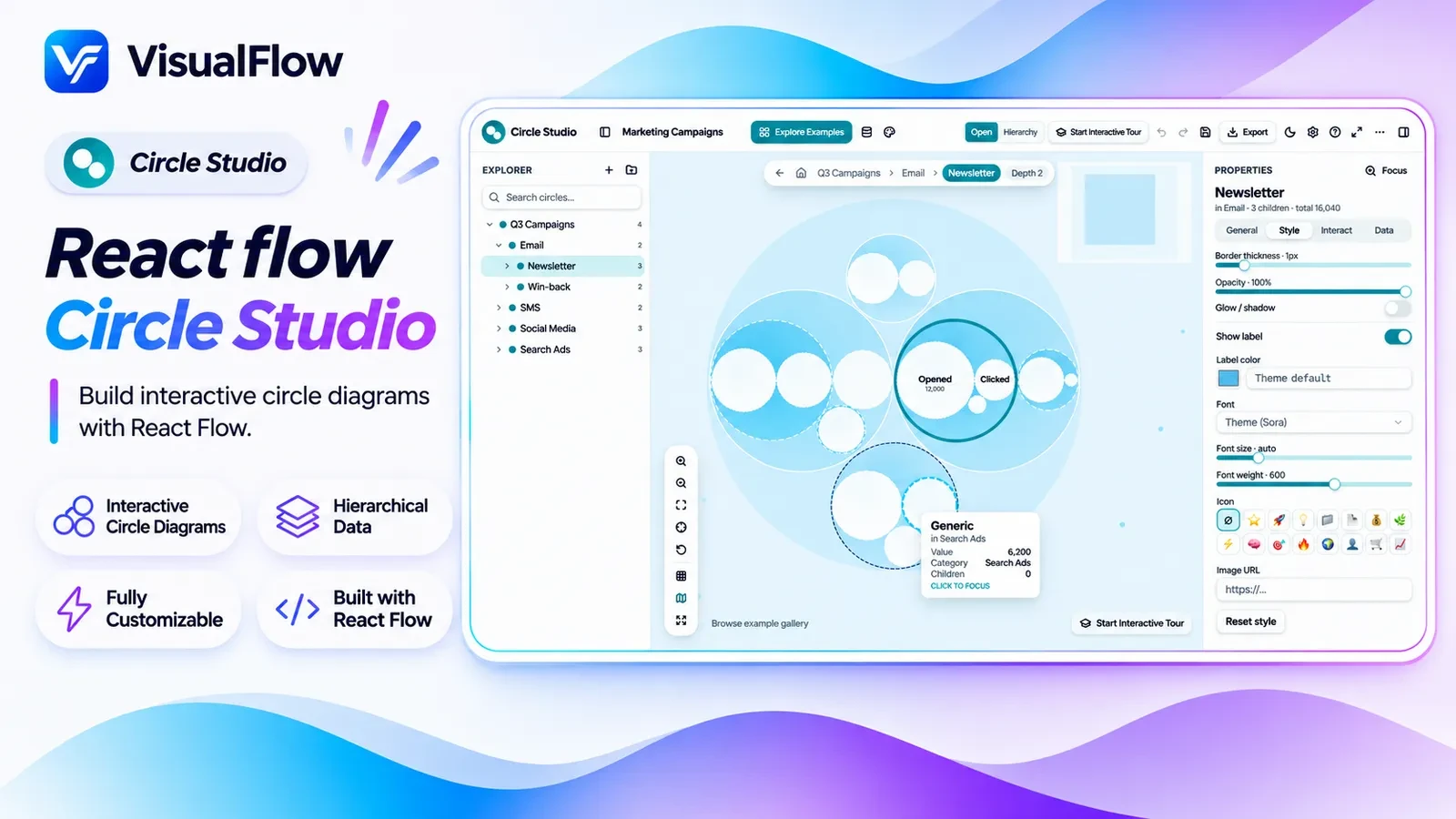
React Flow Circle Studio: Create Interactive Circle Packing Visualizations for Hierarchical Data
React Flow Circle Studio by VisualFlow demonstrates an interactive approach to hierarchical data visualization using a zoomable circle packing layout. Instead of representing information through conventional tables or linear charts, circle packing organizes data into nested circles. Each circle represents an item or category, while smaller circles inside it represent its children or related elements. This visualization technique makes it easier to understand hierarchical structures, explore relationships, and navigate datasets through an interactive visual representation. Whether you're developing data visualization dashboards, exploring nested datasets, building analytical interfaces, or creating interactive information explorers, React Flow Circle Studio provides an example of how hierarchical data can be presented through a circle-based visual layout.
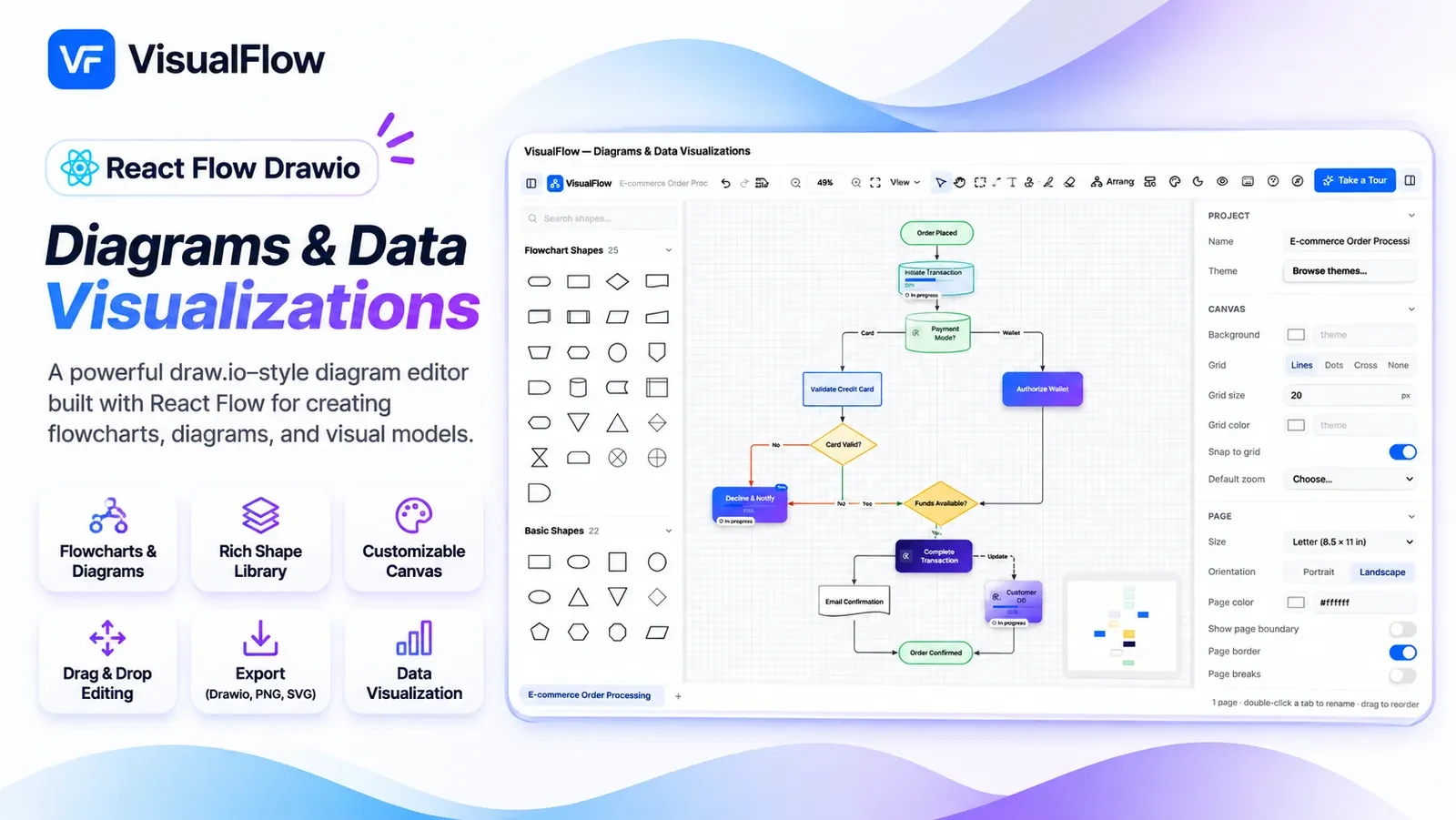
VisualFlow Diagram Maker – Flowcharts, BPMN & Data Visualization
Create professional flowcharts, BPMN diagrams, and data visualizations with VisualFlow. Explore customizable nodes, infinite canvas, templates, and advanced editing tools.
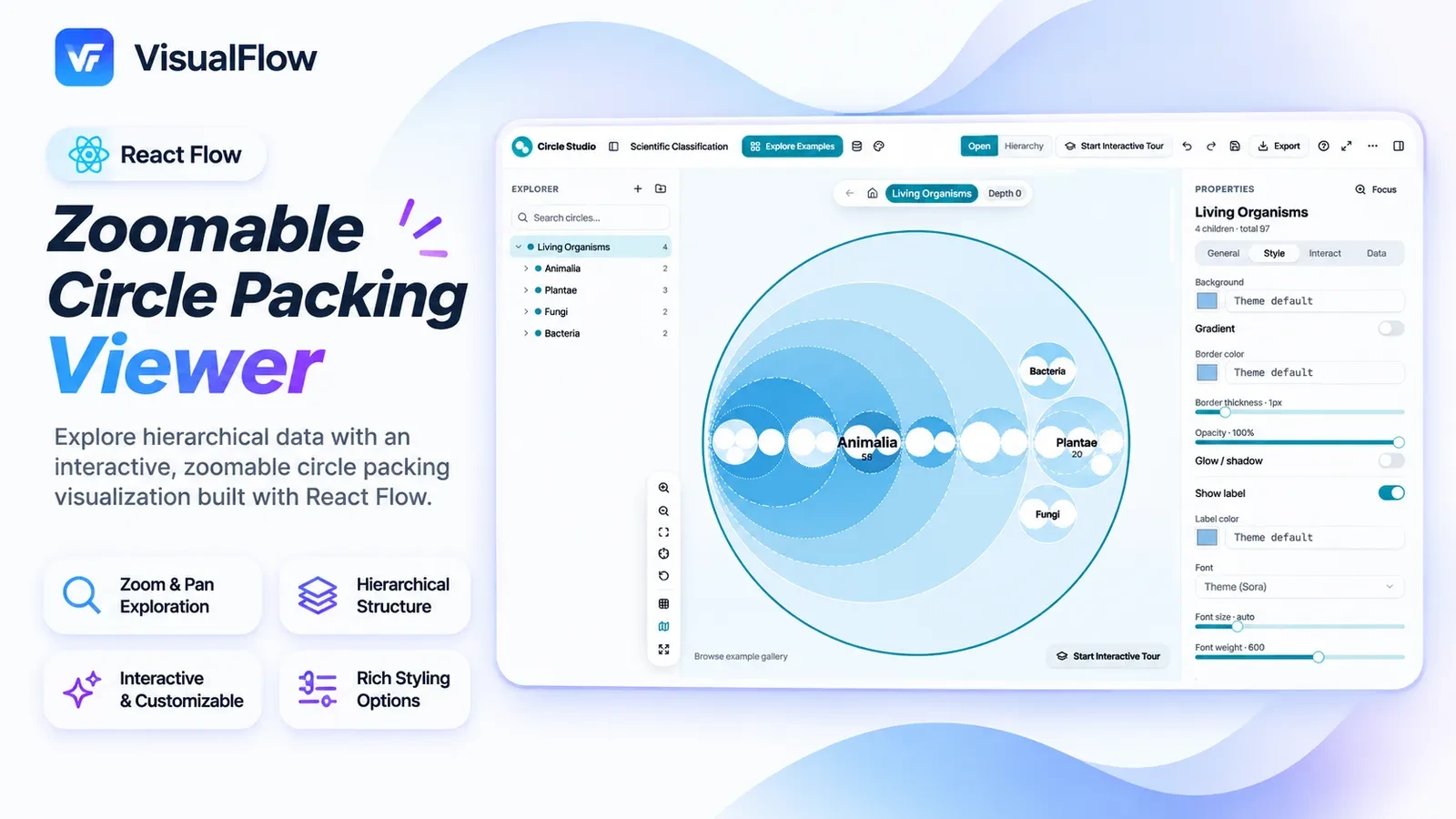
React Flow Zoomable Circle Packing Viewer: Explore Hierarchical Data Through Interactive Circle Visualization
Explore hierarchical data with a React Flow Zoomable Circle Packing Viewer. Discover interactive zooming, nested circles, custom styling, and data visualization features.