React Flow Mindmap: Build Interactive and Customizable Mind Maps with React Flow
Free
React Flow Mindmap: Build Interactive and Customizable Mind Maps with React Flow
# React Flow Mindmap: Build Interactive and Customizable Mind Maps with React Flow ## Overview The **React Flow Mindmap** is an interactive, node-based mind mapping example built with React Flow that helps developers visualize hierarchical information, organize ideas, and represent complex relationships through a structured branching layout. Designed for modern React applications, this example demonstrates how to create an expandable mind map where a central topic connects to multiple categories and subcategories. With customizable nodes, dynamic connections, and a clean visual structure, developers can build mind mapping interfaces for brainstorming tools, knowledge management platforms, project planning applications, and educational software. The example uses **Front End Tech** as its central topic, branching into three primary categories: Compiler/Language, Reactive Framework, and Packager. Each category contains related technologies, including Elm, Svelte, ClojureScript, React, Vue, Angular, Webpack, and Snowpack. Whether you are building a visual knowledge base or a sophisticated diagram editor, this React Flow mind map provides a practical foundation for creating interactive hierarchical visualizations. ## Key Features of the React Flow Mindmap ### 1. Hierarchical Node Structure Organize information using a clear parent-child relationship. Start with a central node and create multiple levels of connected branches to represent categories, topics, and subtopics. This structure makes it easier to understand complex information and explore relationships between different concepts. **Use cases:** - Knowledge mapping - Technical documentation - Organizational structures - Learning and educational diagrams ### 2. Interactive Node Connections Connect related nodes using React Flow edges to establish visual relationships between topics. The branching structure makes information easier to follow while maintaining a logical hierarchy. Developers can customize connection behavior, edge styles, and node positioning to create different mind mapping experiences. ### 3. Customizable Node Design Create visually distinct nodes for central topics, primary branches, and secondary categories. Customize node backgrounds, borders, typography, spacing, and connection handles to match your application's design system. This flexibility allows developers to build mind maps that fit different branding requirements and visualization styles. ### 4. Expandable Mind Map Architecture Build a scalable structure that supports additional categories and subcategories as information grows. Developers can extend the existing node hierarchy to accommodate more complex topics and larger knowledge structures. This makes the example suitable for applications where information evolves over time. ### 5. Branch-Based Information Visualization Represent related concepts through separate branches, making it easier to identify groups and understand how individual topics connect to a central idea. In this example, the main branches demonstrate: - **Compiler/Language:** Elm, Svelte, and ClojureScript. - **Reactive Framework:** React, Vue, and Angular. - **Packager:** Webpack and Snowpack. This organization demonstrates how React Flow can transform structured information into an intuitive visual representation. ### 6. Flexible Layout and Styling Customize the appearance and positioning of nodes and edges to create different mind map layouts. Developers can adapt the visualization to support different information structures, spacing requirements, and application interfaces. ## How the React Flow Mindmap Works The mind map follows a simple hierarchical visualization model: 1. **Central Topic:** Define the primary subject that serves as the starting point. 2. **Primary Branches:** Connect major categories to the central node. 3. **Secondary Branches:** Add related concepts under each primary category. 4. **Visual Connections:** Use edges to communicate relationships between nodes. 5. **Customization:** Adjust node appearance, layout, and connections to suit your application. This approach creates a structured visualization that helps users navigate information without relying on long lists or complicated text-based documentation. ## Built with React Flow React Flow provides the foundation for building interactive node-based applications in React. Its customizable nodes, connection handles, edge rendering, and viewport controls make it suitable for creating everything from simple mind maps to complex visual editors. This example demonstrates how React Flow can be used to create a hierarchical mind mapping interface with reusable components and flexible visualization structures. Developers can extend the implementation with additional capabilities such as: - Dynamic node creation and deletion. - Expand and collapse functionality. - Custom node and edge components. - Automatic hierarchical layout. - Search and filtering. - Data persistence and export. - Drag-and-drop interactions. These extensions can turn a basic mind map into a complete knowledge visualization application. ## Use Cases The React Flow Mindmap can serve as a starting point for several real-world applications: | Application | How It Helps | | --- | --- | | Brainstorming Tools | Organize ideas into connected branches. | | Knowledge Management | Visualize relationships between concepts. | | Educational Platforms | Create structured learning maps. | | Project Planning | Break projects into tasks and subtopics. | | Technical Documentation | Map frameworks, technologies, and dependencies. | | Organizational Charts | Represent hierarchical relationships. | | Research Visualization | Organize research topics and related concepts. | ## Why Use React Flow for Mind Mapping? Building a mind map with traditional HTML elements can become difficult when managing complex relationships, interactive connections, and dynamic positioning. React Flow simplifies this process by providing a flexible node-and-edge architecture designed specifically for interactive graph-based interfaces. Key advantages include: - Reusable React components. - Custom node and edge rendering. - Interactive graph navigation. - Flexible connection management. - Scalable visualization architecture. - Integration with modern React applications. For developers building custom diagramming tools, React Flow offers the flexibility needed to implement sophisticated mind mapping experiences. ## Frequently Asked Questions (FAQ) ### What is a React Flow Mindmap? A React Flow Mindmap is an interactive hierarchical diagram built using React Flow. It organizes information into connected nodes and branches, allowing developers to visualize relationships between topics, categories, and subcategories. ### Can I build a customizable mind map using React Flow? Yes. React Flow supports custom nodes, edges, connection handles, and interactive graph elements. Developers can customize layouts, node styles, colors, and connection behavior to create their own mind mapping applications. ### What are the main components of a React Flow mind map? The main components include a central topic node, primary category nodes, secondary topic nodes, and edges that connect the different levels of the hierarchy. ### Is React Flow suitable for large mind maps? React Flow can support large graph-based interfaces, but performance depends on node complexity, rendering behavior, and the number of interactive elements. For larger mind maps, developers should consider optimized rendering, efficient state management, and automatic layout strategies. ### Can I add expand and collapse functionality to a React Flow mind map? Yes. You can implement expand-and-collapse behavior by dynamically adding or removing child nodes and their connecting edges based on user interactions. ### What can I build with a React Flow mind map? You can build brainstorming tools, knowledge maps, organizational charts, educational diagrams, technical documentation systems, project planning interfaces, and visual information management applications. ## Explore More React Flow Examples with VisualFlow The **React Flow Mindmap** example demonstrates how developers can transform hierarchical information into an interactive visual experience. VisualFlow provides React Flow examples, templates, and reusable implementations to help developers build modern node-based applications faster. Explore the collection to discover more workflow builders, diagram editors, automation interfaces, and interactive visualization examples. **Explore the React Flow Mindmap template:** https://www.visualflow.dev/ Build smarter visual applications with VisualFlow. Mind maps are powerful tools for organizing thoughts, planning projects, and visualizing relationships between ideas. This ReactFlow implementation takes mind mapping to the next level with interactive nodes, smooth animations, and flexible customization options that make it perfect for both personal use and professional applications. Whether you're brainstorming new ideas, organizing complex information, or creating visual study guides, this mind map tool provides an intuitive interface that encourages creative thinking and helps you see connections you might have missed. The hierarchical structure makes it easy to expand and collapse branches, while the drag-and-drop functionality ensures your ideas flow naturally.
Architecture & Features
Recommended Use Cases
Free to use for commercial and personal projects.
Related Pro Examples
Explore our newest commercial React Flow templates & workflows
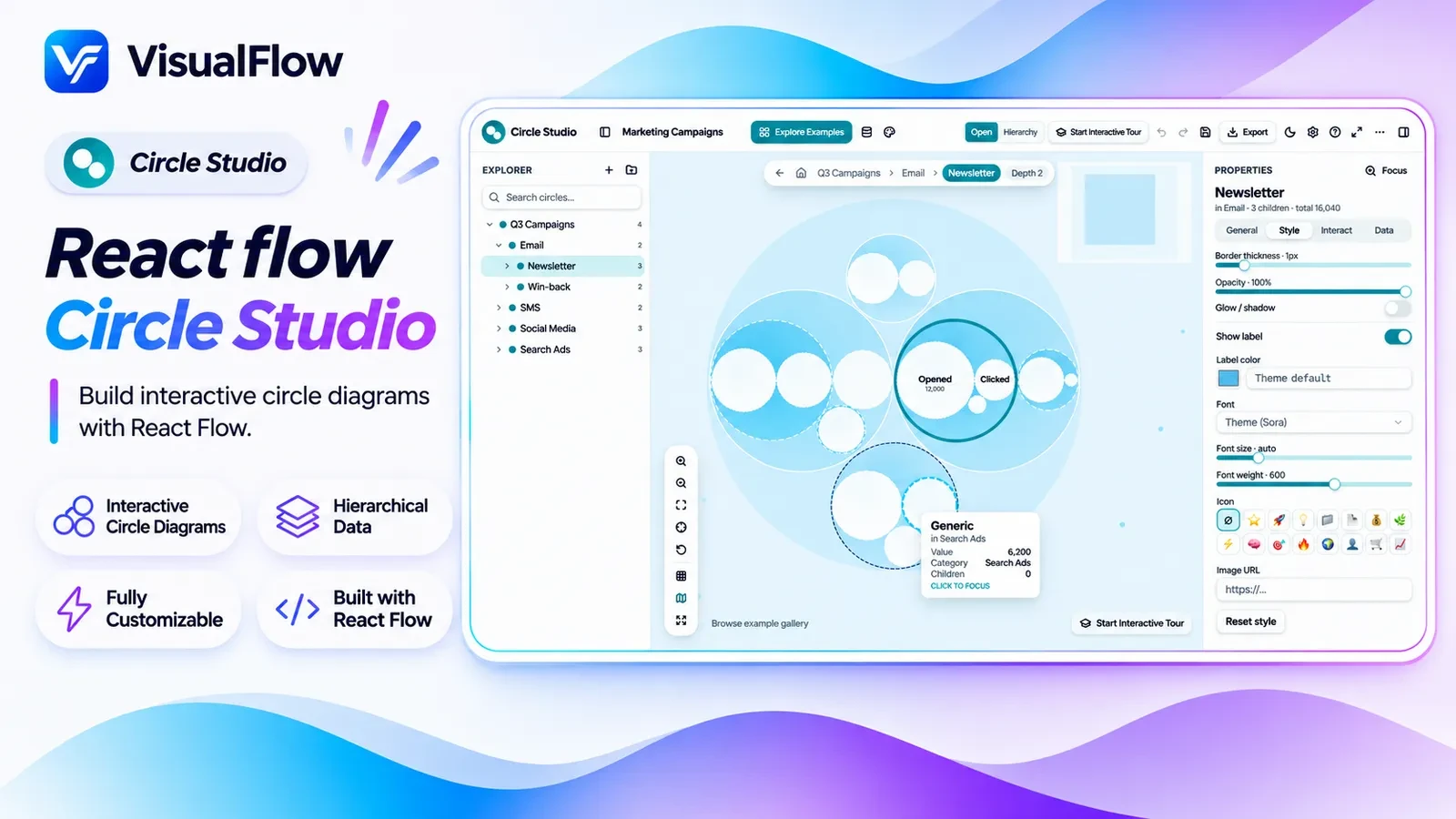
React Flow Circle Studio: Create Interactive Circle Packing Visualizations for Hierarchical Data
React Flow Circle Studio by VisualFlow demonstrates an interactive approach to hierarchical data visualization using a zoomable circle packing layout. Instead of representing information through conventional tables or linear charts, circle packing organizes data into nested circles. Each circle represents an item or category, while smaller circles inside it represent its children or related elements. This visualization technique makes it easier to understand hierarchical structures, explore relationships, and navigate datasets through an interactive visual representation. Whether you're developing data visualization dashboards, exploring nested datasets, building analytical interfaces, or creating interactive information explorers, React Flow Circle Studio provides an example of how hierarchical data can be presented through a circle-based visual layout.
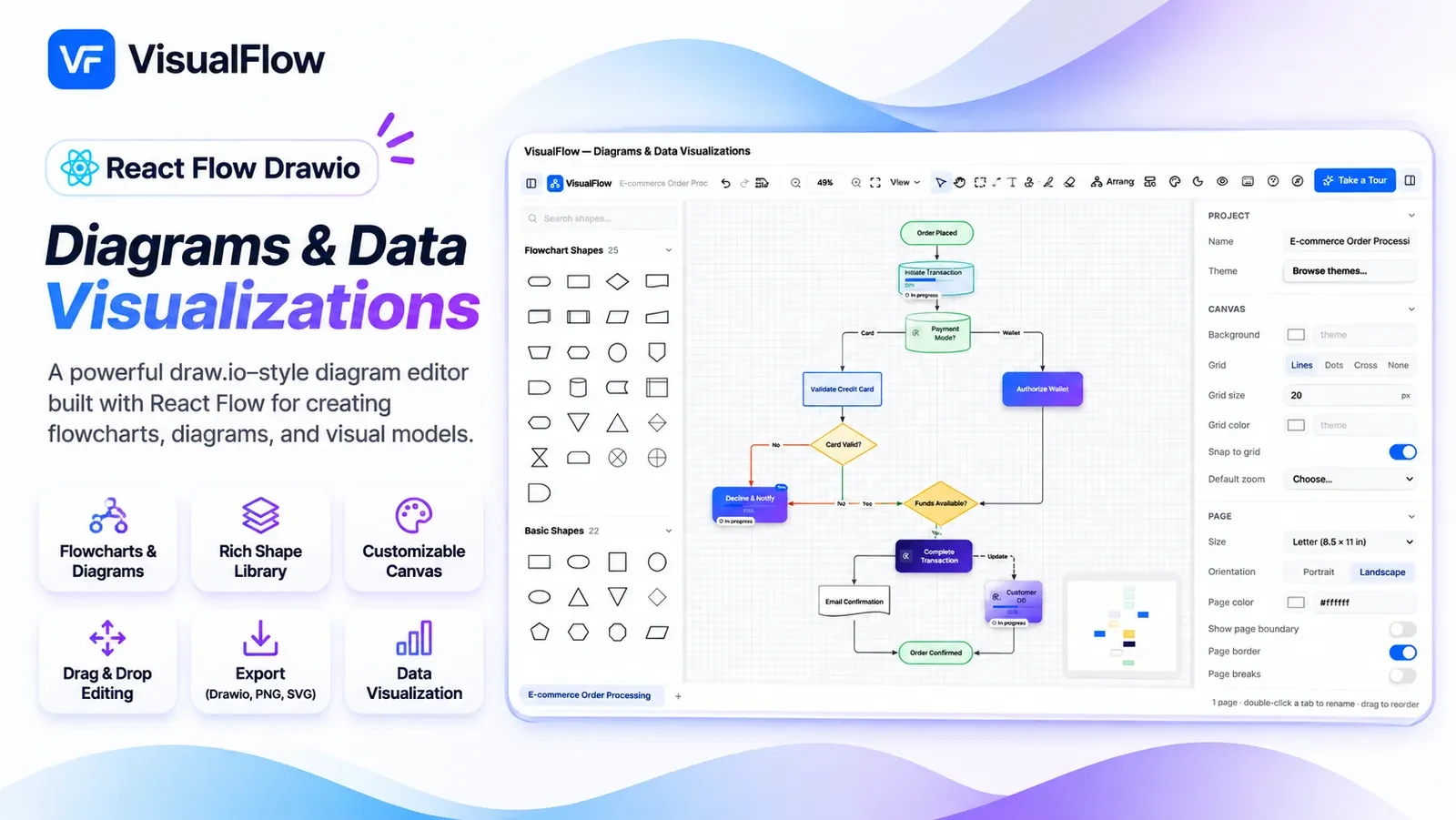
VisualFlow Diagram Maker – Flowcharts, BPMN & Data Visualization
Create professional flowcharts, BPMN diagrams, and data visualizations with VisualFlow. Explore customizable nodes, infinite canvas, templates, and advanced editing tools.
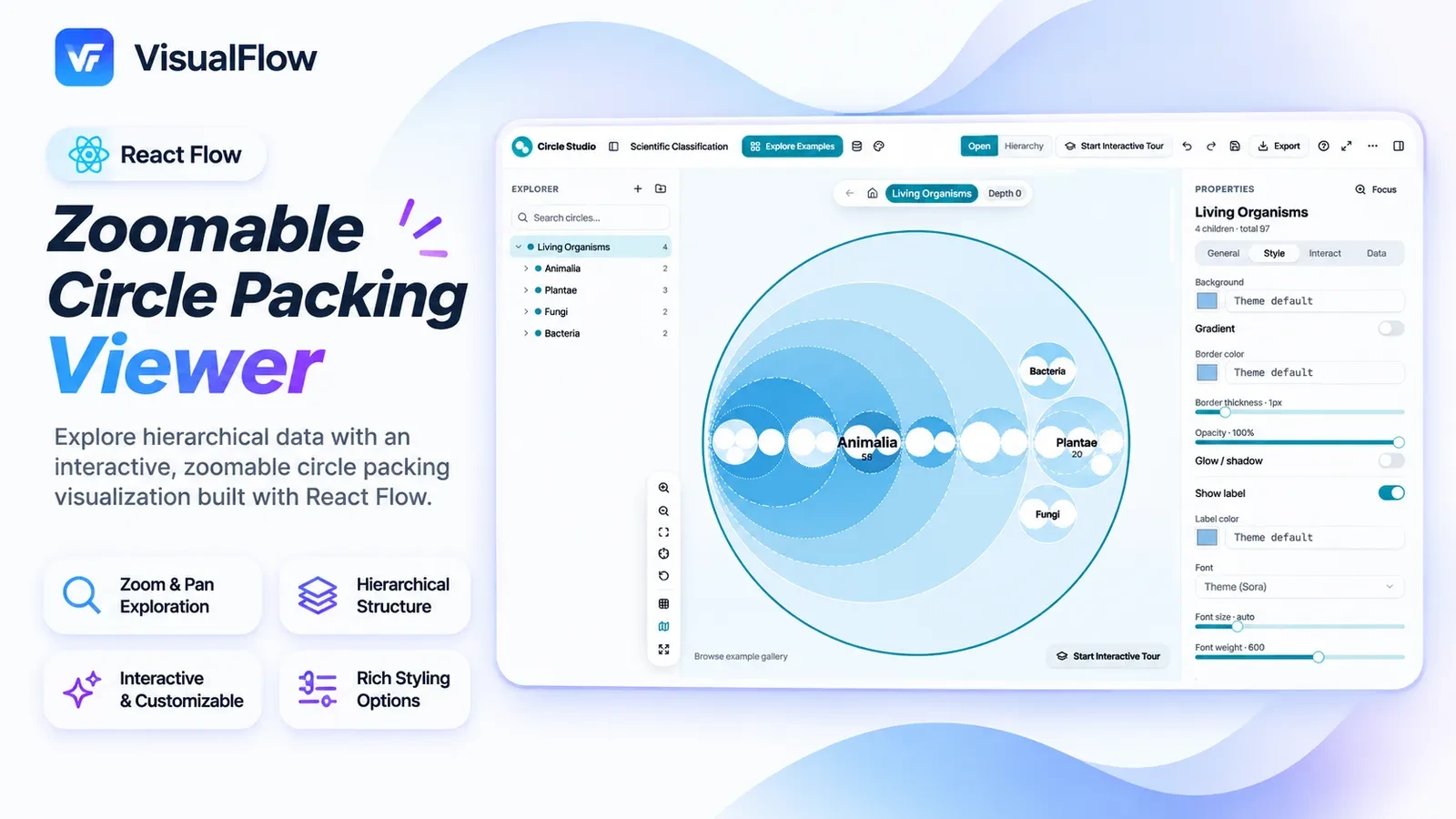
React Flow Zoomable Circle Packing Viewer: Explore Hierarchical Data Through Interactive Circle Visualization
Explore hierarchical data with a React Flow Zoomable Circle Packing Viewer. Discover interactive zooming, nested circles, custom styling, and data visualization features.