FSM-editor
Free
FSM-editor
Finite State Machines (FSM) are fundamental to building reliable chatbots and interactive systems. The FSM-editor provides developers with a powerful visual tool for designing and implementing state machines using ReactFlow's flexible architecture. State machines help developers model complex behaviors by breaking them down into distinct states and transitions. This editor makes it easy to visualize these states and their relationships, ensuring your chatbot or application behaves predictably and handles all possible user interactions gracefully. With built-in validation, undo/redo functionality, and an intuitive element palette, FSM-editor reduces the complexity of state machine development. Whether you're building a simple chatbot or a complex interactive system, this tool helps you design, validate, and export production-ready state machines.
Architecture & Features
Recommended Use Cases
Free to use for commercial and personal projects.
Related Pro Examples
Explore our newest commercial React Flow templates & workflows
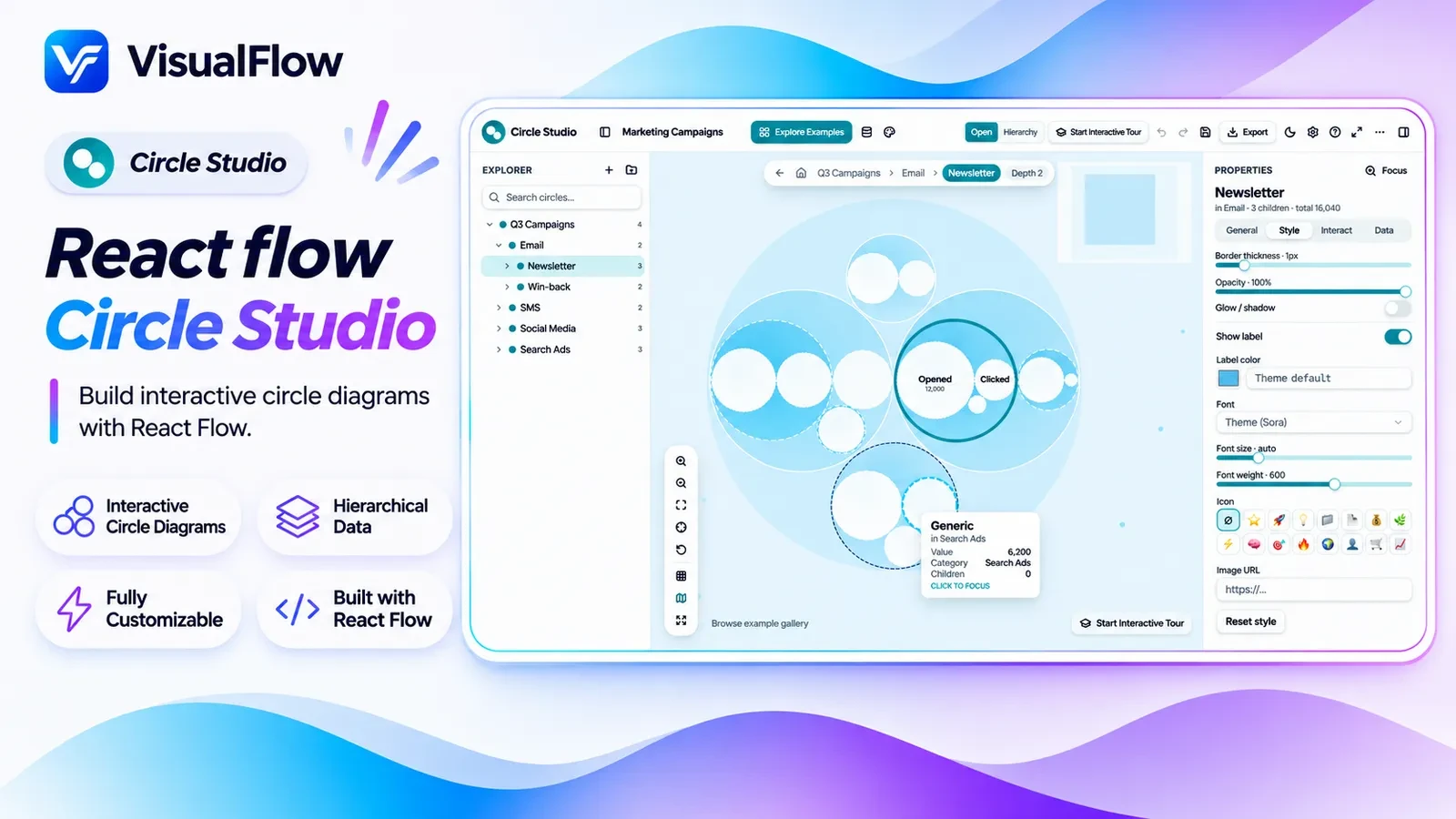
React Flow Circle Studio: Create Interactive Circle Packing Visualizations for Hierarchical Data
React Flow Circle Studio by VisualFlow demonstrates an interactive approach to hierarchical data visualization using a zoomable circle packing layout. Instead of representing information through conventional tables or linear charts, circle packing organizes data into nested circles. Each circle represents an item or category, while smaller circles inside it represent its children or related elements. This visualization technique makes it easier to understand hierarchical structures, explore relationships, and navigate datasets through an interactive visual representation. Whether you're developing data visualization dashboards, exploring nested datasets, building analytical interfaces, or creating interactive information explorers, React Flow Circle Studio provides an example of how hierarchical data can be presented through a circle-based visual layout.
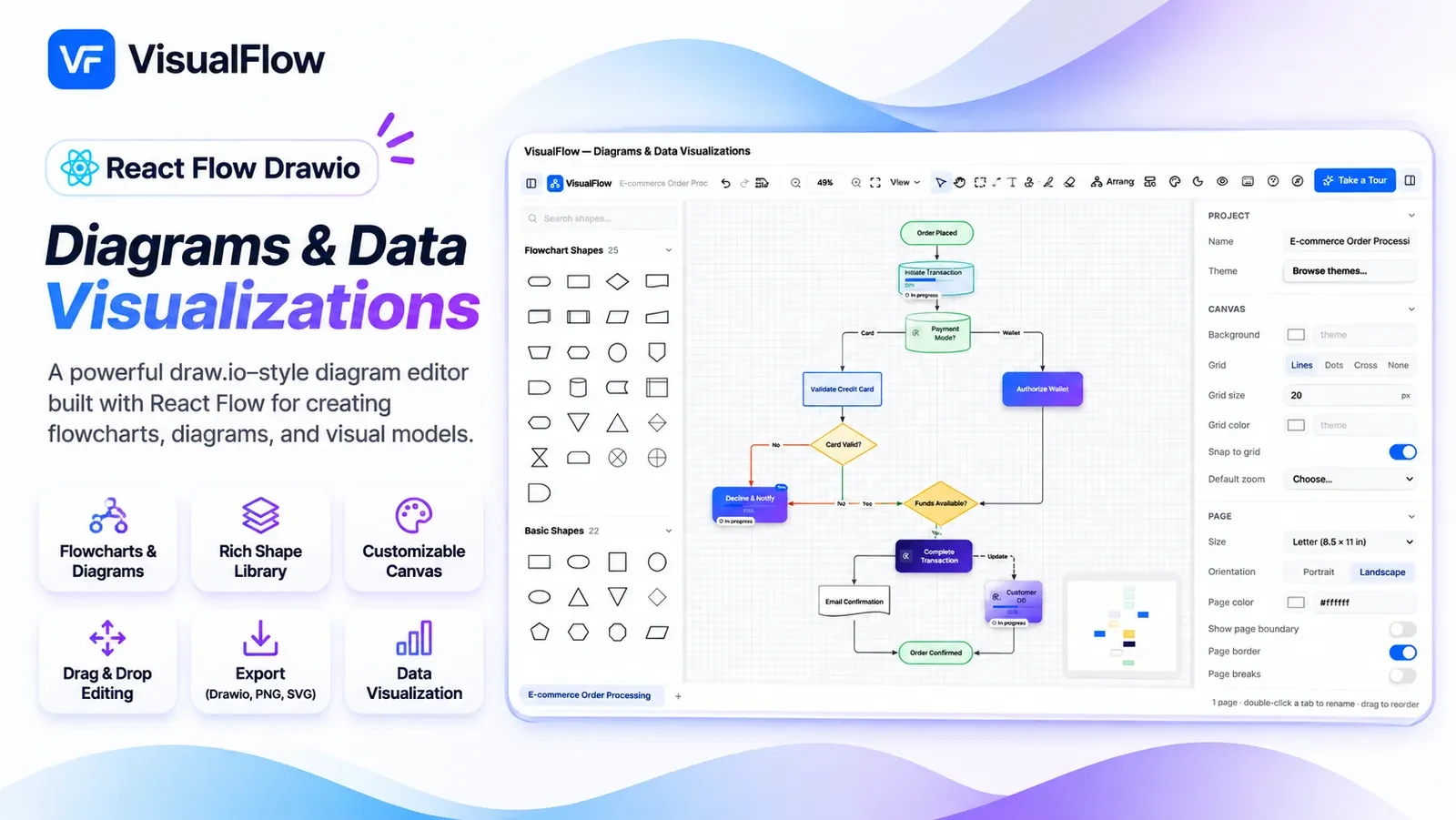
VisualFlow Diagram Maker – Flowcharts, BPMN & Data Visualization
Create professional flowcharts, BPMN diagrams, and data visualizations with VisualFlow. Explore customizable nodes, infinite canvas, templates, and advanced editing tools.
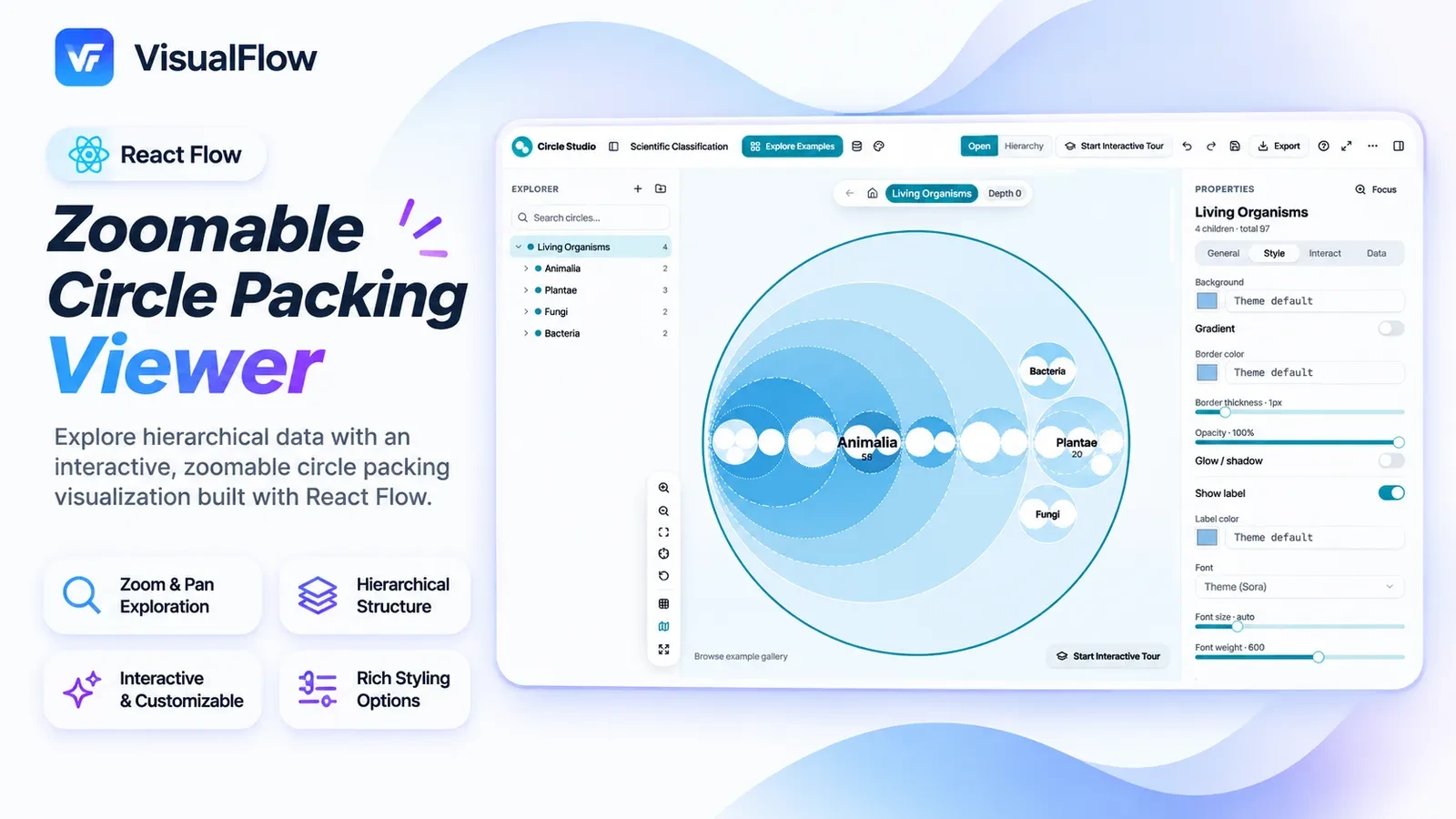
React Flow Zoomable Circle Packing Viewer: Explore Hierarchical Data Through Interactive Circle Visualization
Explore hierarchical data with a React Flow Zoomable Circle Packing Viewer. Discover interactive zooming, nested circles, custom styling, and data visualization features.