Zapier Integration: Building Visual Automation Workflows
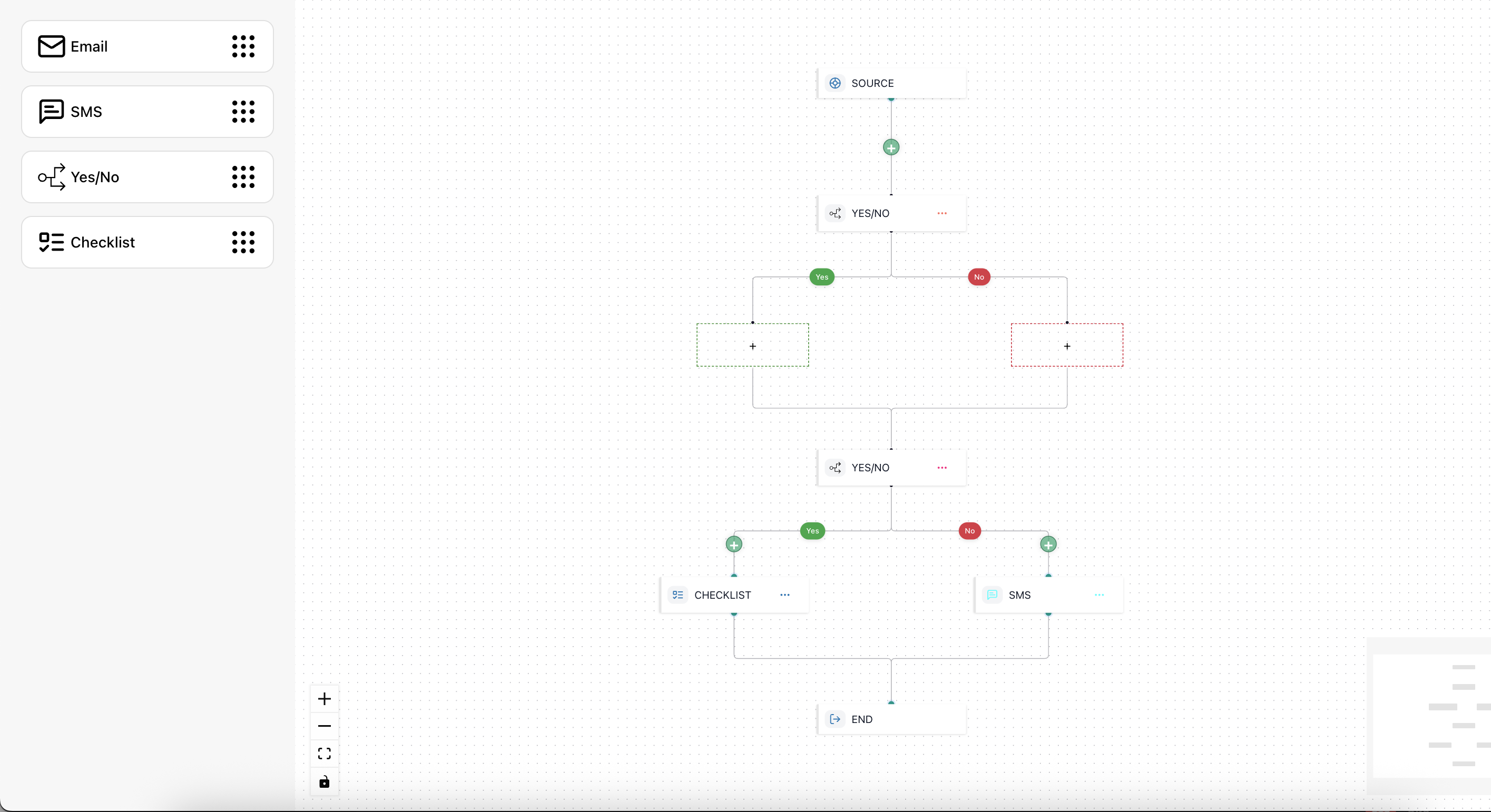
Automate workflows with native Zapier integration, bringing visual automation building to 5000+ apps.
Introduction
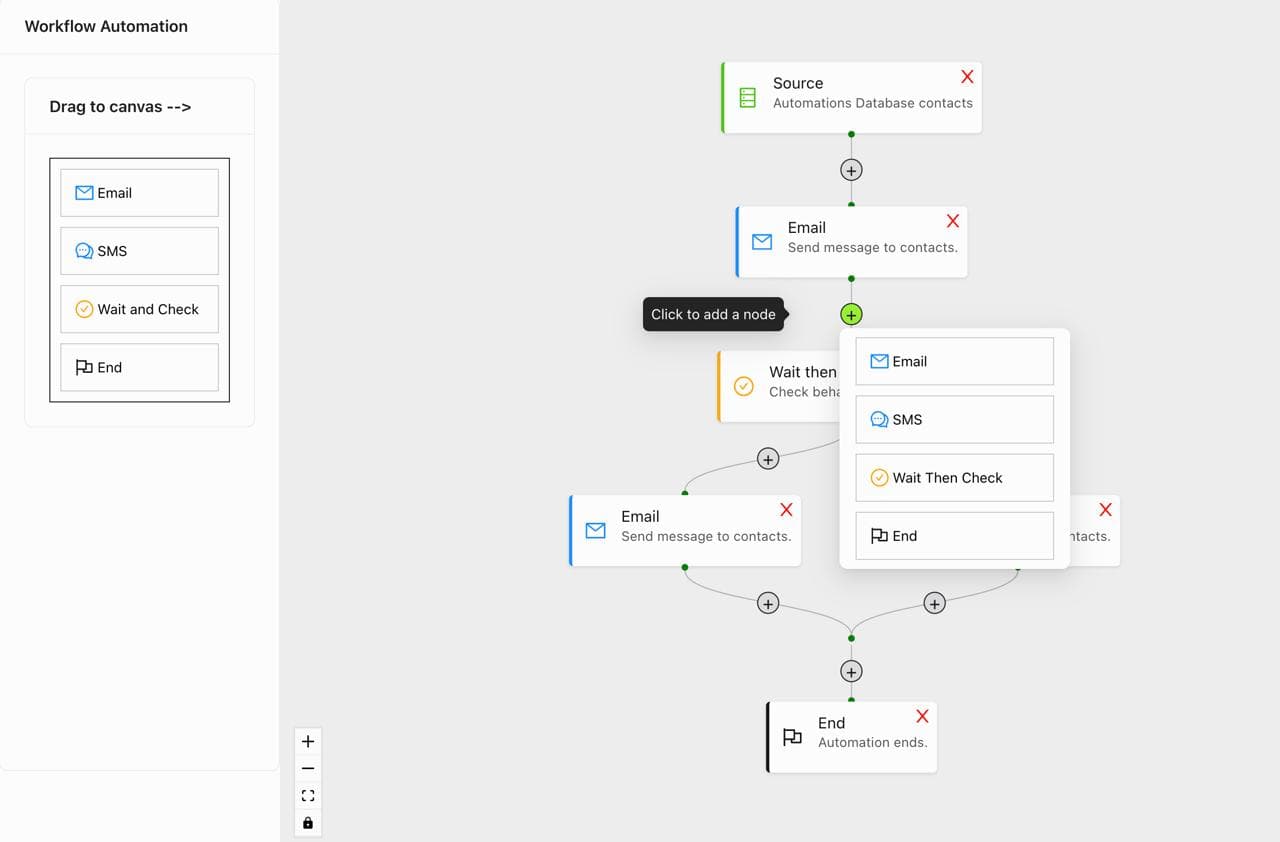
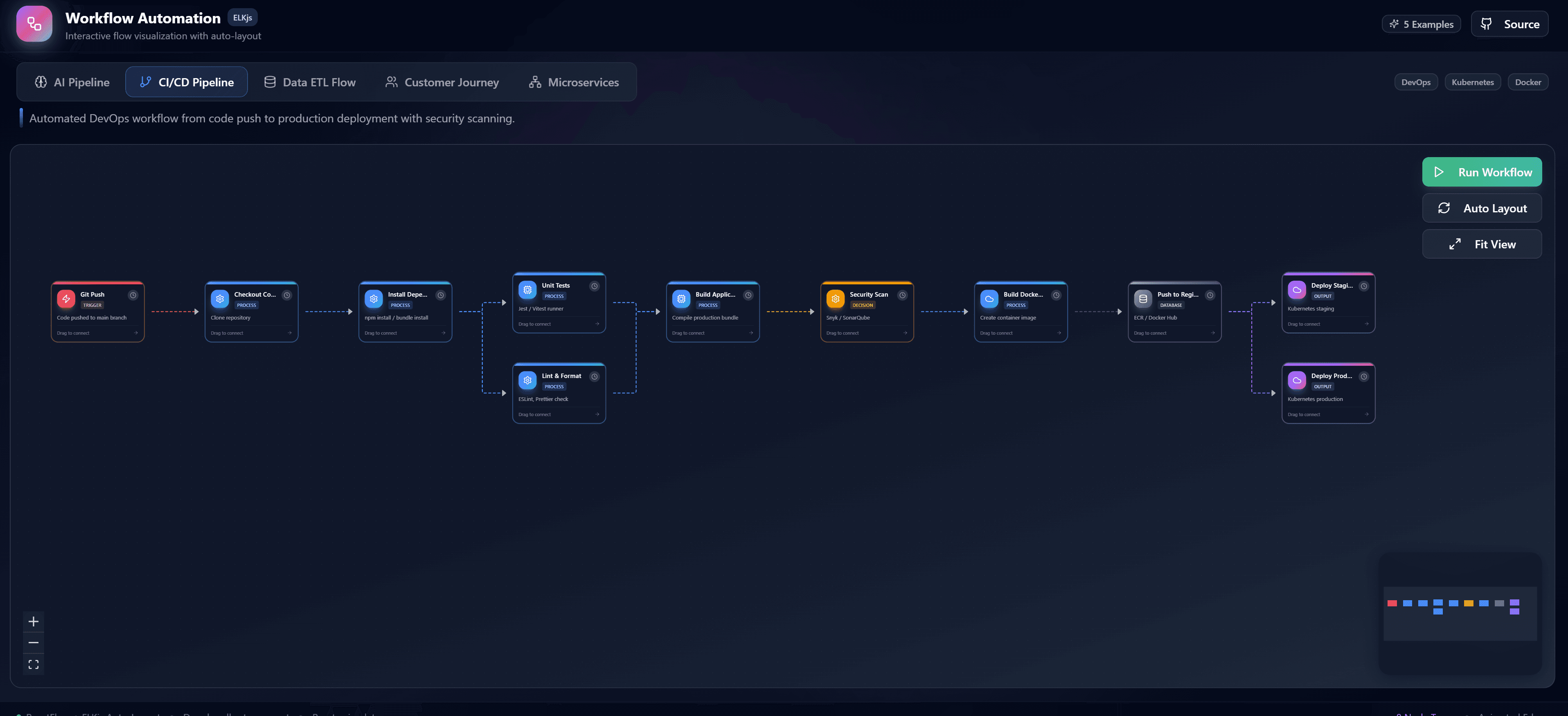
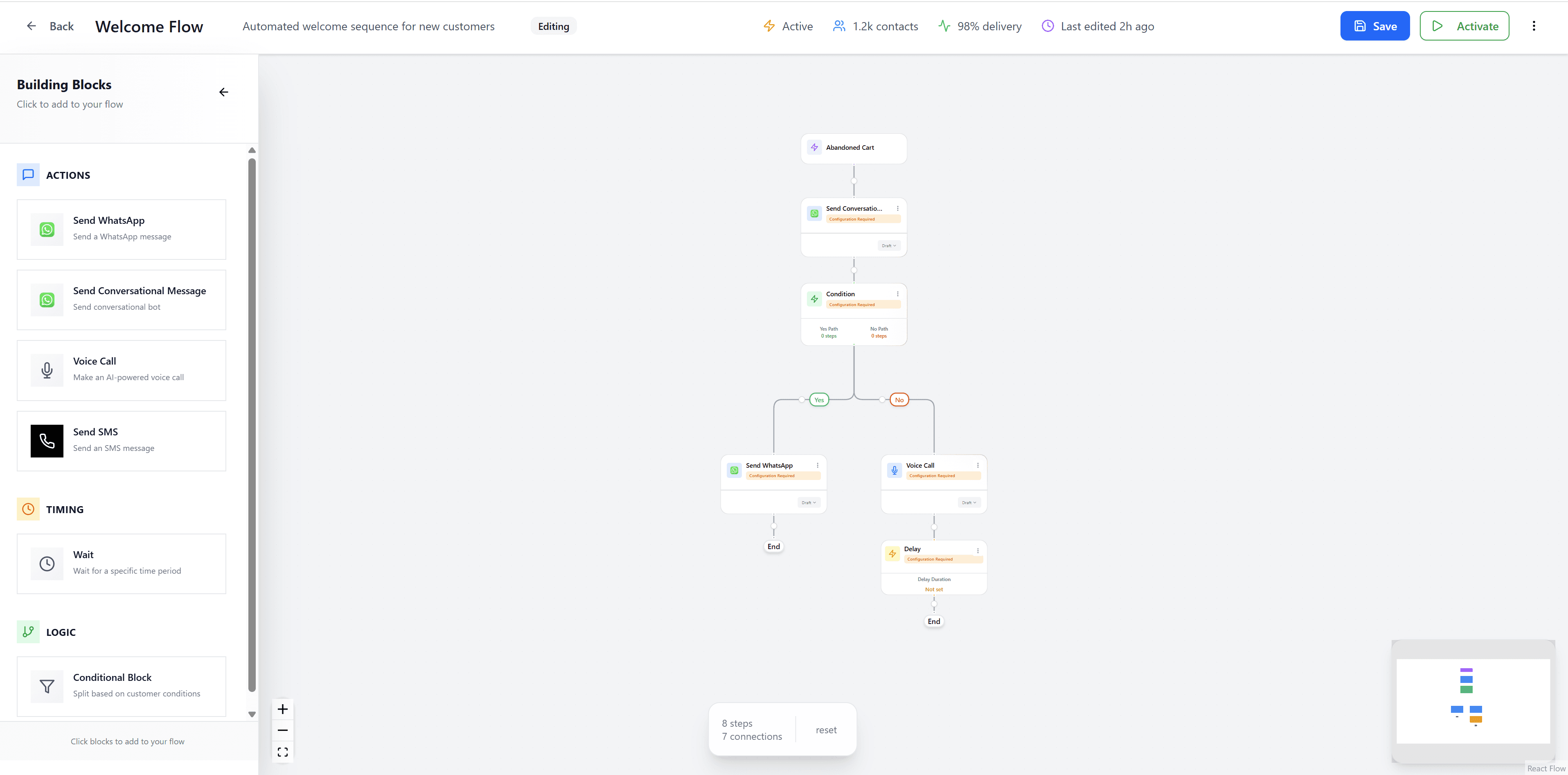
Zapier connects thousands of apps, but complex multi-step workflows can be difficult to understand and manage. By visualizing Zapier workflows with React Flow, you can see your entire automation at a glance and quickly identify issues.
Understanding Zapier Workflows
Core Concepts
- Triggers: Events that start your Zap
- Actions: Tasks performed by your Zap
- Filters: Conditions that control flow
- Paths: Branching logic for different scenarios
Building Visual Zaps
Step 1: Connect to Zapier API
import { ZapierClient } from './zapier-client';

const client = new ZapierClient({
  apiKey: process.env.ZAPIER_API_KEY,
});

// Fetch available apps
const apps = await client.getApps();

// Fetch triggers and actions
const triggers = await client.getTriggers('gmail');
const actions = await client.getActions('slack');
Step 2: Create Visual Nodes
Map Zapier components to React Flow nodes:
- Trigger nodes (start of workflow)
- Action nodes (tasks to perform)
- Filter nodes (conditional logic)
- Path nodes (branching)
Step 3: Visualize Data Flow
Show how data moves between apps:
- Field mappings
- Data transformations
- Error handling paths
Advanced Features
Multi-Step Workflows
Build complex workflows with:
- Sequential actions
- Parallel processing
- Conditional branching
- Error recovery
Testing and Debugging
Visual debugging tools:
- Test individual steps
- View data at each point
- Identify bottlenecks
- Optimize performance
Team Collaboration
Enable team features:
- Share workflows
- Version control
- Comments and annotations
- Approval workflows
Popular Use Cases
Marketing Automation
- Lead capture to CRM
- Email campaign triggers
- Social media posting
- Analytics tracking
Sales Workflows
- Lead qualification
- Deal pipeline updates
- Follow-up reminders
- Contract generation
Operations
- Invoice processing
- Order fulfillment
- Customer onboarding
- Support ticket routing
Best Practices
- Start simple: Begin with basic workflows and add complexity
- Document flows: Keep clear documentation for team members
- Test thoroughly: Always test before going live
- Monitor performance: Track execution times and success rates
- Handle errors: Implement proper error handling and notifications
Conclusion
Visualizing Zapier workflows with React Flow makes complex automations understandable and manageable. Build, test, and optimize your workflows with confidence.