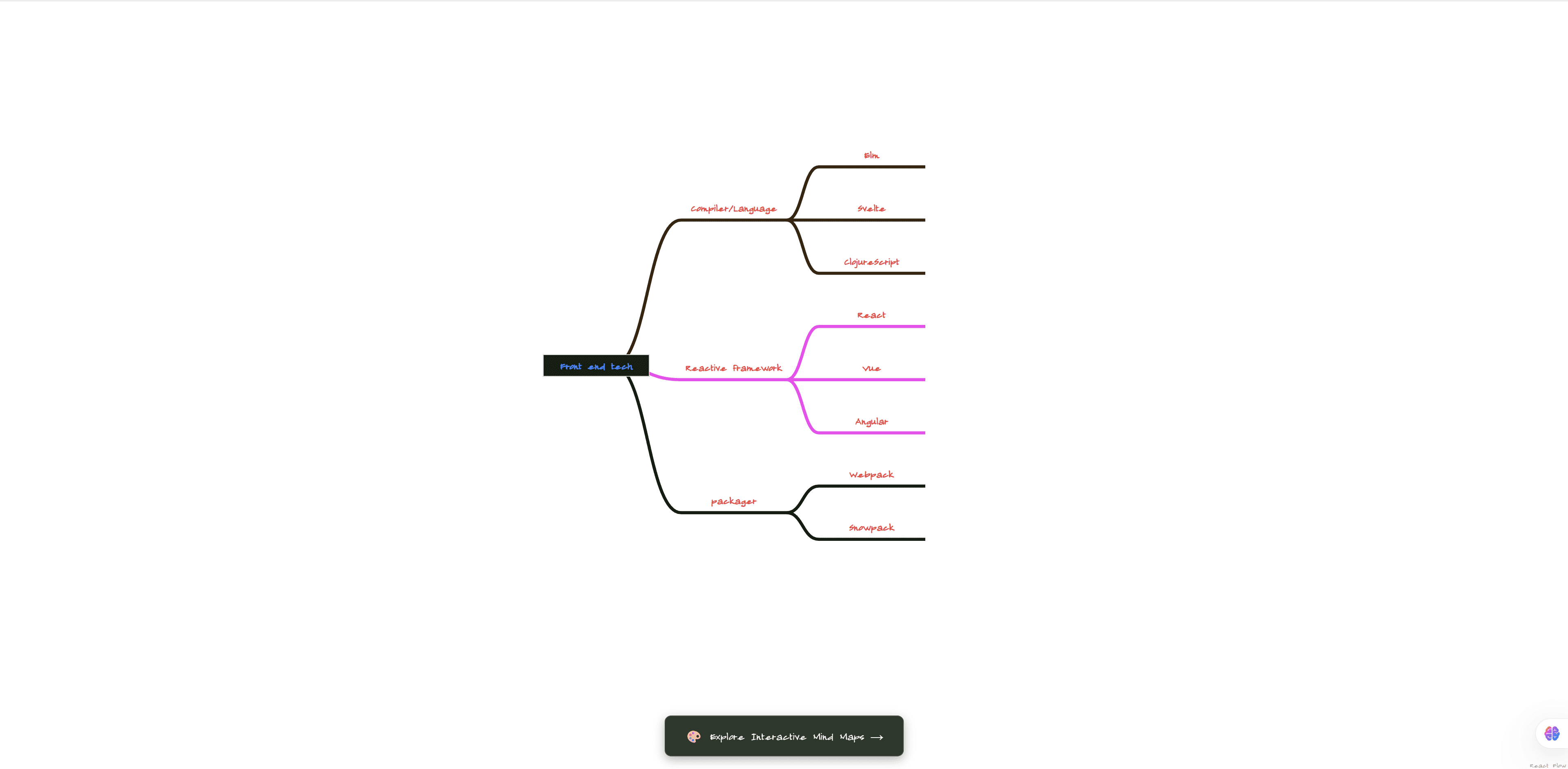
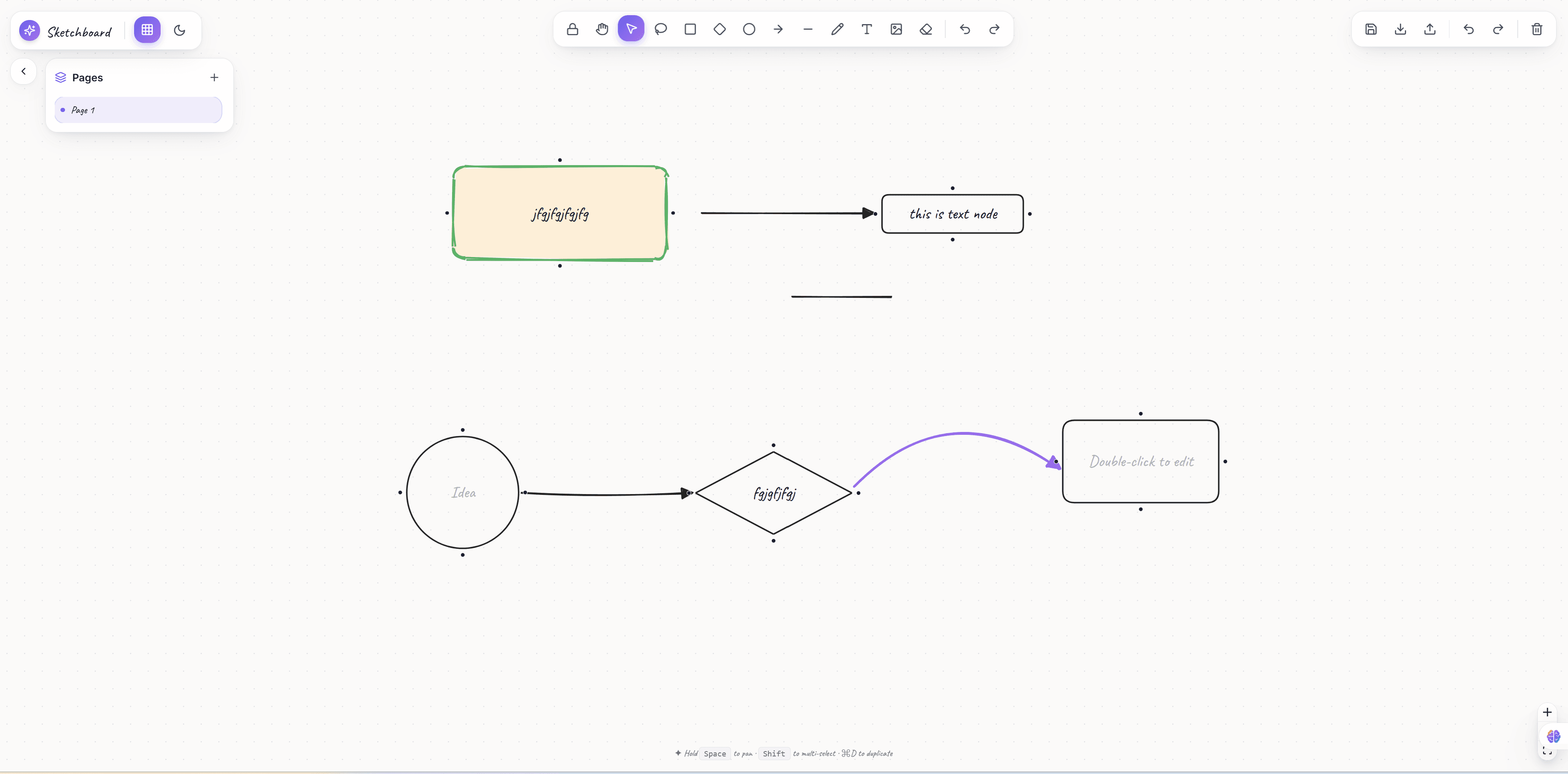
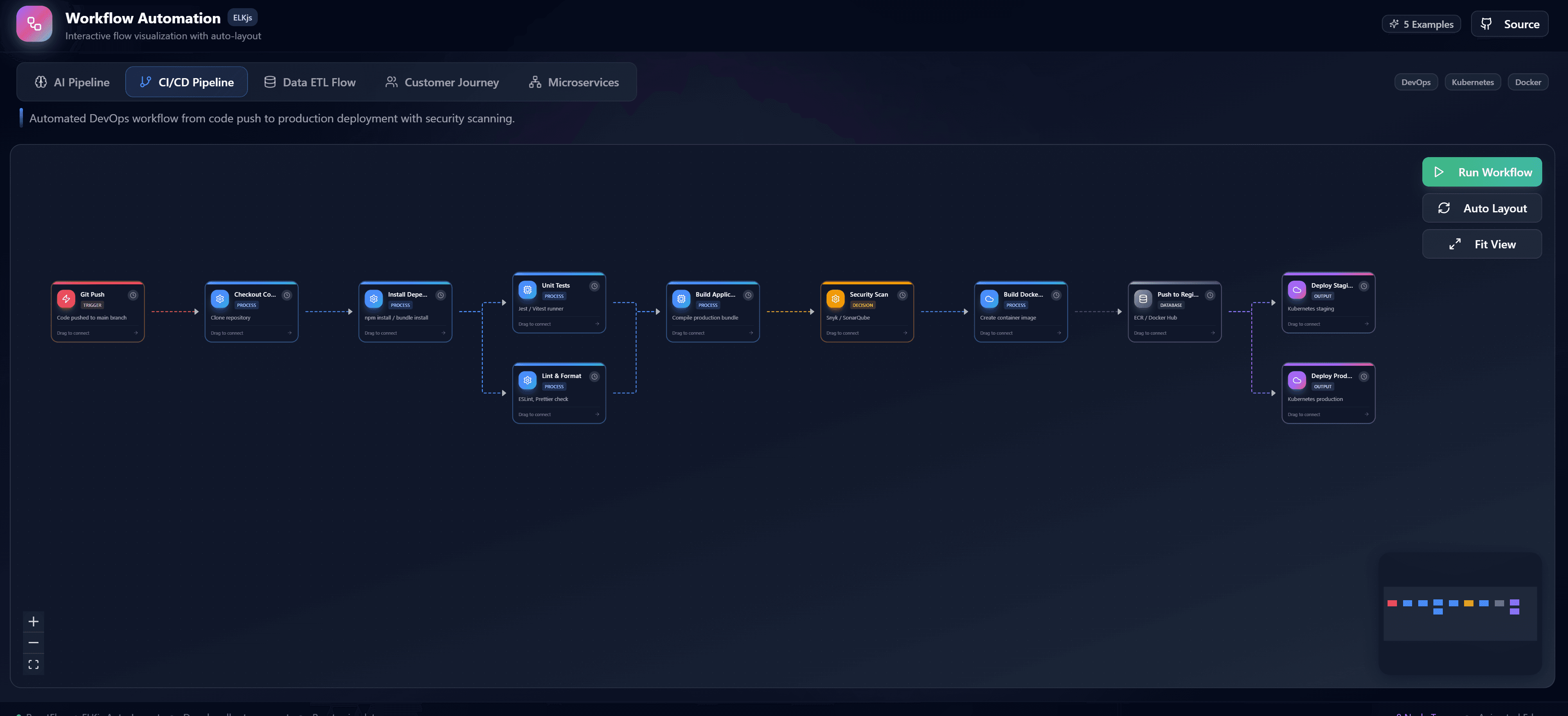
Introducing Flow Exploration Studio: Interactive Node Environments
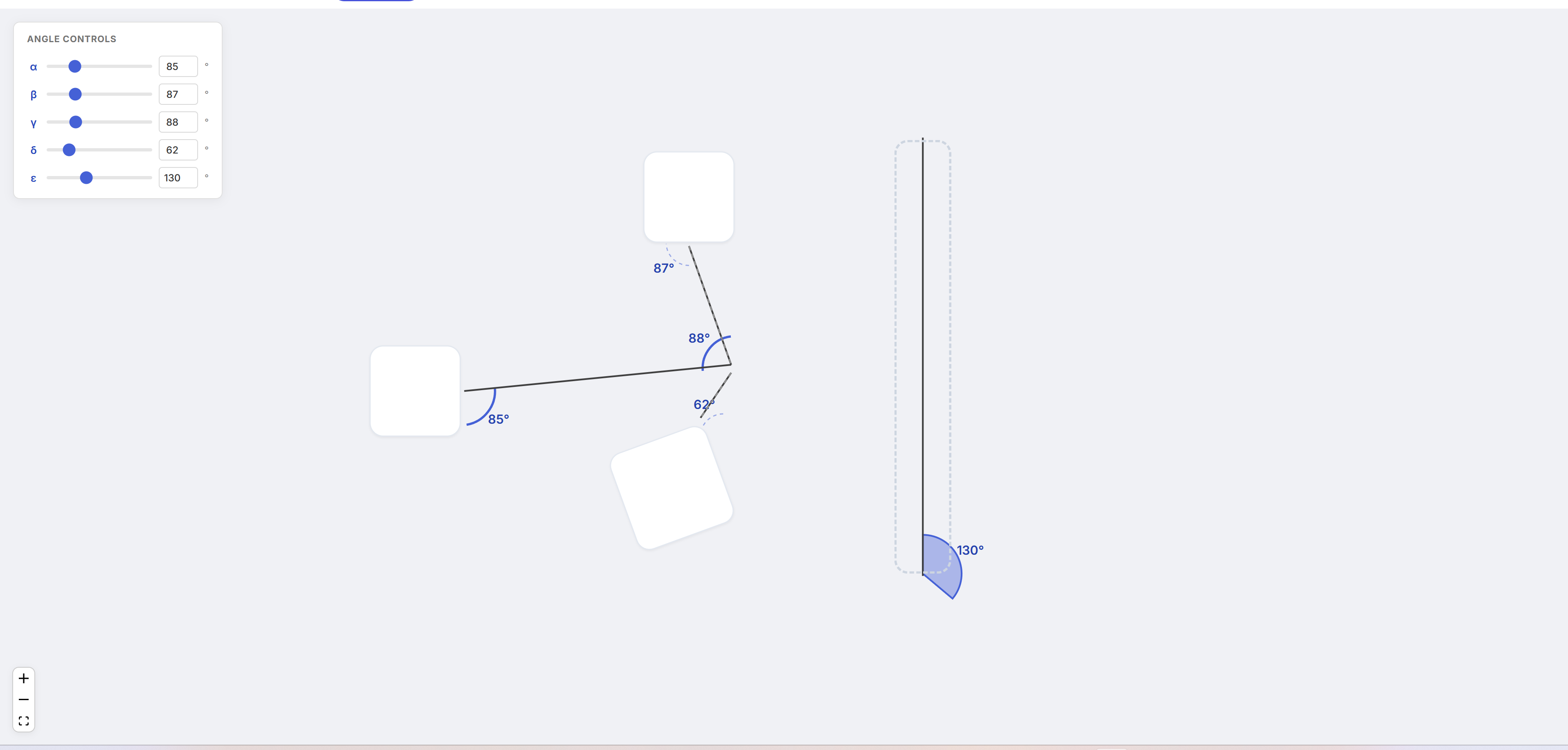
As visual programming platforms continue to evolve, the need for robust interactive node environments has never been greater. We are thrilled to introduce the Flow Exploration Studio—a premium ReactFlow example designed to accelerate how you build customizable workspaces, node inspectors, and seamless diagram execution engines.
What is Flow Exploration Studio?
Flow Exploration Studio is a fully functional testing and exploration workspace built natively on React Flow. It provides developers with a foundational blueprint for creating applications where end-users can seamlessly build, inspect, and map complex operational logic in real-time.
Whether you are building a low-code automation tool, an interactive knowledge base, or a system architecture mapping environment, the Flow Exploration Studio gives you the core setup right out of the box.
Key Features
1. Interactive Workspace
The workspace provides a clean, modern grid environment optimized for drag-and-drop operations, panning, zooming, and aligning nodes with precision.
2. Live Node Inspector Panel
Every node in a complex system has properties. Flow Exploration Studio includes a customizable side panel inspector. When you select a node, the inspector instantly populates with the node's specific configuration, allowing developers to see how two-way data binding state maps between the React component and the ReactFlow node object.
3. Custom Node Designs
Standard rectangles aren't enough for specialized applications. This studio features multiple custom node implementations—demonstrating advanced handles, dynamic styling based on state, and embedded HTML/React form elements right inside the nodes.
4. Diagram Execution Logic
It's one thing to draw a diagram; it's another to execute it. This premium example showcases patterns for reading the graph state, validating connections, and parsing the logical flow—an essential feature for developers building automation builders or testing harnesses.
Why Use Flow Exploration Studio?
Building a fully functional ReactFlow editor from scratch takes weeks of wrestling with state management, custom node registrations, edge validations, and CSS implementations.
By starting with Flow Exploration Studio, you get a clean, scalable architectural pattern built with:
- React 18 and best practices
- TypeScript for strict node typing
- Tailwind CSS for easy design overrides
- ReactFlow at its full potential
Get Started Today
Accelerate your visual building platforms. Check out the live preview and purchase the source code to use as the foundation for your next project.