Building Interactive Canvas Experiences with React Flow
Interactive canvases are becoming an essential part of modern web applications, whether you're building a SaaS workflow builder, a mind mapping tool, or an advanced data visualization platform. In this post, we'll dive into the Canvas Flow Builder, our newest premium template designed to give you a massive head start on your next canvas-based project.
Why Canvas Flow?
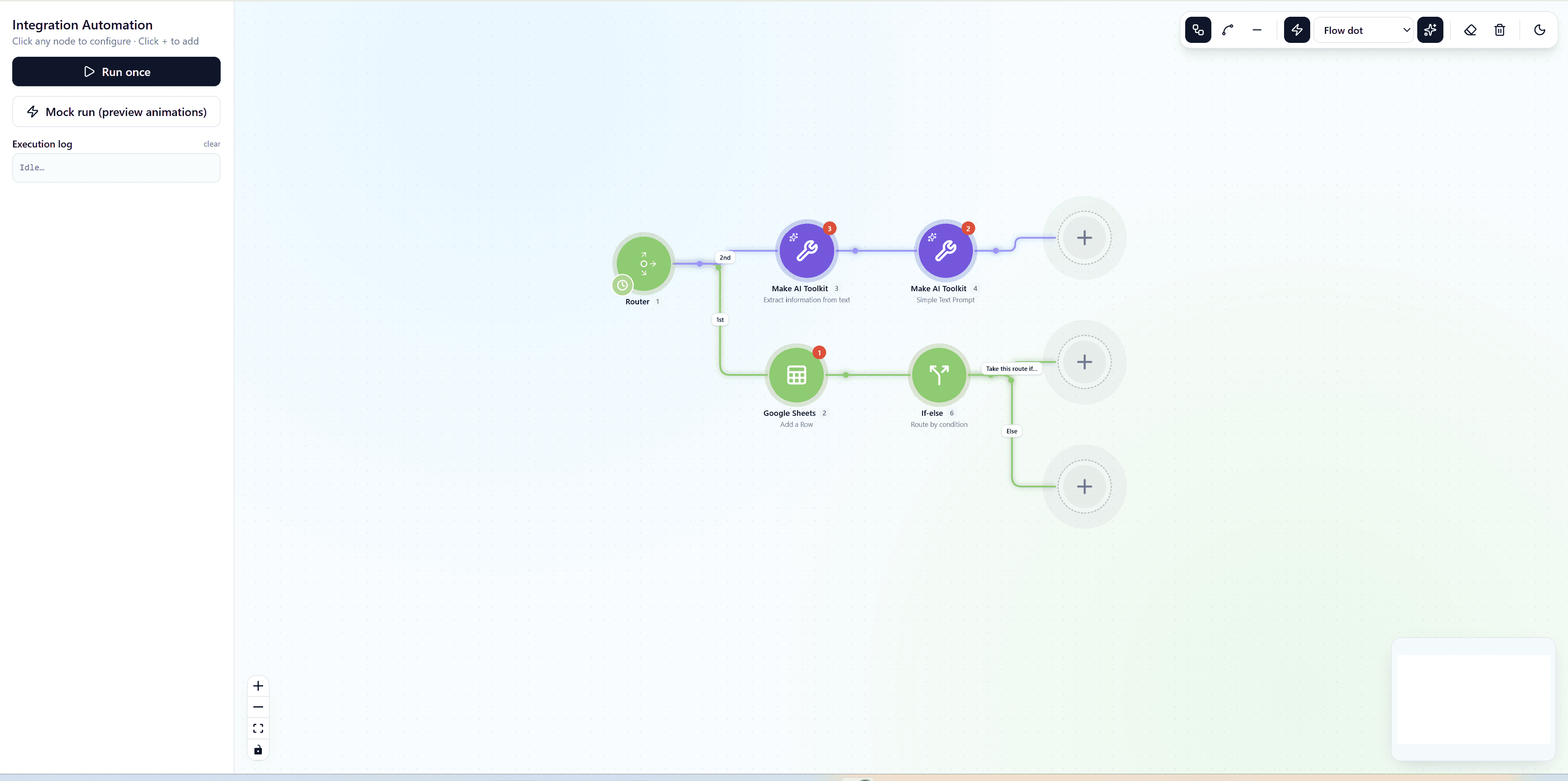
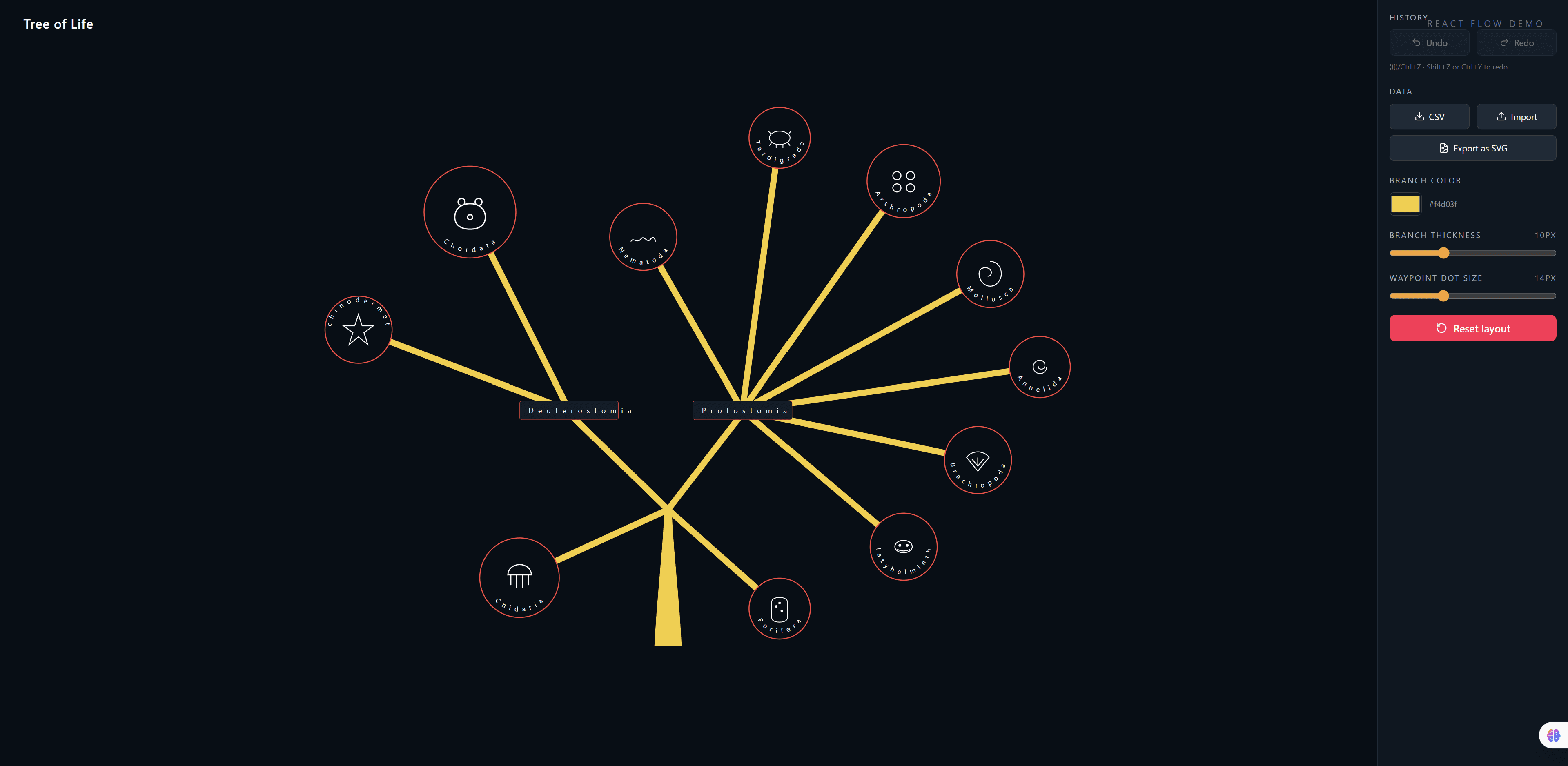
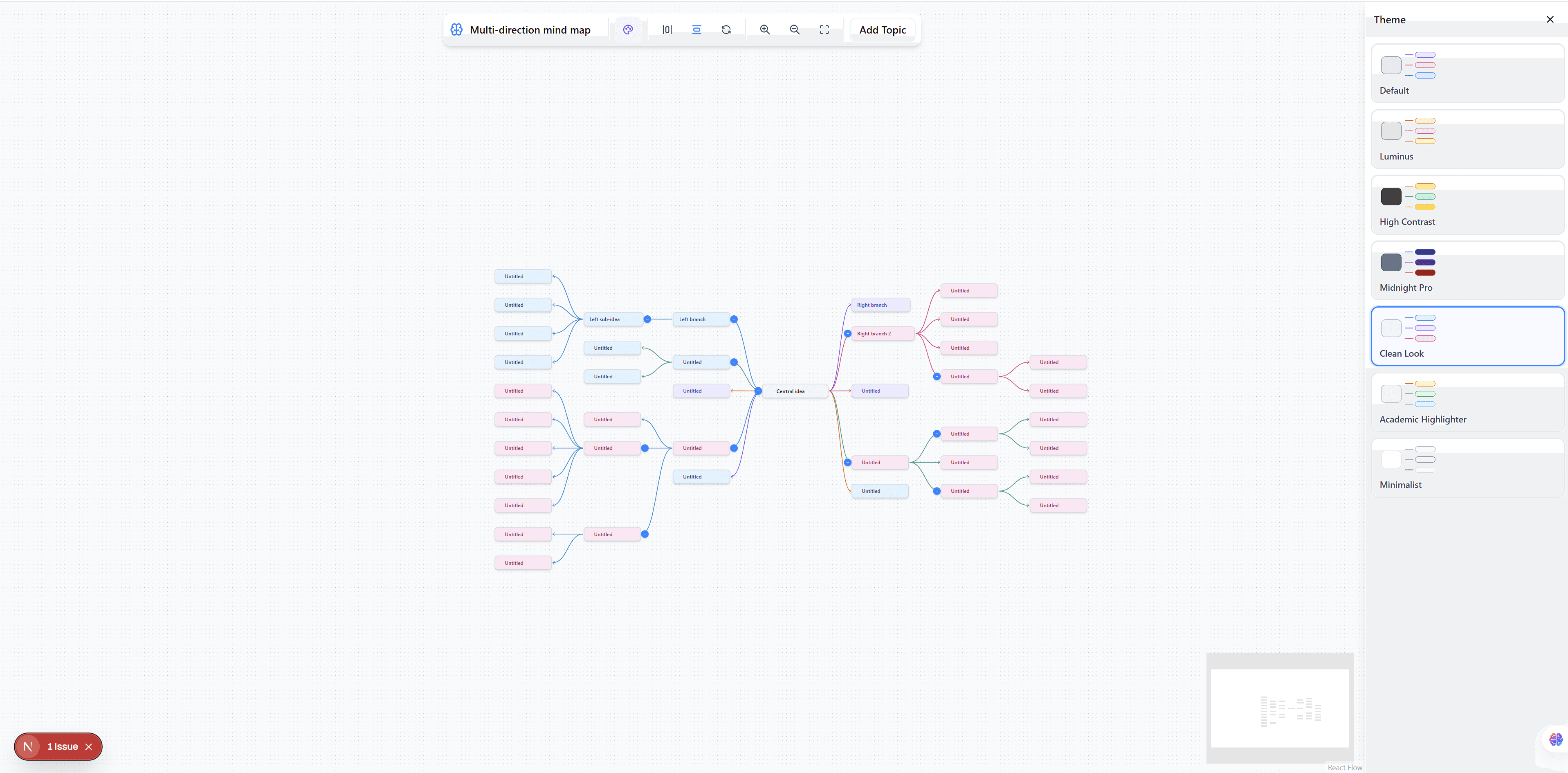
Traditional drag-and-drop interfaces often feel rigid. The Canvas Flow Builder was designed from the ground up to be fluid, aesthetic, and incredibly responsive.
By leveraging the robust features of React Flow combined with modern animations (via Framer Motion) and highly customizable Tailwind CSS utility classes, this template offers a truly interactive and engaging user experience out of the box.
Key Features
- Smooth Animations: Every interaction, from node connection to canvas panning, feels natural and polished.
- Custom Node Styling: Move away from standard rectangular boxes. We’ve included pre-styled, beautiful custom nodes that you can adapt to your own data structures.
- Drag & Drop Interface: An intuitive palette system allows users to seamlessly pull new elements onto the board.
- Premium UI Components: The surrounding interface (sidebars, toolbars, and property panels) is built with modern design principles in mind, saving you weeks of UI development time.
How to Get Started
Integrating the Canvas Flow Builder into your application is straightforward. The entire template is written in TypeScript, ensuring type safety and easy integration with existing React architectures.
- Explore the Demo: Check out the live interactive preview to see the animations and custom nodes in action.
- Review the Source: The source code is organized into reusable components, making it easy to extract only the parts you need or use the entire application shell as your foundation.
- Customize: Tweak the Tailwind configuration and adjust the React Flow node types to match your specific domain requirements.
Try It Out
We believe the best way to understand a visual tool is to play with it. Click the link below to experience the Canvas Flow Builder firsthand.
Whether you're building a new internal tool or a commercial SaaS product, starting with a solid, beautifully designed foundation allows you to focus on your core business logic rather than wrestling with canvas mathematics and CSS.