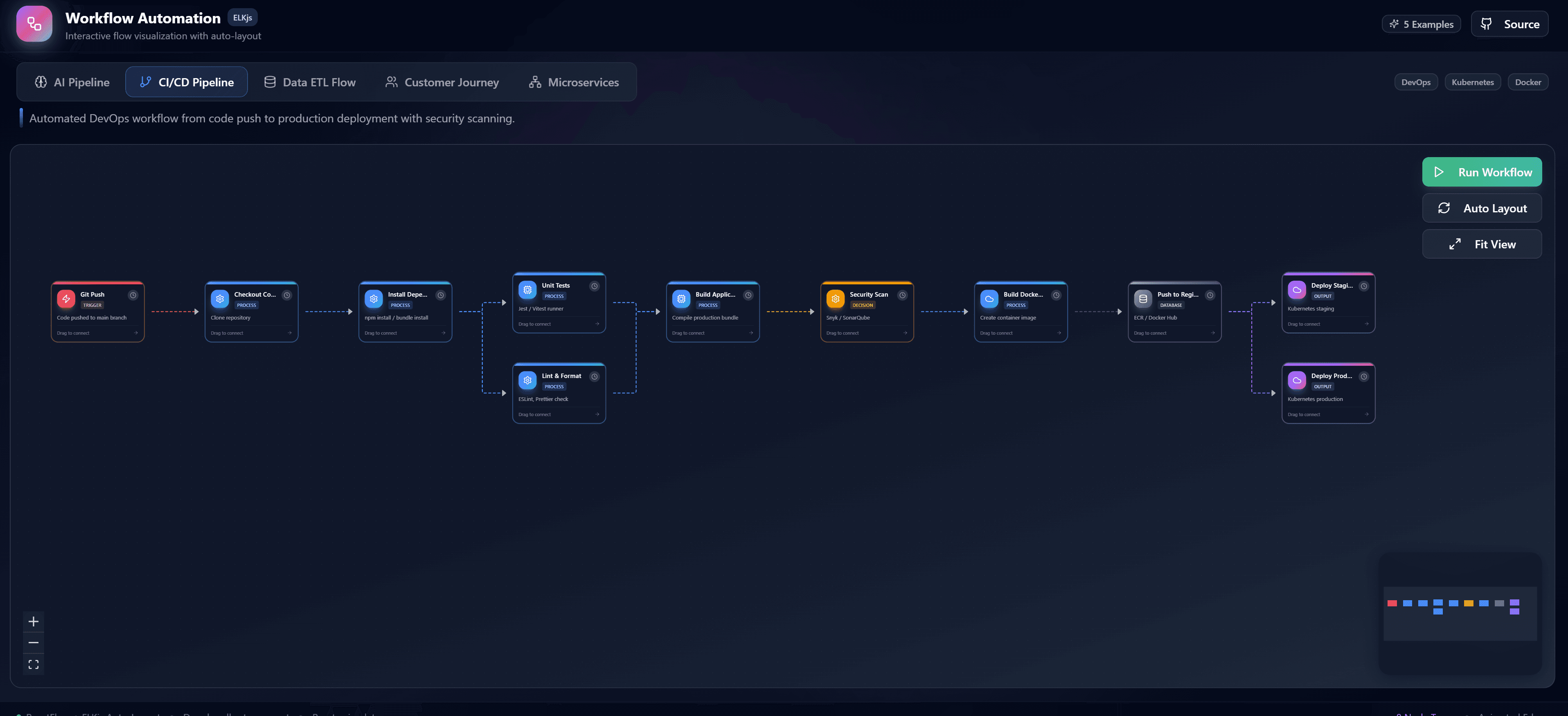
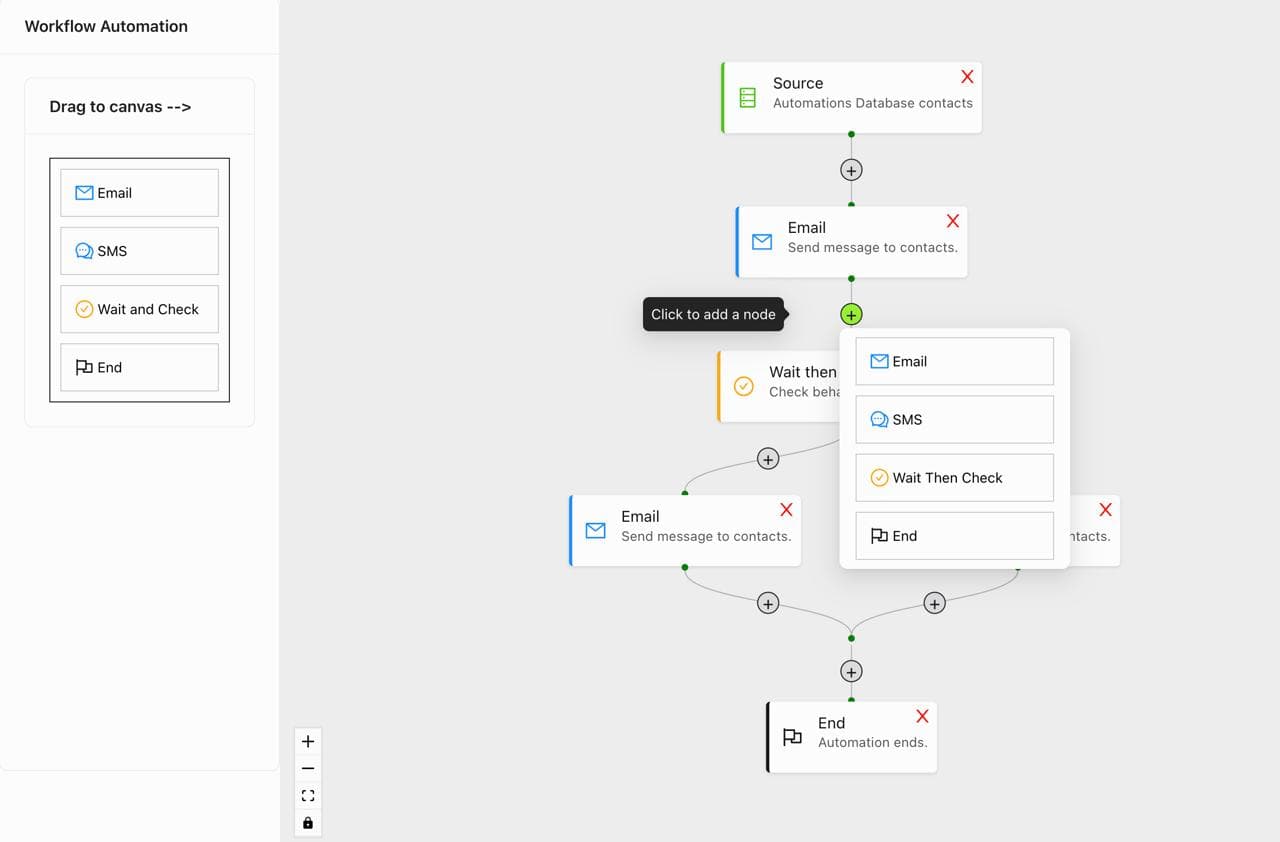
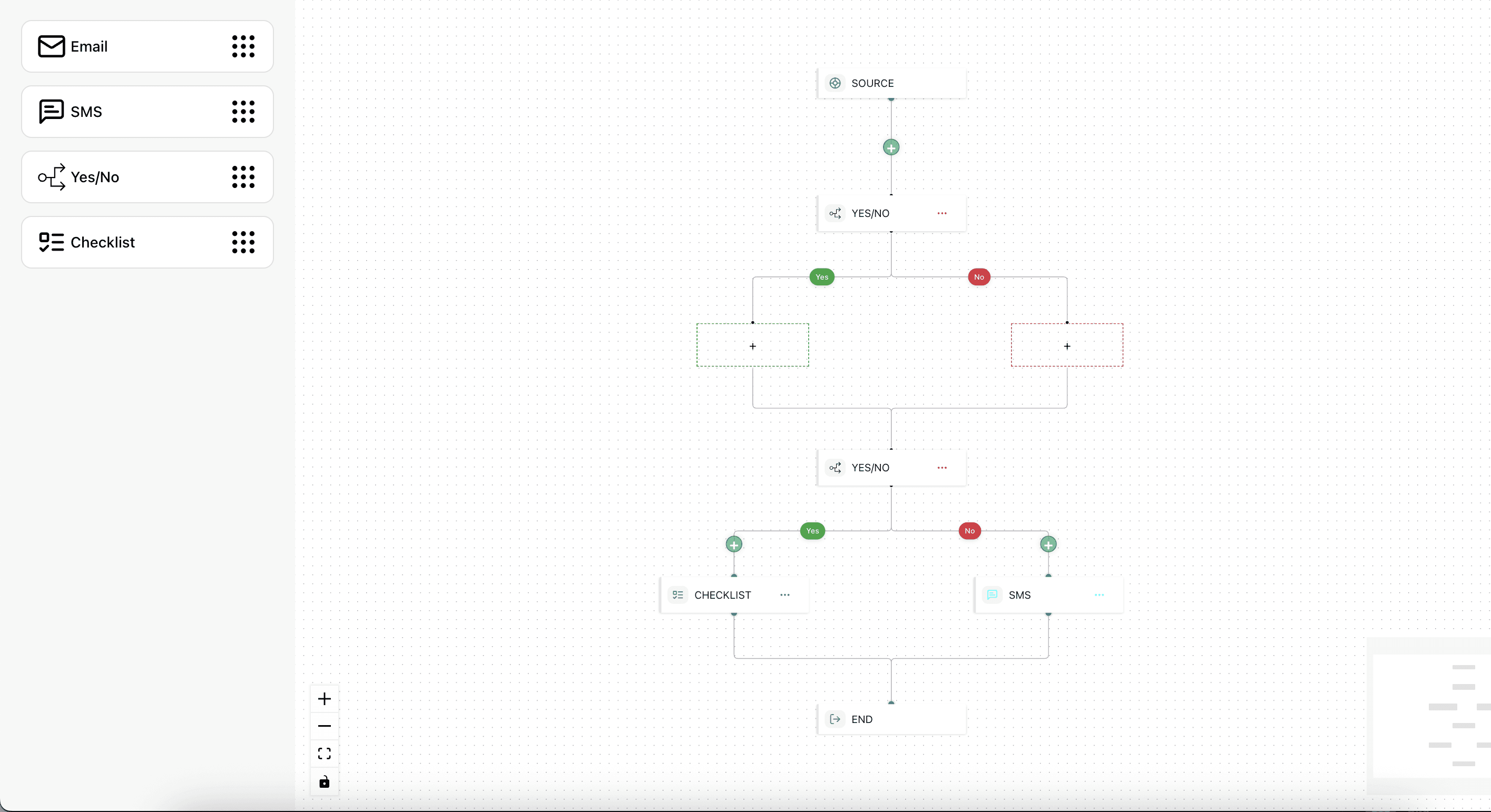
Building Automation Workflows with Klaviyo Flow
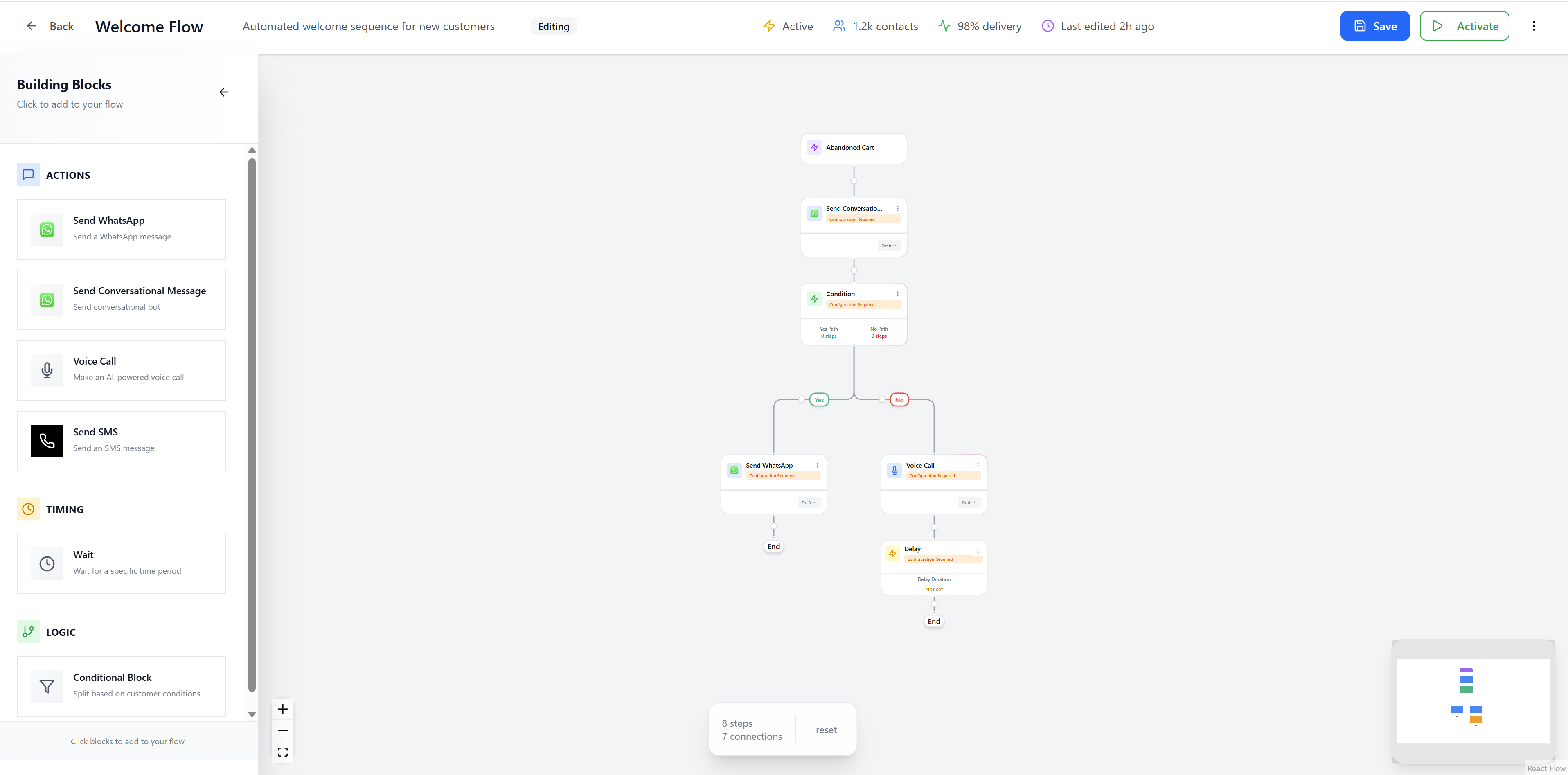
Learn how to create sophisticated marketing automation flows using Klaviyo integration with React Flow.
Introduction to Klaviyo Automation
Klaviyo is a powerful email and SMS marketing platform that enables businesses to create sophisticated customer journey flows. By combining Klaviyo's automation capabilities with React Flow's visual interface, you can build intuitive workflow builders for marketing teams.
Key Features
Visual Flow Builder
Create complete customer journeys visually:
- Welcome email series
- Abandoned cart recovery
- Post-purchase nurture campaigns
- Behavioral trigger marketing
Integration Points
- Shopify integration
- WooCommerce support
- Custom API connections
- Real-time data sync
Building Your First Flow
Step 1: Set Up the Canvas
import ReactFlow from '@xyflow/react';

function KlaviyoFlowBuilder() {
  return (
    <ReactFlow
      nodes={nodes}
      edges={edges}
      onNodesChange={onNodesChange}
      onEdgesChange={onEdgesChange}
    >
      {/* Your flow content */}
    </ReactFlow>
  );
}
Step 2: Add Marketing Nodes
Create custom node types for:
- Email nodes
- SMS nodes
- Wait/delay nodes
- Condition nodes
- Split test nodes
Step 3: Connect to Klaviyo API
Integrate with Klaviyo's REST API to:
- Sync segments
- Create campaigns
- Track metrics
- Update flows in real-time
Advanced Features
A/B Testing
Implement split testing directly in your flows:
- Test different email content
- Compare campaign performance
- Optimize conversion rates
Behavioral Triggers
Set up triggers based on:
- Purchase behavior
- Website activity
- Email engagement
- Custom events
Best Practices
- Keep flows simple: Start with basic flows and add complexity gradually
- Test thoroughly: Always test flows before going live
- Monitor performance: Track metrics and optimize continuously
- Document flows: Keep clear documentation for team members
Conclusion
Building automation workflows with Klaviyo and React Flow enables marketing teams to create sophisticated customer journeys without extensive technical knowledge. The visual interface makes complex automation accessible to everyone.